Question
Live Cycle - Add/flatten image so that it becomes part of the form
Using Acrobat X Pro
Live Cycle Designer ES2
I created a pdf using live cycle.
I added an image.
When I open the pdf on another computer the image is gone.
QUESTION: When I create a pdf with an image how can i "flatten" the image so that it is part of the page.
I understand that the this may / will increase the size of the pdf... that is ok. If possible, i can make the image quality a bit less to decrease the size.
the image should be B
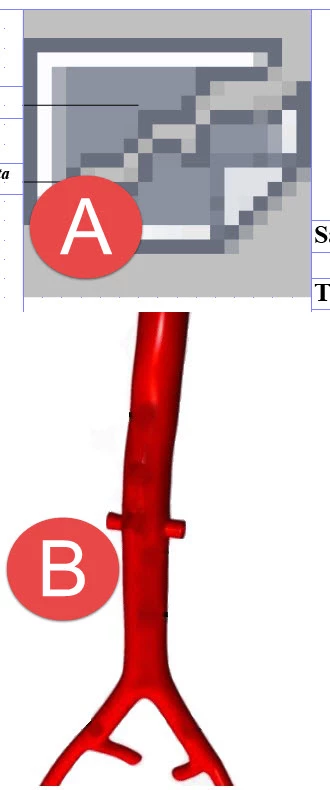
and instead i get A
thanks inadvance
 AdChoices