


Participant
October 30, 2025
Question

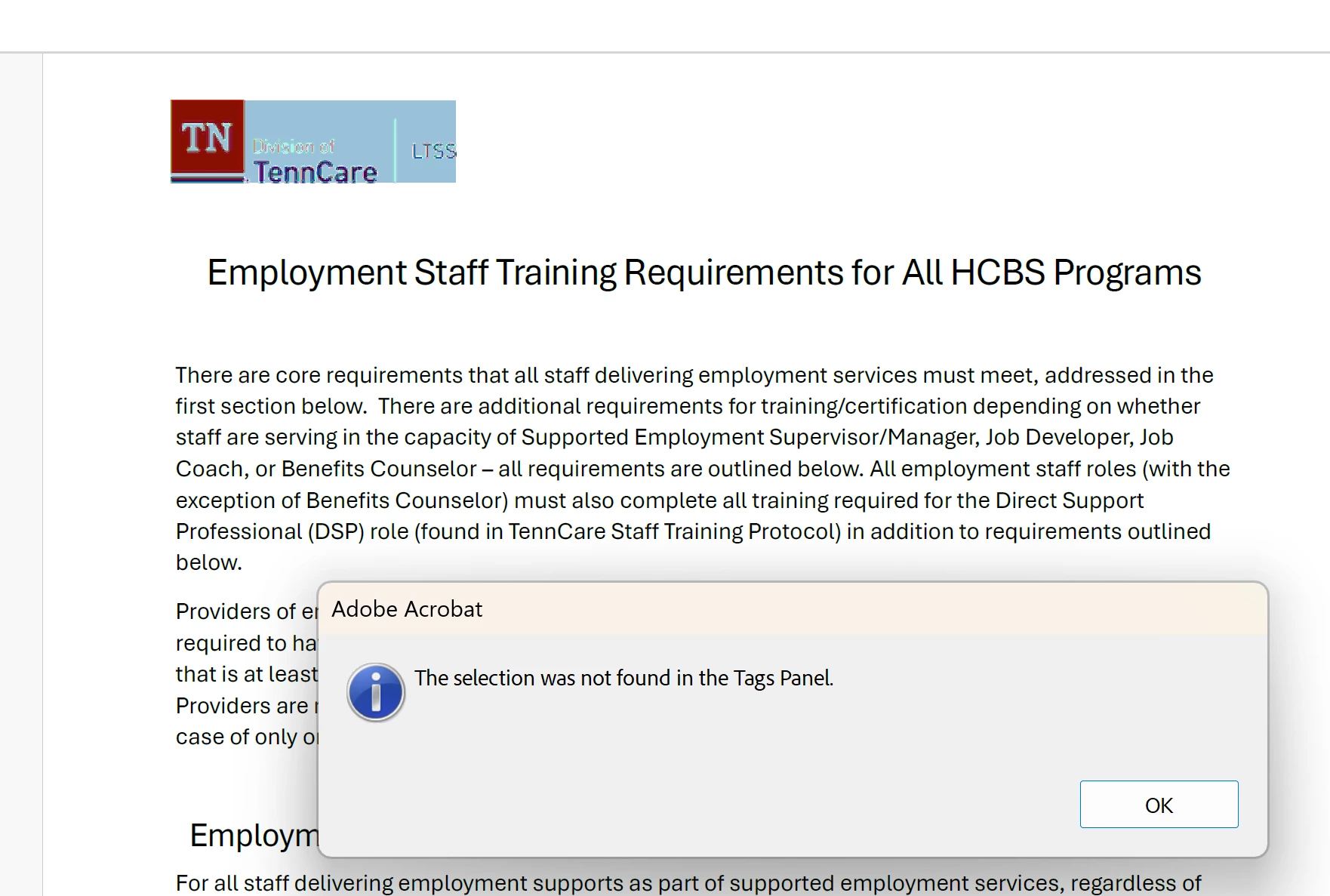
Logo not showing in tags

  • October 30, 2025
  • 1 reply
  • 78 views

Hello,


I've tried everything and for some reason, a logo from a document is not showing it in the tags panel. Which is preventing it from completing the accessibility check. I've selected the logo through "Reading Order" and made it a figure but it's still not recognized. Could anyone provide any assistance? Thanks
1 reply

creative explorer
Community Expert
Community Expert
November 4, 2025

@TWScruggs @TWScruggs This usually happens because the PDF has some internal damage that keeps the logo from linking correctly to the accessibility tags. The simplest way to fix this is to manually create a new <Figure> tag in the Tags Panel right where the logo belongs, and then explicitly link the image to that new tag and add your Alt Text. If the "unknown error" continues, just Print the whole document to a new PDF (using the "Adobe PDF" printer option) and then run your accessibility check on that fresh, cleaned-up file.

m