



Document Geek
Community Expert
Community Expert
May 12, 2025
Answered

Looking for an acrobat script to delete blank pages

  • May 12, 2025
  • 1 reply
  • 698 views

I need an acrobat script to delete blank pages. By blank, I mean TRULY blank, with nothing on them.


I found this script: but it just looks for pages without text content. So it also ended up deleting pages that had vector graphics on them.


for(var i=this.numPages-1;i>=0;i--)
{
  if(this.getPageNumWords(i)==0)
    this.deletePages(i);
}


Can anyone help by making this script just apply to truly blank pages? Alternatiely, it would work if it only looked at 11"x17" pages and deleted the blank ones.
Correct answer Luke Jennings3

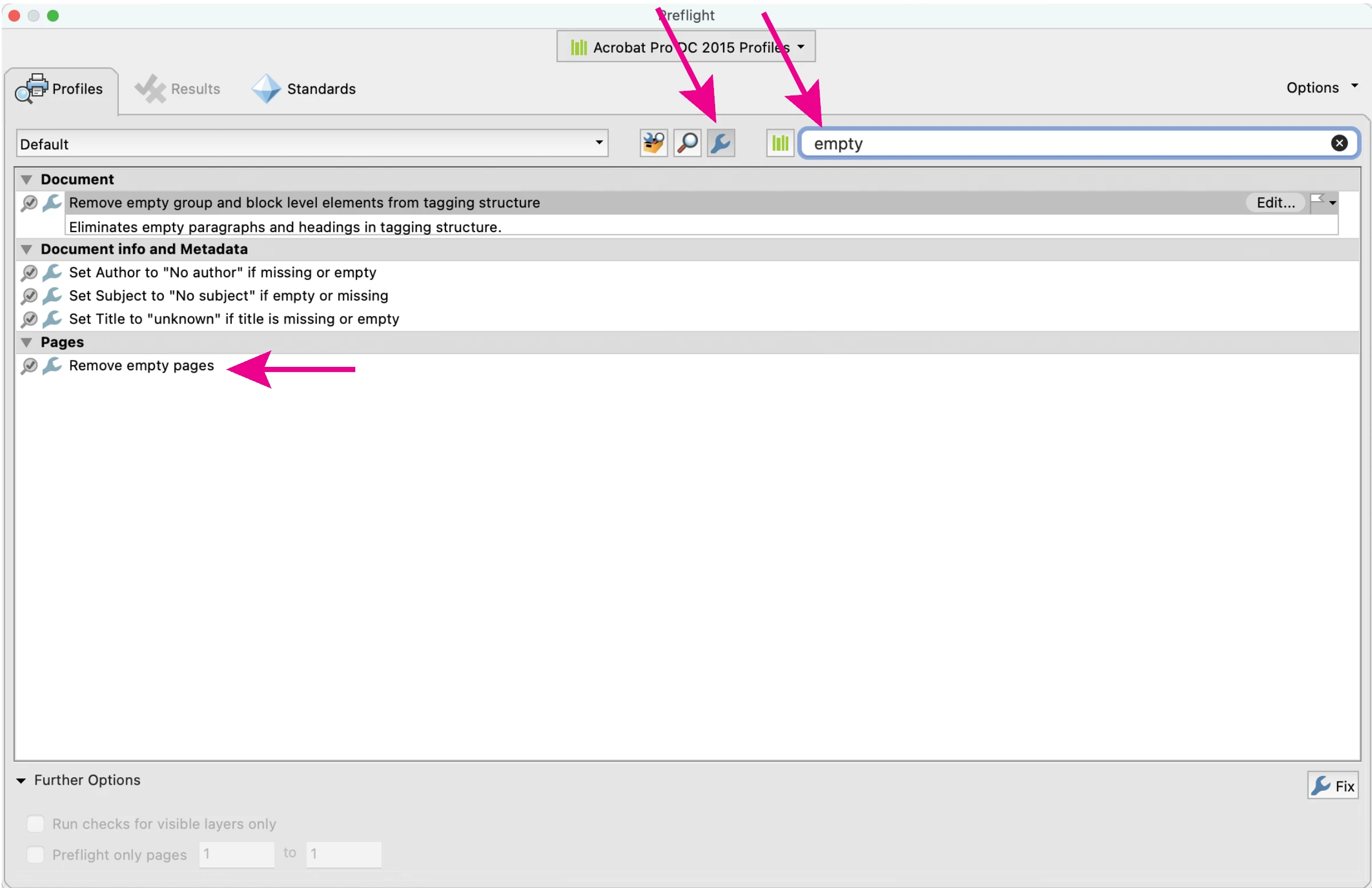
This is a bit off topic, but it might be helpful to others. There is a preflight fixup that can remove empty pages, it can be added to an Acrobat Action.

1 reply

Luke Jennings3
Community Expert
Luke Jennings3Community ExpertCorrect answer
Community Expert
May 12, 2025

This is a bit off topic, but it might be helpful to others. There is a preflight fixup that can remove empty pages, it can be added to an Acrobat Action.

Thom Parker
Community Expert
Community Expert
May 12, 2025

What does empty mean? Or blank?

A page can have no words and but be filled with graphics, on an image of words.  Or it can just be a bad scan of a blank page, which will look like a graphic to any software. 


Thom Parker - Software Developer at PDFScriptingUse the Acrobat JavaScript Reference early and often