


Answered

justlearnCorrect answer
Community Expert
August 21, 2025
@pchrono Since you've specified that rebuilding the plugin isn't an option, I would try and revert to the classic interface of Acrobat. Go to the View menu at the top of your screen and select Disable new Acrobat. Restart Acrobat. This will revert the UI to the older, more stable version, which should fix the rendering issues with your plugin. As well, if you go to the Preferences, you can change the Use hardware rendering for legacy multimedia option.
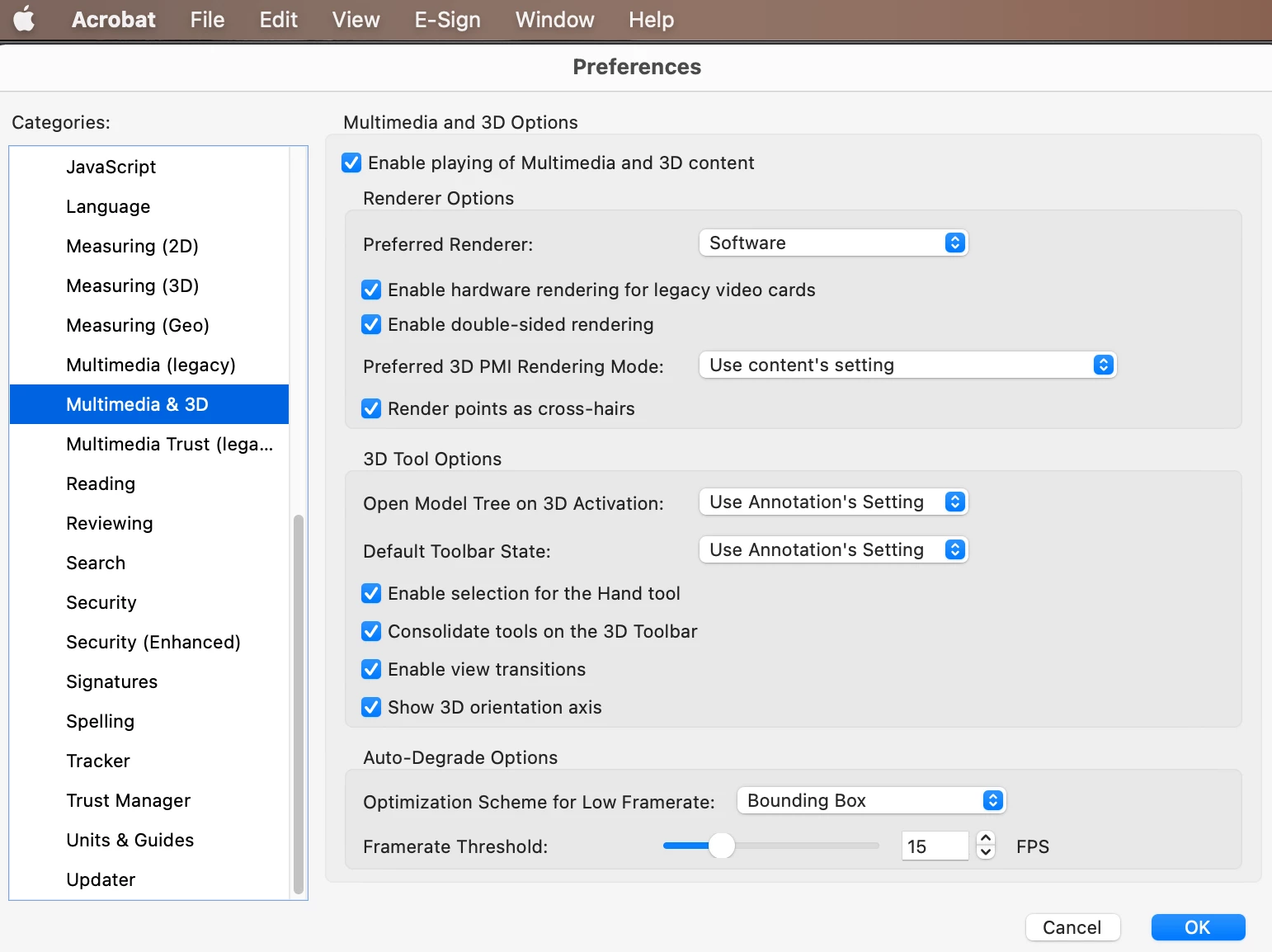
m
 AdChoices