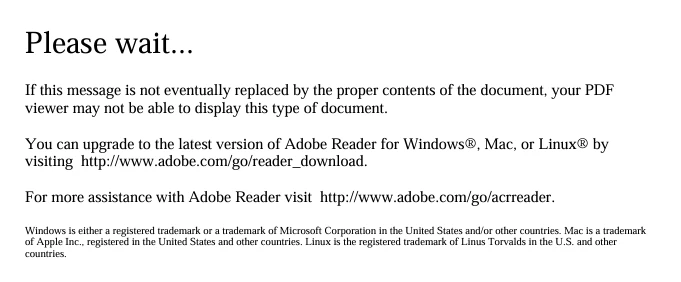
This message usually appears when the fillable PDF is a Dynamic XFA form and the PDF viewer being used does not support that type of interactive form. The date drop-down itself may not be the problem.
I would first download the PDF to the computer instead of opening it directly in the browser or from an email attachment. Then open Adobe Acrobat or Acrobat Reader and use File > Open to open the downloaded PDF. Adobe Community specifically recommends opening Dynamic XFA PDFs in the desktop Acrobat/Reader application rather than a browser PDF viewer.
If the form still shows the “Please wait…” page in the desktop application, check whether the PDF was created as an XFA form and whether the form creator can provide a standard AcroForm or another compatible version.
This is especially relevant when fillable PDFs are being used for accounting and bookkeeping, such as client information, invoices, receipts, tax documentation, and other financial records. Keeping these documents accessible and properly organized is important for accurate bookkeeping and tax preparation.




 AdChoices