Patrick24509405sa7k
Participating Frequently
December 22, 2023
Question

Masks built in Photoshop, Applied In 3DS Max, Viewed In Adobe Acrobat DC Don't Show Correctly

  • December 22, 2023
  • 1 reply
  • 384 views

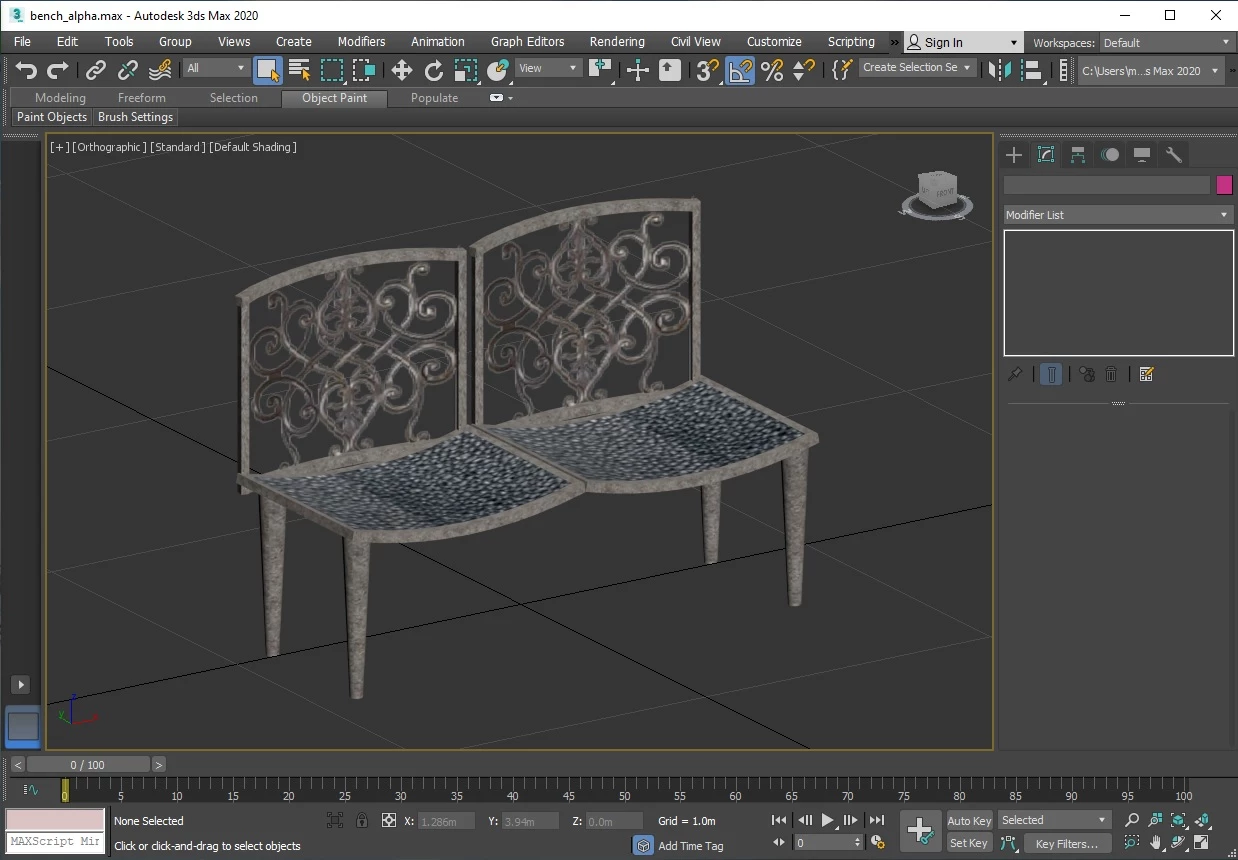
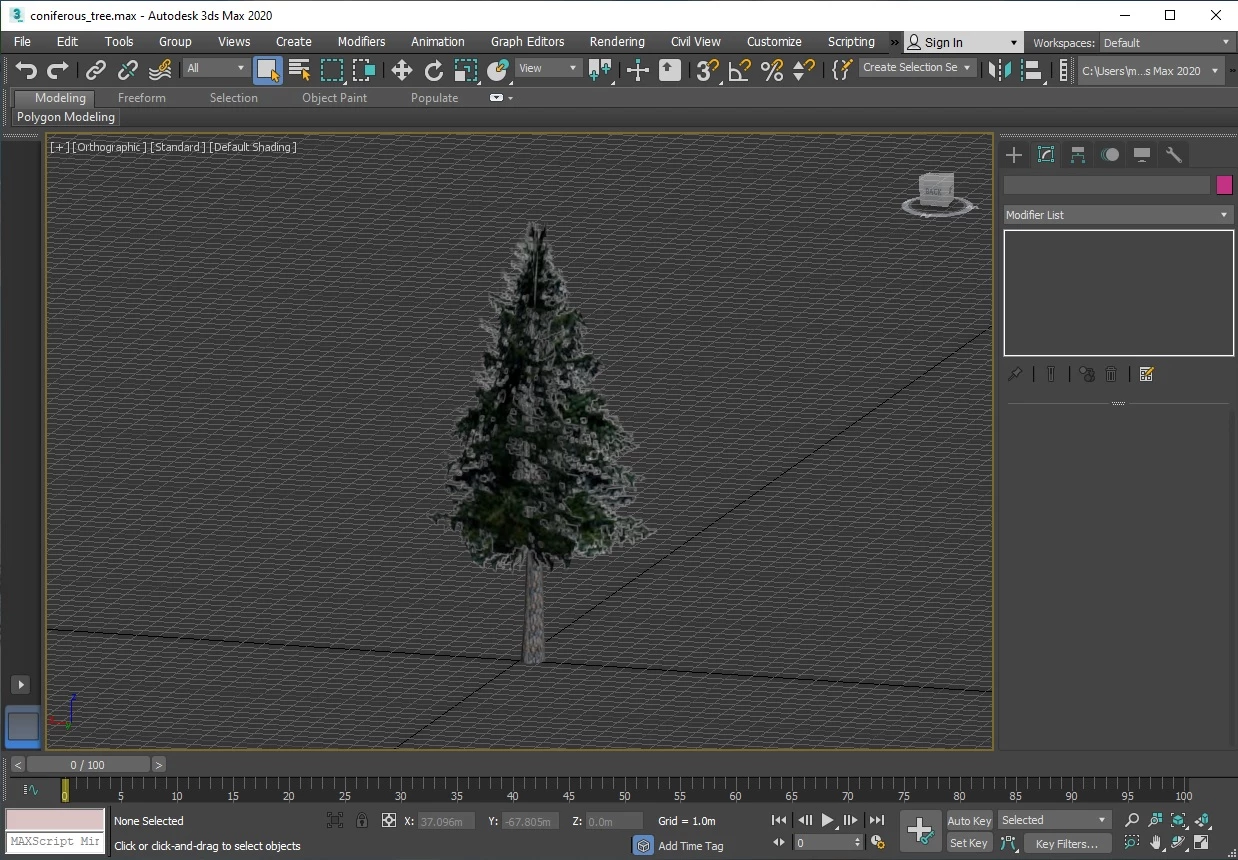
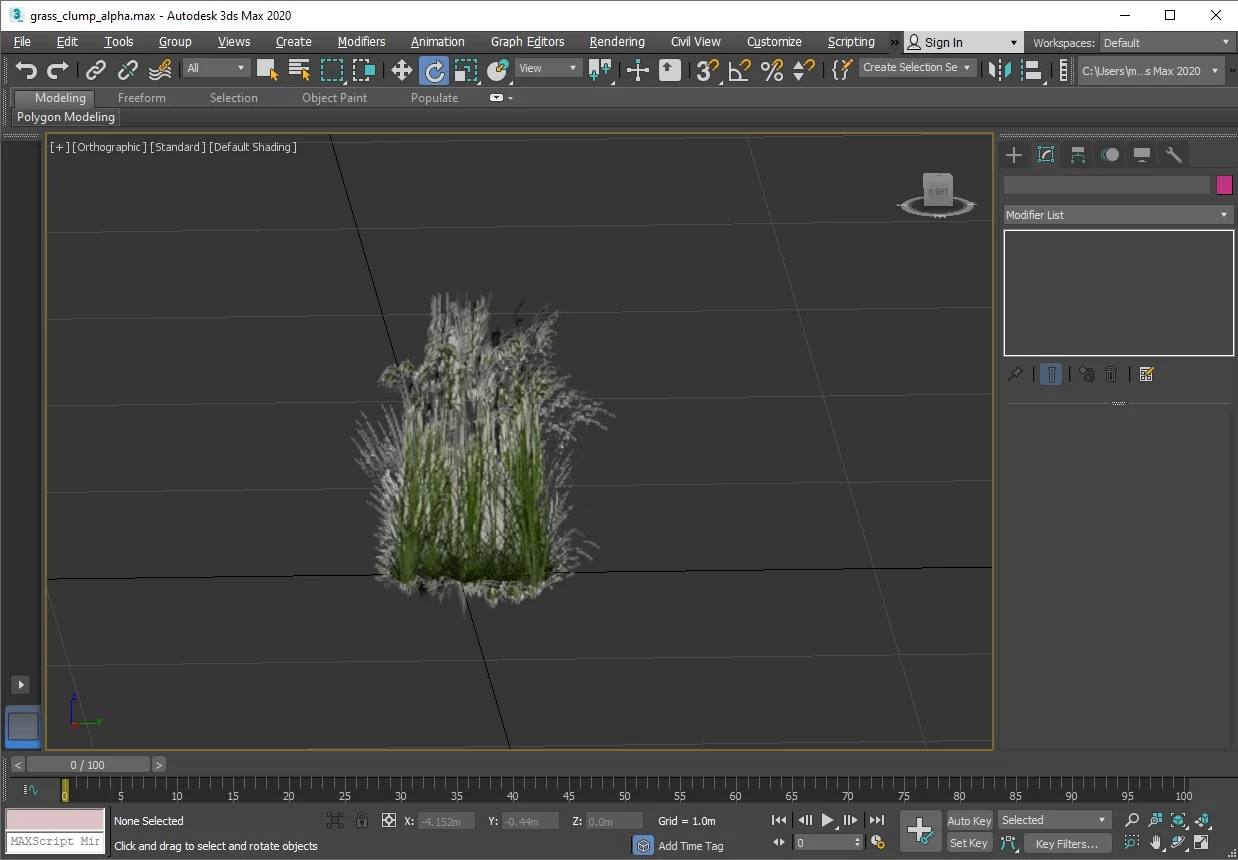
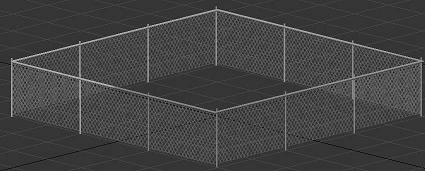
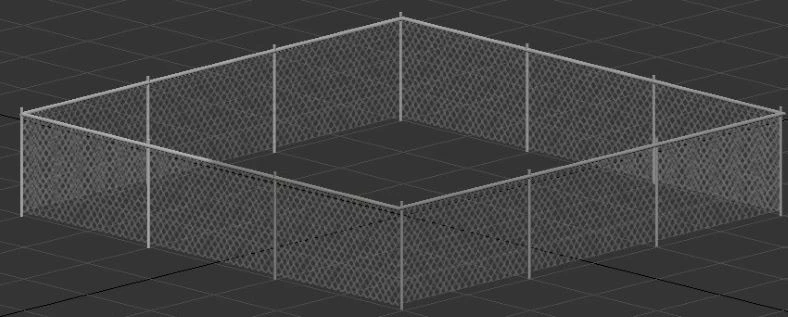
I've built many masked 3D features including fences, gates, trees, benches; anything a viewer can see in a foreground and see beyond to a background.  Features built in older versions of Adobe Acrobat 7 and 10 worked fine with existing renderer, DirectX 9, and those same jobs built from the older versions of Adobe Acrobat 7 and 10 view just fine using the DirectX 9 renderer and Adobe Acrobat DC.  However, jobs built with masked features after deployment of Adobe Acrobat DC show the masked portion of features as opaque when DirectX 9 renderer is used.  My question to Adobe and Adobe Community is as follows: 

Is there a renderer available for Adobe Acrobat DC that will allow viewers to view masked 3D features as they should appear?  Please see following masked 3D examples as they are meant to be viewed in Adobe Acrobat DC:
This topic has been closed for replies.

1 reply

Abambo
Community Expert
Community Expert
December 24, 2023

And how are they viewed in Acrobat?

Adobe Acrobat is probably using the hardware renderer as supplied by the OS.

ABAMBO | Hard- and Software Engineer | Photographer
Patrick24509405sa7k
Participating Frequently
January 2, 2024

Hi Abambo, and thank you for responding.  So, in Adobe Acrobat DC, I can set the "Preferences>Multimedia and 3D Options>Renderer Options>Preferred Renderer:  Software," and the 3D models appear opaque, and with "Preferences>Multimedia and 3D Options>Renderer Options>Preferred Renderer:  Directx 9," 3D models also

appear opaque when the whole job is built and viewed on Windows 10 OS.  Currently, these are the only two renderer options available. 

Older jobs built with masks on certain 3D models, and constructed on Windows 7 OS (no longer available) show proper masking characteristics when viewed on Windows 10 OS and viewed in Adobe Acrobat DC while the "Preferences>Multimedia and 3D Options>Renderer Options>Preferred Renderer:  Directx 9," option is set. 


Do you know if there are additional renderers on Windows 10 OS that are selectable in Adobe Acrobat DC?  How would I go about getting access to those renderers?  If available, would those renderers be easily transferrable to our customers so they may load and select a renderer that enables views our 3Dpdfs with masked 3D models?

Patrick24509405sa7k
Participating Frequently
January 5, 2024