Inspiring
March 4, 2017
Question

merging two pages into one

  • March 4, 2017
  • 1 reply
  • 1292 views

In the attached file how do I eliminate the text above the horizontal lines and merge the text below the horizontal lines with the same thing on the next page?
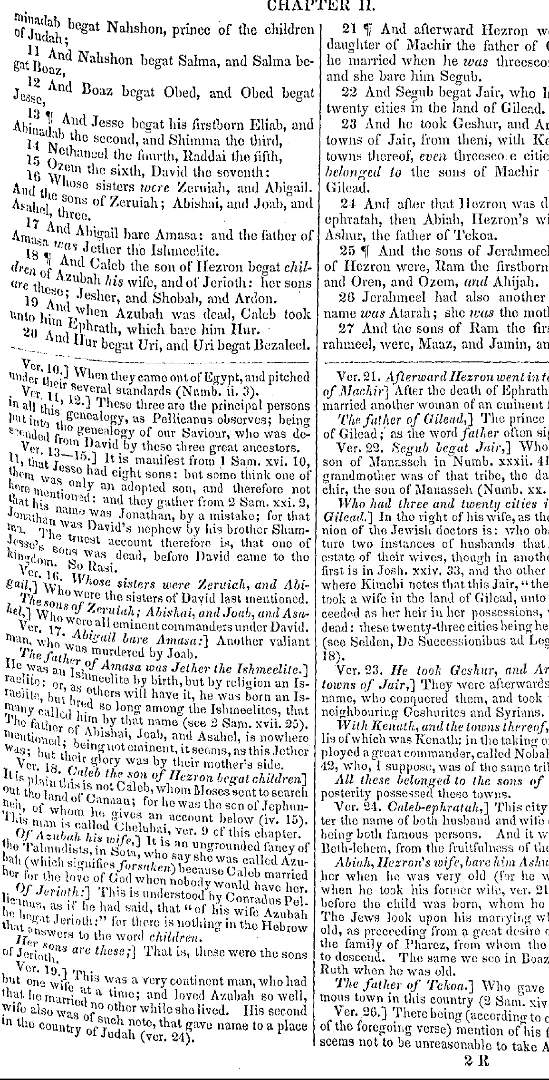
This topic has been closed for replies.

1 reply

try67
Community Expert
Community Expert
March 4, 2017

You don't. PDF files are not meant for this kind of editing, and in addition this looks like an image, it's even less suitable.

You can try to use a graphics editor (like Photoshop) to achieve it.

Inspiring
March 6, 2017

In the file of which a clip I gave above, I've used the Select tool to cut out all the notes (the part beneath the horizontal separating line), which I then pasted bit by bit to a new file.  If the bits are small, I can get two of them into one page of the new file.  I'd like to center the bits vertically.  If the bit doesn't fill up the new page vertically, I'd like it to appear in the center of the page vertically speaking, and not be bunched up at the top of the page.  Am I able to accomplish such centering with Acrobat Pro?  Or must I create out of the .pdf a Word file in which blank lines entered at the tops of the pages permit me to push the small text lower on the page?

try67
Community Expert
Community Expert
March 6, 2017

Again, this kind of editing should not be performed on a PDF file. Export it to another format (like Word) and do it there.

When you're done, generate a new PDF file.