

Missing Fonts in Acrobat
I am attempting to edit a PDF and am running into an issue. Acrobat is not loading more than one weight of a specific font. The font I'm using is Acherus Grotesque, purchased 8/19/2019 from Creative Market. It is an OTF font. I am using the most up-to-date version of all Creative Cloud products.
The document I am editing used Acherus Grotesque as the main font. The document was originally created on Mac and I am editing on a brand new, up to date windows laptop (Dell).
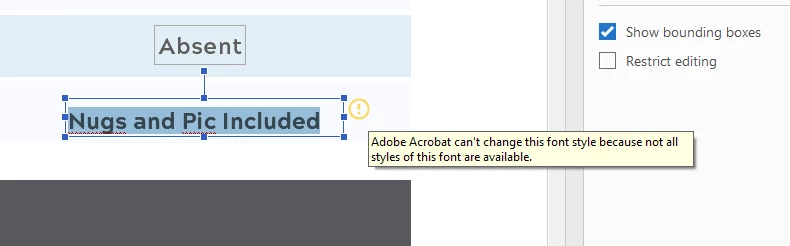
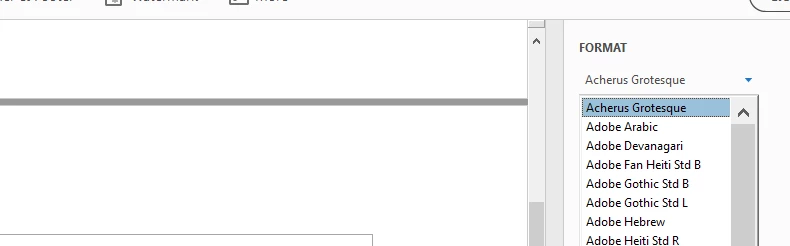
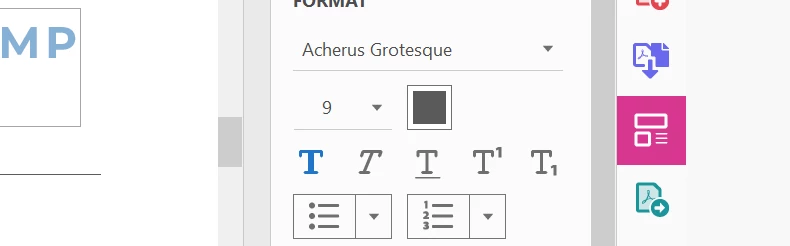
When I attempt to replace the text, the font defaults to the regular style (no other styles are available even though they are installed), and the font is permanently bolded. I can't uncheck the bold setting.
As I said, this is an OTF font, and I have installed and use various other OTF fonts. I have shut down, restarted, and reinstalled the program but nothing fixes it. I am including several screen shots to show the various issues.


 AdChoices