
Question
Missing Letters in PDF
Dear Adobe Support Team,
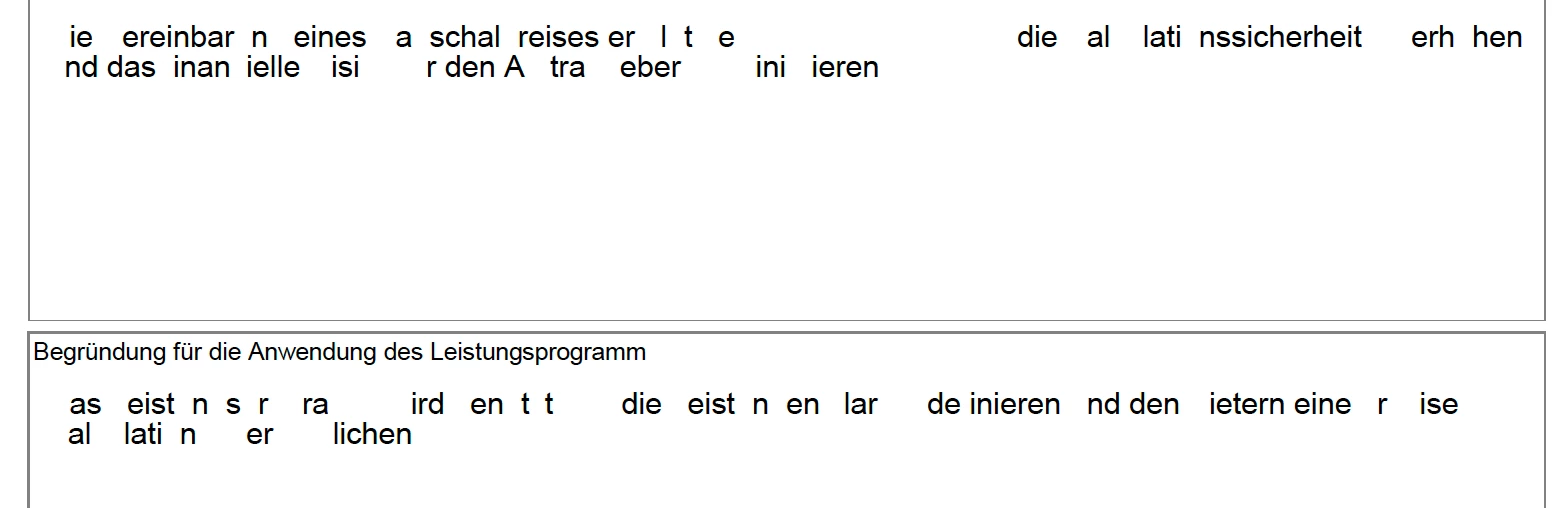
A few days ago, I completed filling out a large multi-page form using Adobe. However, upon reopening the document today, I noticed that some letters are missing from the text in various sections.
I’ve tried copying the file and opening it in different ways, but the missing letters issue persists. Oddly, when I copy the text from the form and paste it elsewhere, it appears perfectly fine. Given the size and complexity of the form, I’m concerned that I might need to fill everything out from scratch.
I’ve also looked through the forums for solutions, but none of the suggestions have worked so far. Could you please help me resolve this issue?
Thank you in advance for your assistance.
Best regards,
Hanife


 AdChoices