
Answered
Missing menu bar after document settings
Hello Community,
I configured the pdf file here: File-Properties-Instal View-User Interface Options and marked the Hide menu bar
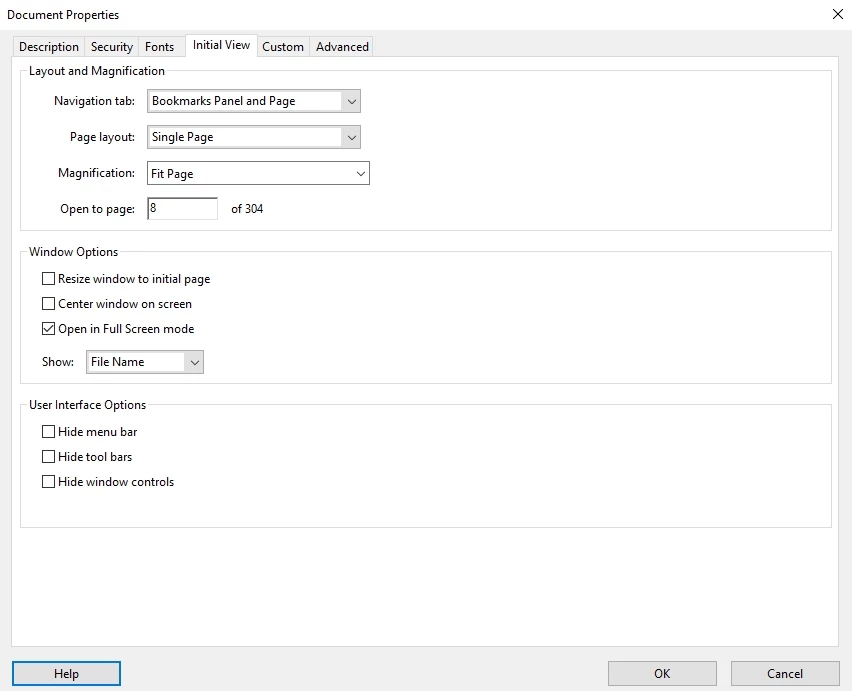
I did it for a test, I didn't know where it would lead. As a result, I can no longer open this menu and remove this checkmark.
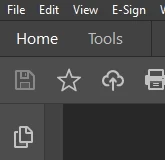
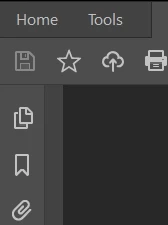
Later I found information on the portal that it turns out you need some hotkeys to reopen the menu. I do not know what keys to use for this.
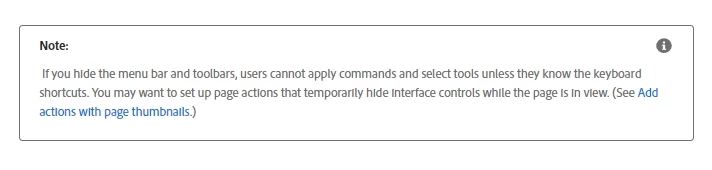
I have a question for you. How can I get the menu back?
Thank you in advance for your support!
 AdChoices