


Answered
Missing text when viewing PDF in Acrobat Desktop app (but isn't missing when viewed in Chrome)
- 2 replies
- 479 views
- Translate
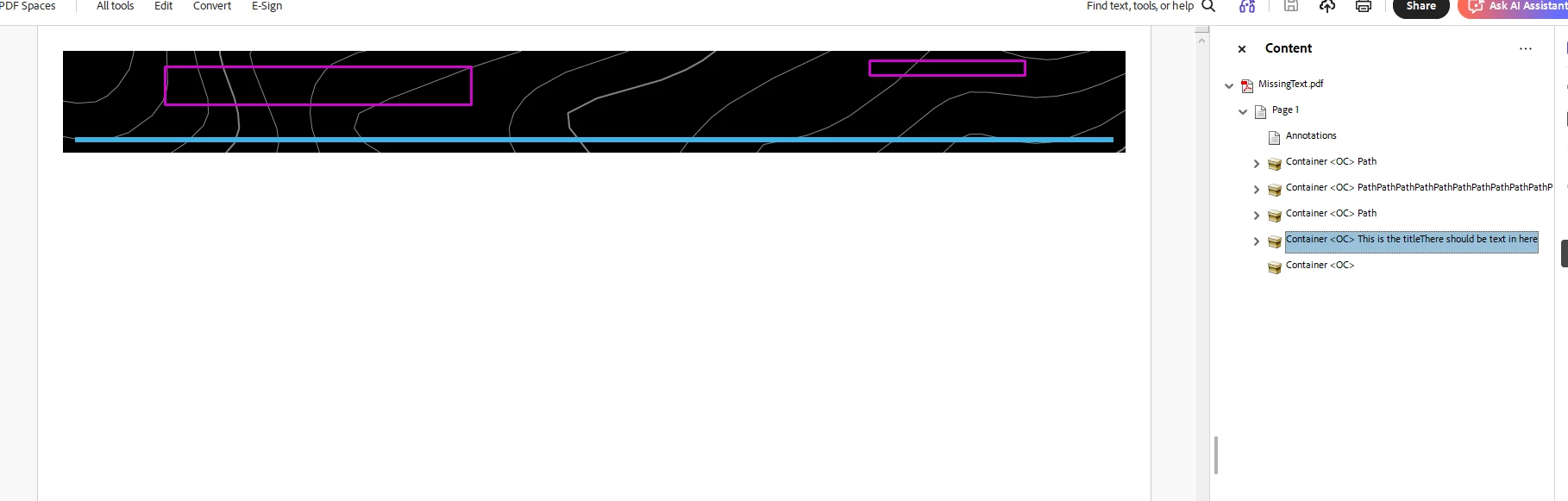
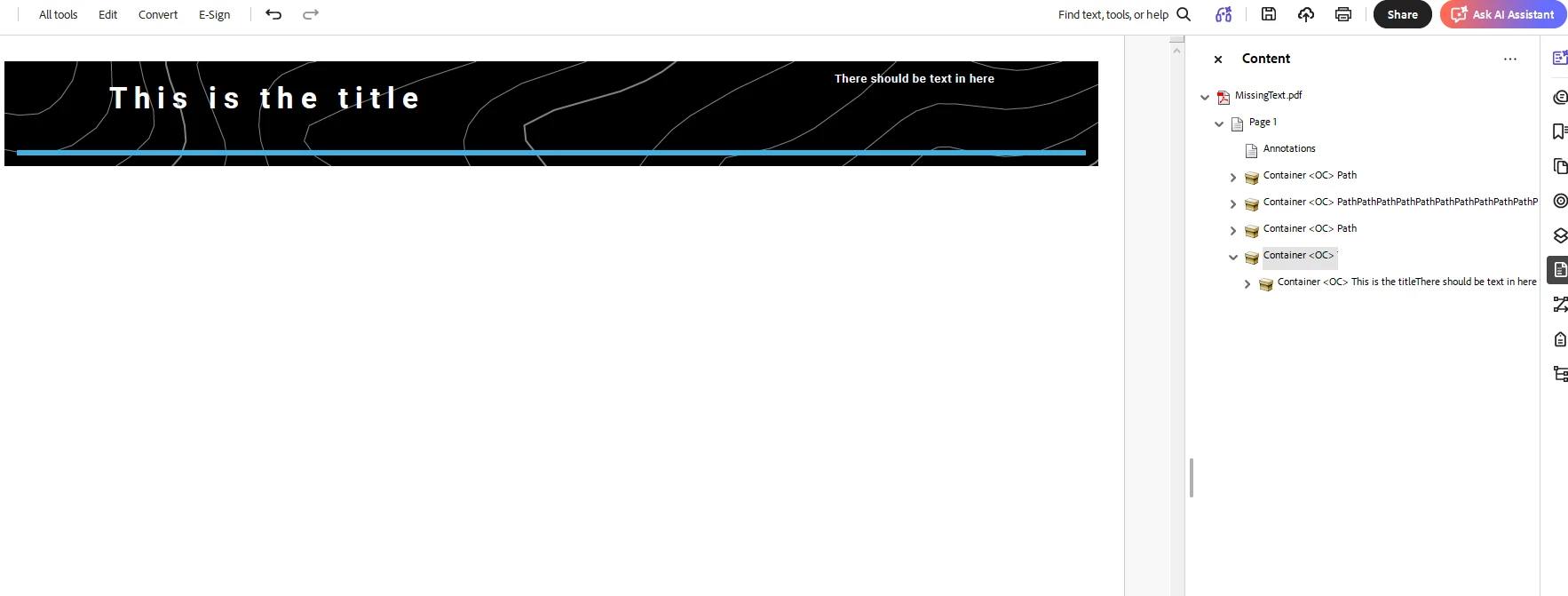
This PDF has missing text layers that should be showing up. The layers appear when viewed in the Chrome Acrobat app, but they’re missing when viewed in the Desktop app.
When going to Edit mode for this PDF, the text are highlighted (so it knows it’s there, but just not displayed). Editing any of them by adding text, changing font color, etc. would cause the layers to appear. Undoing these changes and saving the PDF again fixes the issue but is not an ideal workaround.
I’ve tried checking if fonts are embedded via Preferences, turned off Security Enhanced, toggled with Overprint Preview, ensured Recolor options were turned off, none of which worked.

 AdChoices