


Multiline Fillable Form Help
TLDR; My goal is to be able to import the PDF into Acrobat and have it automatically add multiline fillable text boxes on each page.
Hi everyone!
I have digital workbooks I create for my community weekly. I want to make them fillable so people don't have to print them, but I'm having some issues with setting this up so it's not time-consuming on my end. The design is very simple, which you'll see here. It's designed to look like a notebook page: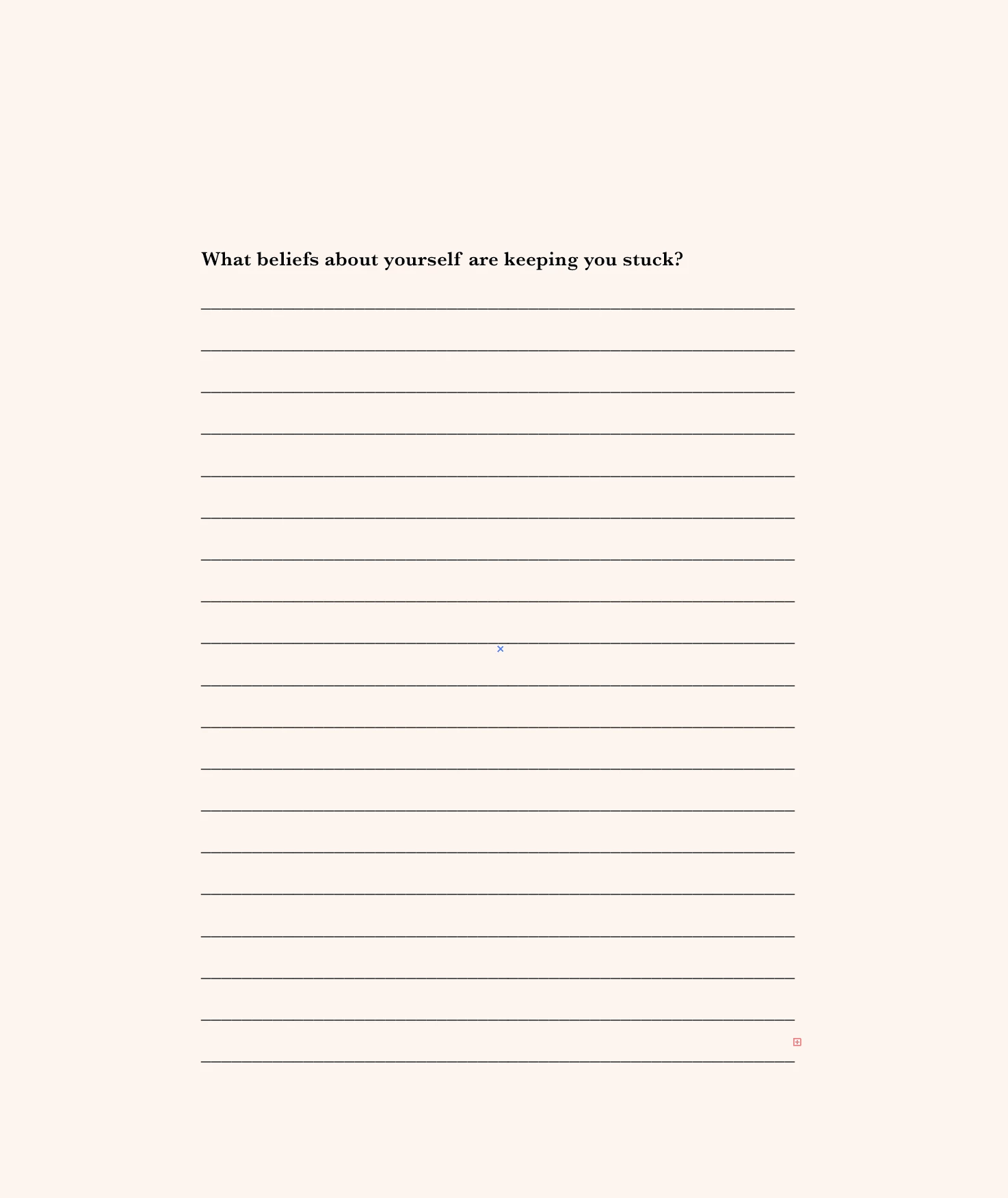
When I important this into Acrobat and use automatic filling, it creates each line as its own fillable entity. That means I have to manually remove each line and edit one of the lines to be a multiline space. To manually add a fillable text box on every page of the workbook, edit it to be multiline, edit the font, etc, it's not worth my time.
Does anyone know how to save a settings or action to implement here? I was also thinking there might be a workaround that makes Acrobat think it's a multiline box. I have tried to alter the design but I can't seem to figure it out.
My ideal goal is to be able to import the PDF into Acrobat and have it automatically add multiline fillable text boxes on each page.
Thanks so much for your help!
 AdChoices