
Multiple Errors and issues occur since changing over to Creative Cloud using Adobe Acrobat.
Many issues happening. used to have Adobe Acrobat Pro 11 and then received a new Laptop at work. this computer has Adobe Creative Cloud 5 on it and I downloaded and installed the Adobe Acrobat to the laptop. many errors, and issues, problems occurring but not 100% of the time.
I have examples and screen shots.
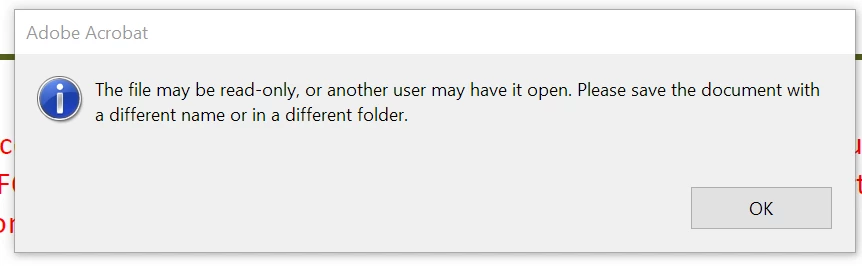
the problem with this though is that only I have it open, it's not read only.
another issue
Below is my letter before I sign it:
This is after I sign it:

This issue is random and sometimes Adobe will allow me to save the letter and when reopened all the information is there other times it is a blank page with only my signature. I cannot duplicate this error every time I sign as mentioned it is only happing sporadically.
Please note that I am providing you with a few screenshots of some of the errors I am experiencing, see below. Please also note that numerous IT have already spent a huge amount of my working hours every time they remote on to go though every error below and have not been able to resolve the issues. The errors I am receiving do not make sense. The best example I can give you is that while (IT Kody) was remoted on my laptop, we created a brand-new document and had not even saved it yet and Adobe gave me an error saying to save it with a different name. And then it populated an error saying it may be open by another user but IT seen that we had just created it and had not yet saved it, so that was not possible.
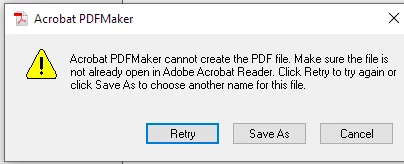
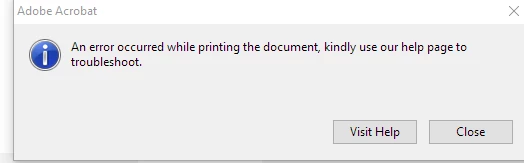
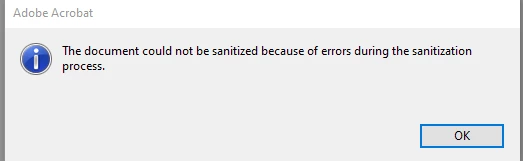
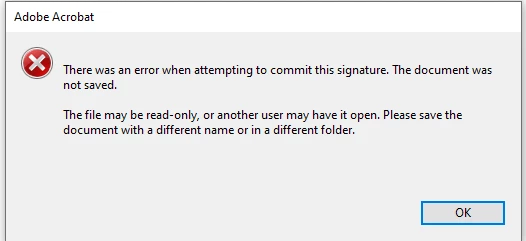
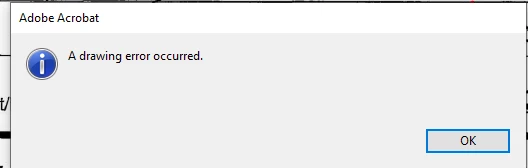
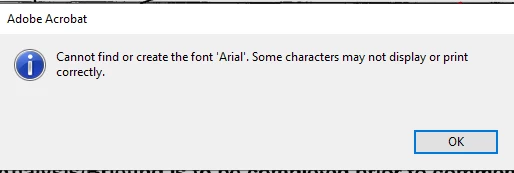
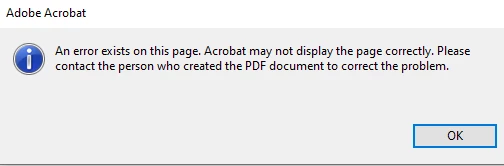
I believe the problem has something to do with the way my Cloud access was set up. When Adobe Creative Cloud was given to me that is when this problem started but no IT has looked at my Cloud ID to rule out any potential problems there. Maybe that is a possible cause?
the idea is to look at doing a full reset of the Adobe Creative Cloud Account profile. a complete reset, start over.
this is not my first Laptop PC with the issue. It started when I received a new Laptop, that has Windows 10.
I received a new Laptop recently and the issue exists with the exact same issues occurring.
Laptop has 16gb ram installed. all drivers, firmware, software is fully updated.


 AdChoices