



glaustin
Inspiring
March 17, 2021
Question

Multiple Versions of Distiller Running

  • March 17, 2021
  • 3 replies
  • 4728 views

Hi Guys

I have a Surface Pro 4 (Win10) with Acrobat DC v21.0 running. I also have Acrobat Reader v2001.001.20145 in case I am signed out of CC on the road and want to read a pdf quickly (without going through the sign-in procedure). I have had this configuration for several years.

I have started to get sporadic warnings of multiple instances of Acrobat Distiller running over the last couple of months. Below is an image.
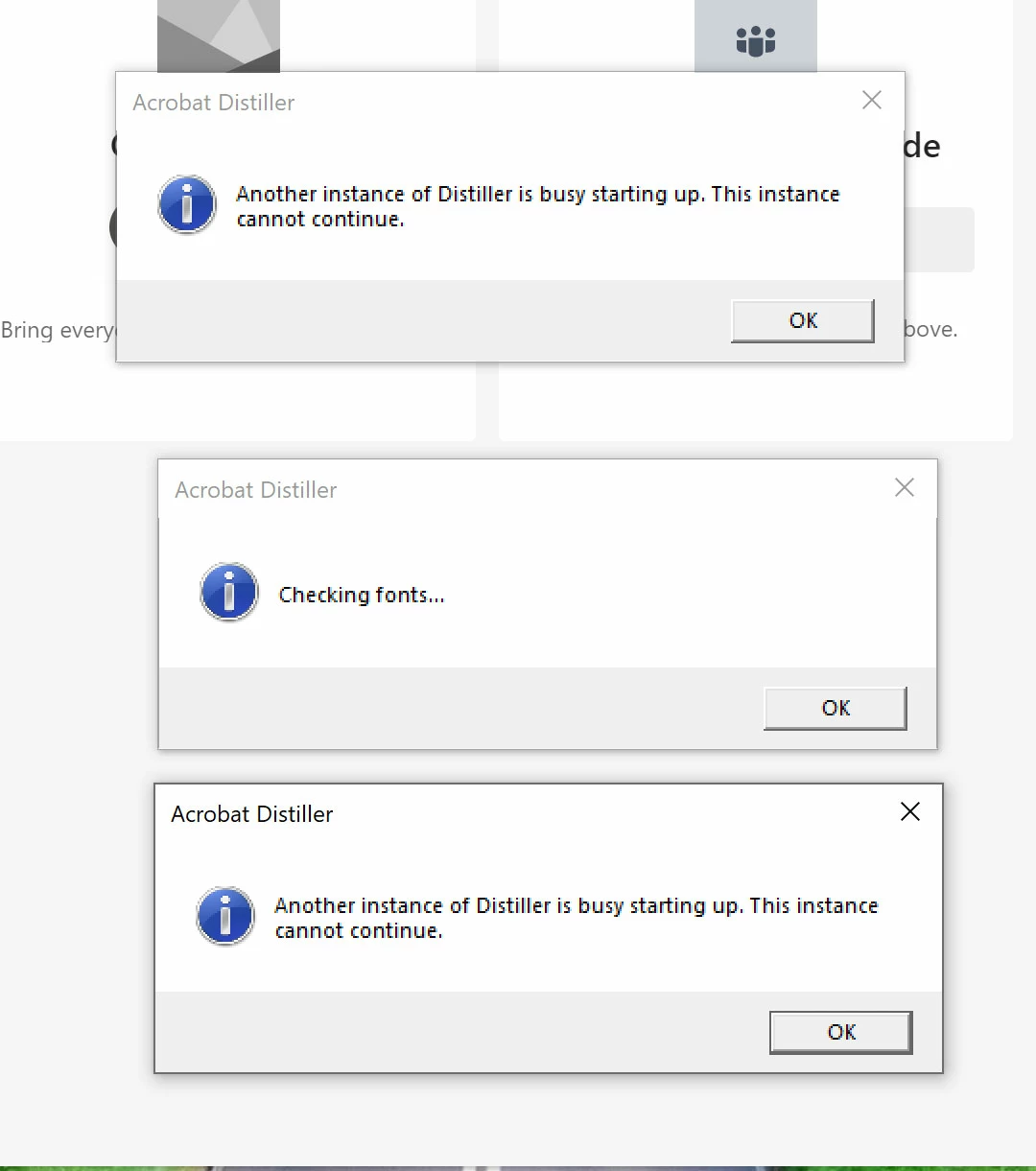
 

The Control Panel verifies only DC and Reader are running. Has anyone seen this before and can anyone advise how I can troubleshoot to stop this? Any help would be welcome.

Regards,

Graham


3 replies

Participant
August 22, 2025

The same things has been happening for me for months now. I have no idea why or how to fix this issue. It's quite frustrating and annoying.

AnandSri
Community Manager
Community Manager
August 29, 2025

Hello @Stanley35387868d5d1


I hope you are doing well, and we're sorry for the trouble you had. 


The product team is working on a fix, and we will update the thread once the fix is available publicly.

For testing purposes, close the Acrobat app, then open Task Manager, and close the "Acrobat Collaboration Synchroniser" process, restart the computer and check if you are getting the error message.


Thanks for your patience and cooperation on this.

Regards,

Anand Sri.

c4os_
Participant
February 13, 2026

First of all, thanks for looking into this.

On a side note, although you’re replying to a comment, the original post started 4 years ago. Regardless if the solution is linked or not to the thread starter, it’s still quite an achievement.

More and more people in the company where I work are getting the endless “Another Distiller is waiting to start. This Distiller cannot continue.” during the day, caused most likely by the auto-update of Acrobat DC Pro we have.
Needless to say, it’s quite frustrating for our users to either reach out to IT or manually close the Distiller instance.
Is there a workaround while waiting for a fix? if it’s AdobeCollabSync the culprit, can we stop the application to autostart with Windows?

Hope you have an update on this matter.


Thank you,


Stef

Legend
March 17, 2021

Distiller is a part of Acrobat (not included with Reader). I'm not sure what control panel you mean, can you give more details about how you are checking what is running please?

glaustin
glaustinAuthor
Inspiring
March 17, 2021

I am talking about the Windows Control Panel.

Legend
March 17, 2021

Yes, which Windows control panel please? There are many... but I can't think of any that do this.

Amal.
Community Manager
Community Manager
March 17, 2021

Hi Graham,


Hope you are doing well and sorry for the trouble. As described you are getting the error 'Another instance of distiller is busy starting up. This instance can not continue'


Please look at the correct answer marked in a similar discussion https://community.adobe.com/t5/acrobat/another-instance-of-distiller-is-busy-starting-up/td-p/10125566 and see if that works for you.


Hope it will help


Regards

Amal

glaustin
glaustinAuthor
Inspiring
March 17, 2021

Many thanks, Amal. I will do that next time. But I think using Task Manager only stops additional instances that have started running, not solved additional instances from ever starting.