My home printer always prints duplex even though all two-sided options are unchecked.
I am using Adobe Acrobat Pro, v. 11.0.23, for Mac. Using my MacBook Pro, OS High Sierra 10.13.3. I have two identical HP OfficeJet Pro 8710 printers, one at home and one at my office.
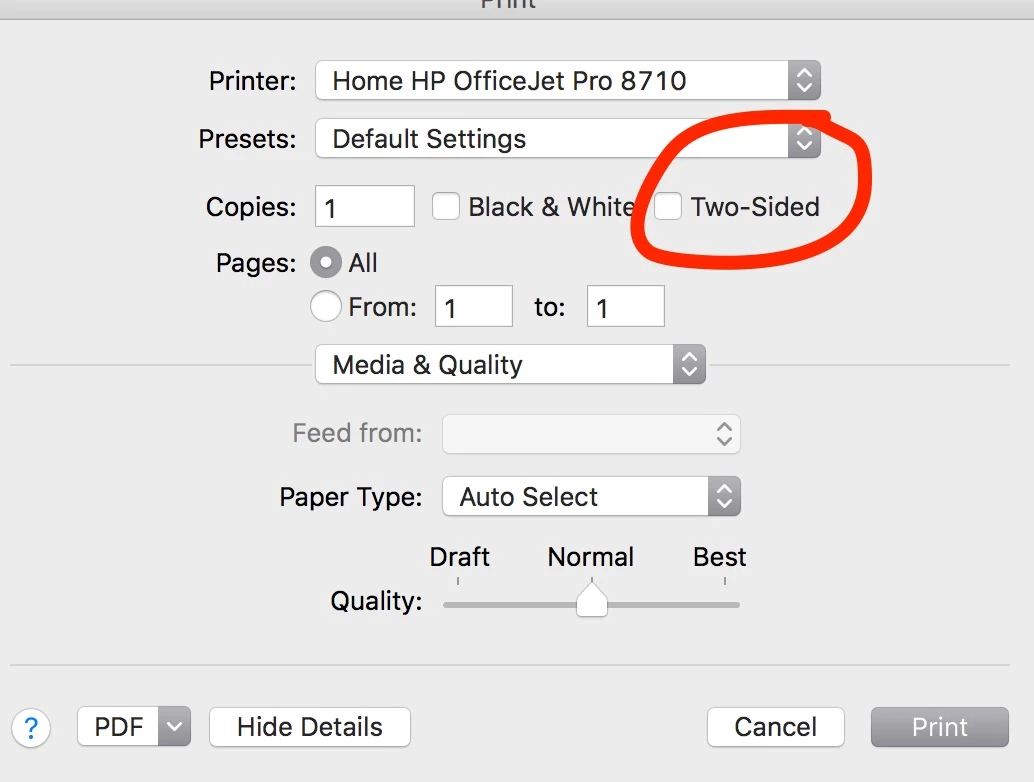
Some time ago, Acrobat Pro started defaulting to duplex (double-sided) printing. I managed to turn this off at my office by going into the system printing options (choosing "printer" from the bottom left corner after hitting print) and unchecking "two-sided." However, this option is NOT checked any more (it's remained unchecked when I take my laptop home - I've looked) and yet my home printer is still defaulting to duplex.
I have tried all the solutions suggested here: Resolve issues with duplex printing in Acrobat or Reader 10.1.2 - or more accurately, I have tried all those I can try, as the solutions are mostly for Windows.
- Updating to 10.1.3 obviously isn't a solution, as I am using v11.
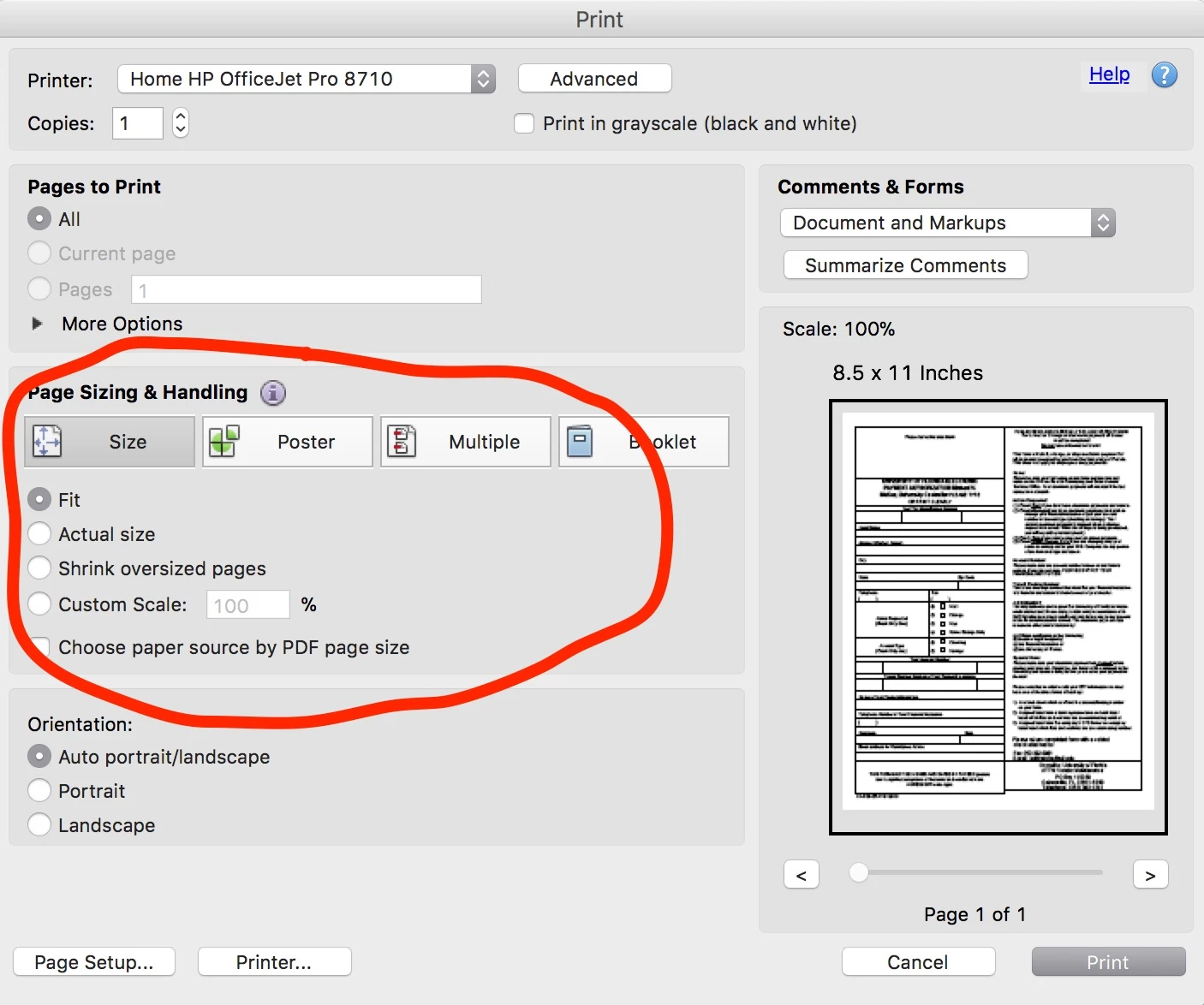
- "Print on both sides of paper" does not show as an option in the Acrobat print dialogue.
- 
You can see here that it is also turned off in my system print dialogue:
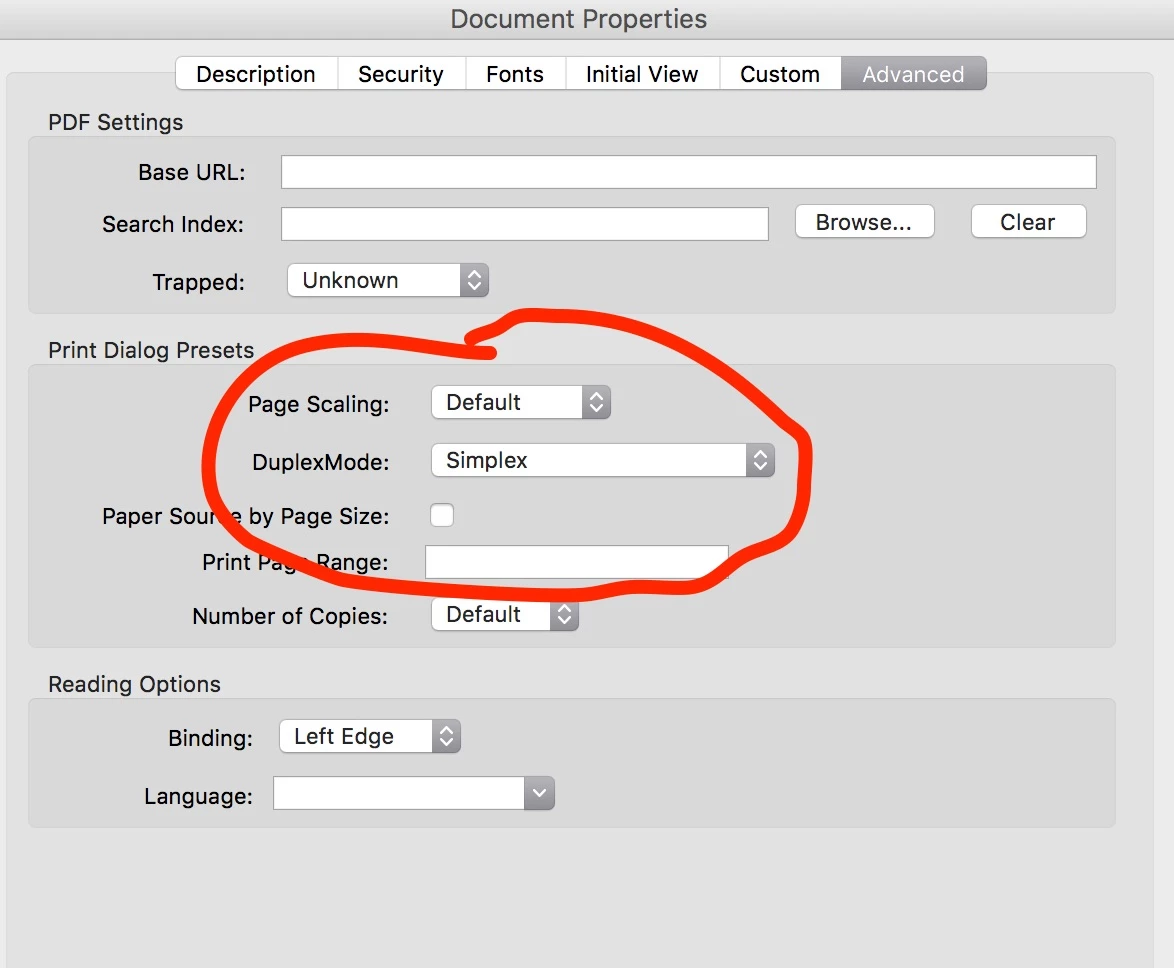
And in my Document Properties:
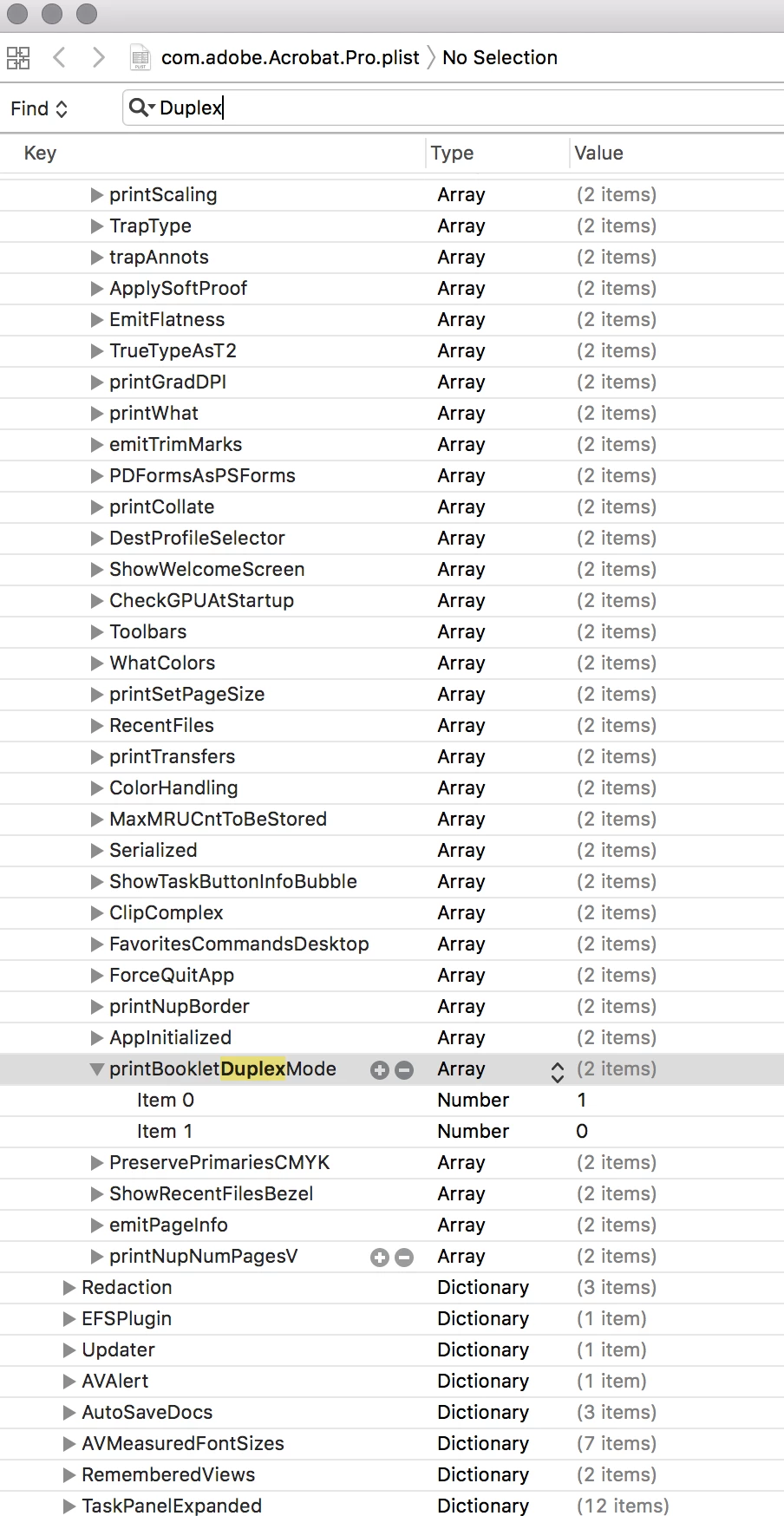
- I also first deleted com.adobe.Acrobat.Pro.plist, and then used XCode to edit it as suggested. There was no "DuplexMode" or "AVGeneral" key, only "printBookletDuplexMode." But I edited Item 1 (set to 0 in the picture below) to value 1. However, even though I saved it, every time I quit Acrobat and re-start, it re-sets back to value 0.
At this point, I'm having to print .pdfs one page at a time to avoid this issue when at home. Please help?
 AdChoices