



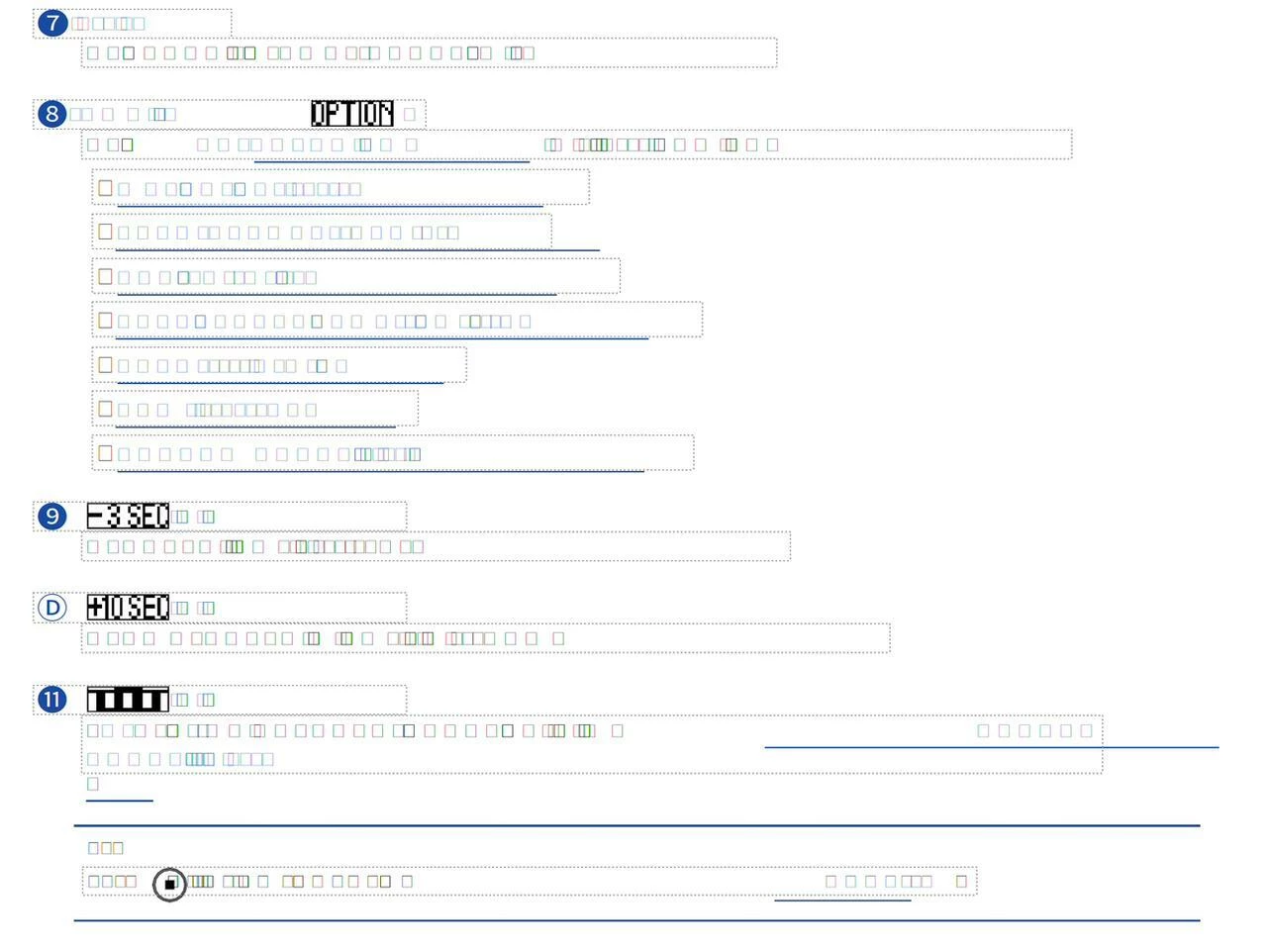
My text becomes unidentifiable squares after so called "sorting fonts" process. And this happens every time I trynna work with the document.
I recently downloaded and purchased an Adobe Acrobat subscription for work, but so far I haven't been able to do anything because the file I'm working with is constantly being in a process of "sorting fonts." The file is 140 pages long, a PDF. It contains many images, tables, and elements, and the original text itself is in English, but I'm using DeepL Translator to translate it into Russian and then work with that. P.S I use Arrial font.
Some of the translations aren't very good linguistically, which is why I need a convenient PDF editor. I've searched everywhere for information on my case, but I've seen practically no similar issues, only on the website with the Russian Adobe forum, but no one has responded there. So I'm writing here hoping for a quick response! Thanks.
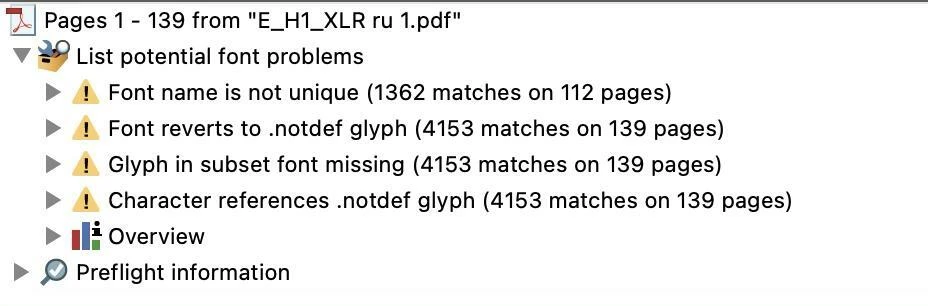
P.P.S on the photos - screenshot of the “squares” and Preflight Results
 AdChoices