July 22, 2025
Answered

Mysterious bug

  • July 22, 2025
  • 1 reply
  • 241 views

Hello,


I just reinstalled the CC suite after reinstalling Windows 11 Pro Workstation.


When I launched Acrobat Pro, the application asked me if I wanted to automatically open PDF files downloaded from Chrome. I accepted. Since then, there has been a bug every time I open the application. I don't know how to describe it in words, so I recorded my screen. You can find the video at this link:


https://vimeo.com/1103610593


Thank you in advance for your help.


Best regards.

Correct answer creative explorer

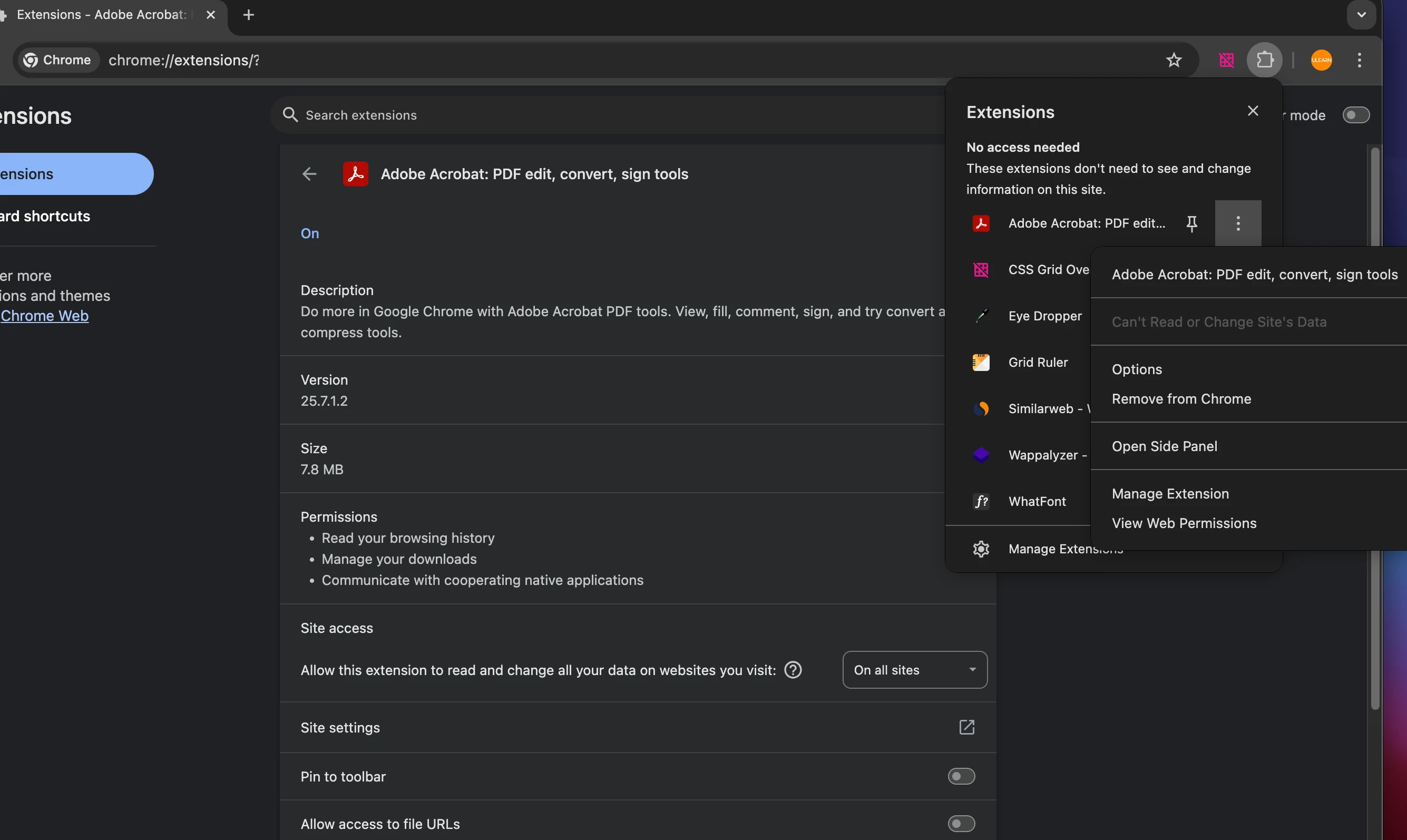
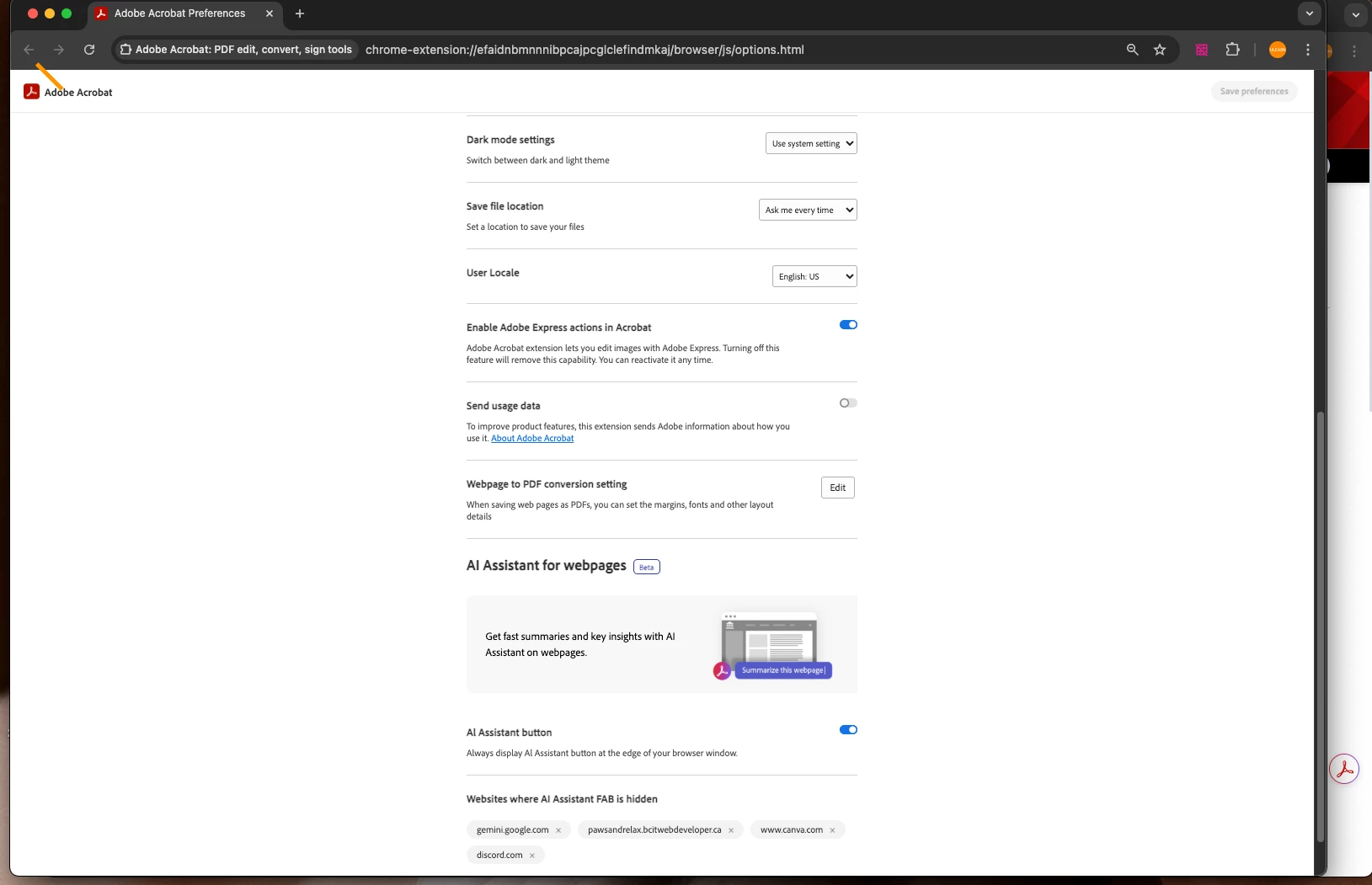
@27203739 sorry the video link doesn't work! In Chrome, you can have your web browser automatically open for you. Click on the puzzle looking icon in the web browser, top-right corner, and locate Acrobat, and just change the prmissions from doing that. I have mine on but you can totally turn this off as well! 


1 reply

creative explorer
Community Expert
creative explorerCommunity ExpertCorrect answer
Community Expert
July 24, 2025

@27203739 sorry the video link doesn't work! In Chrome, you can have your web browser automatically open for you. Click on the puzzle looking icon in the web browser, top-right corner, and locate Acrobat, and just change the prmissions from doing that. I have mine on but you can totally turn this off as well! 


m
July 24, 2025

Yeah, sorry for the video, I had an issue !


Ok, thanks a lot for your help !


Best regards !