


mgspink33
Participant
August 24, 2025
Question

Name is different on my 2 profiles associated with same Adobe account

  • August 24, 2025
  • 1 reply
  • 116 views

Hello!

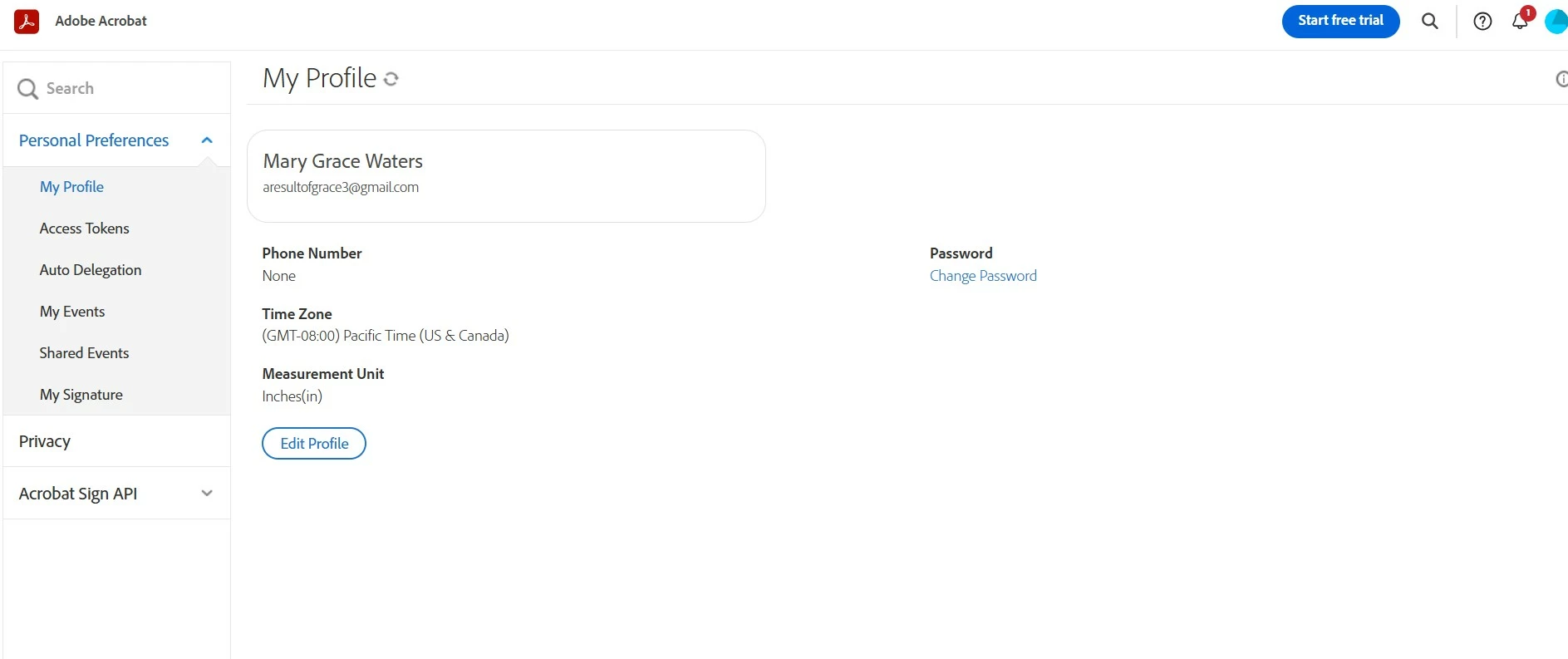
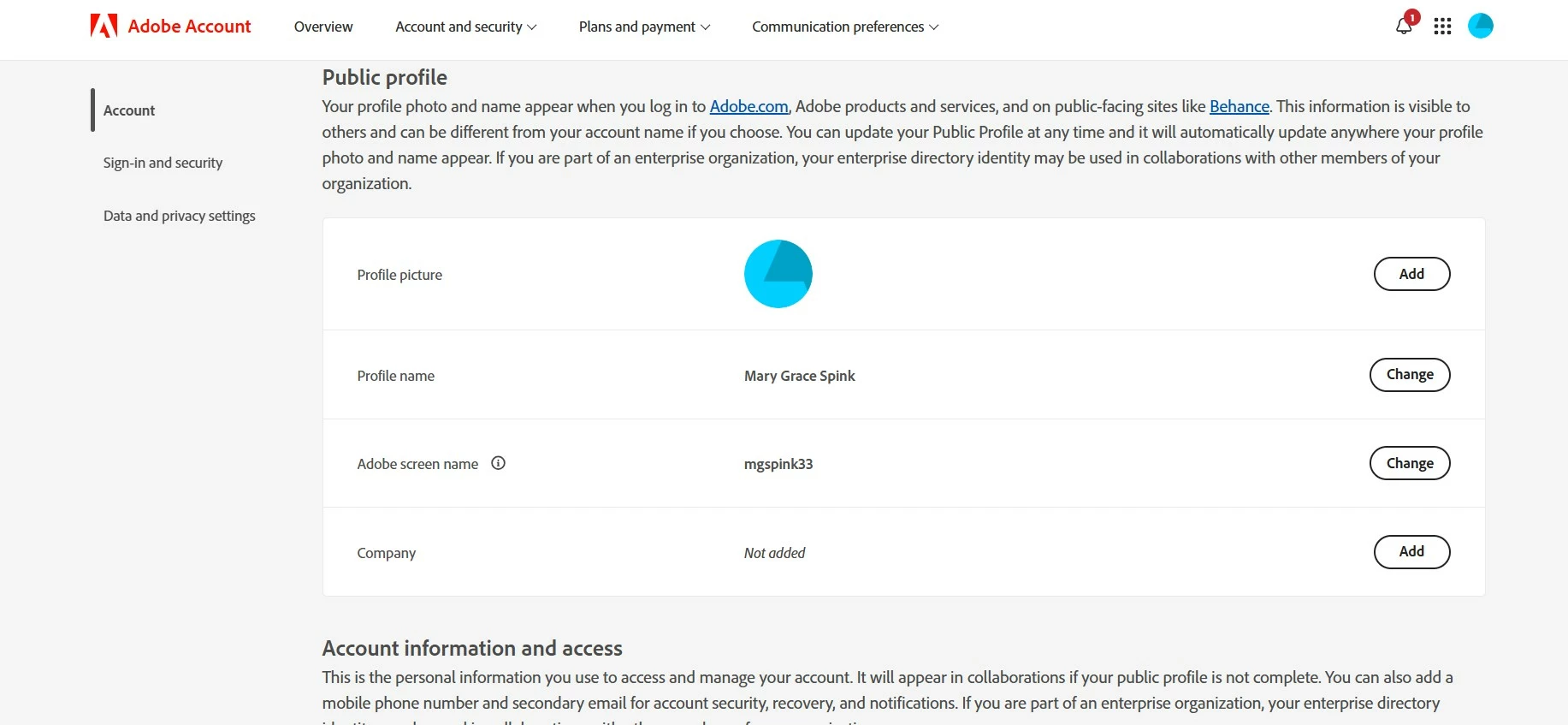
When I go to send adobe files to someone via email, my last name is showing differently than what is on my profile. See pictures below. It looks like my last name is different in two different places on my Adobe accout. This is a single personal account associated with the same username, password, and email. Please help!
1 reply

creative explorer
Community Expert
Community Expert
August 24, 2025

@mgspink33 I have two different accounts, and sometimes both accounts are opened at the same time! For example, the first screen of your screenshot is Acrobat and the bottom screen is adobe.com; I have my Acrobat open, and it is open with my work Adobe ID. And if I go to adobe.com, it is my personal Adobe ID. 

So, I would log out, and clear the history, cookies and cache. And then go back to adobe.com and log into the account and make sure you log into one of the adobe accounts? Do you have two accounts?

m
mgspink33
mgspink33Author
Participant
August 26, 2025
I only have one account. But there are two places where my profile shows
up. One place it shows the last name Waters. The other place it shows last
name Spink. It’s all under one adobe account though. I’ve already tried
clearing the cache.

Sincerely,
Mary Grace Spink
mgspink33
mgspink33Author
Participant
September 11, 2025
For anyone having the same issue, I had to sign out of and delete all apps.
Reinstall them. Then delete gmail app and reinstall. When I logged into
everything, the names merged correctly and are the same across all accounts
now.

Sincerely,
Mary Grace Spink