Participant
November 2, 2024
Question

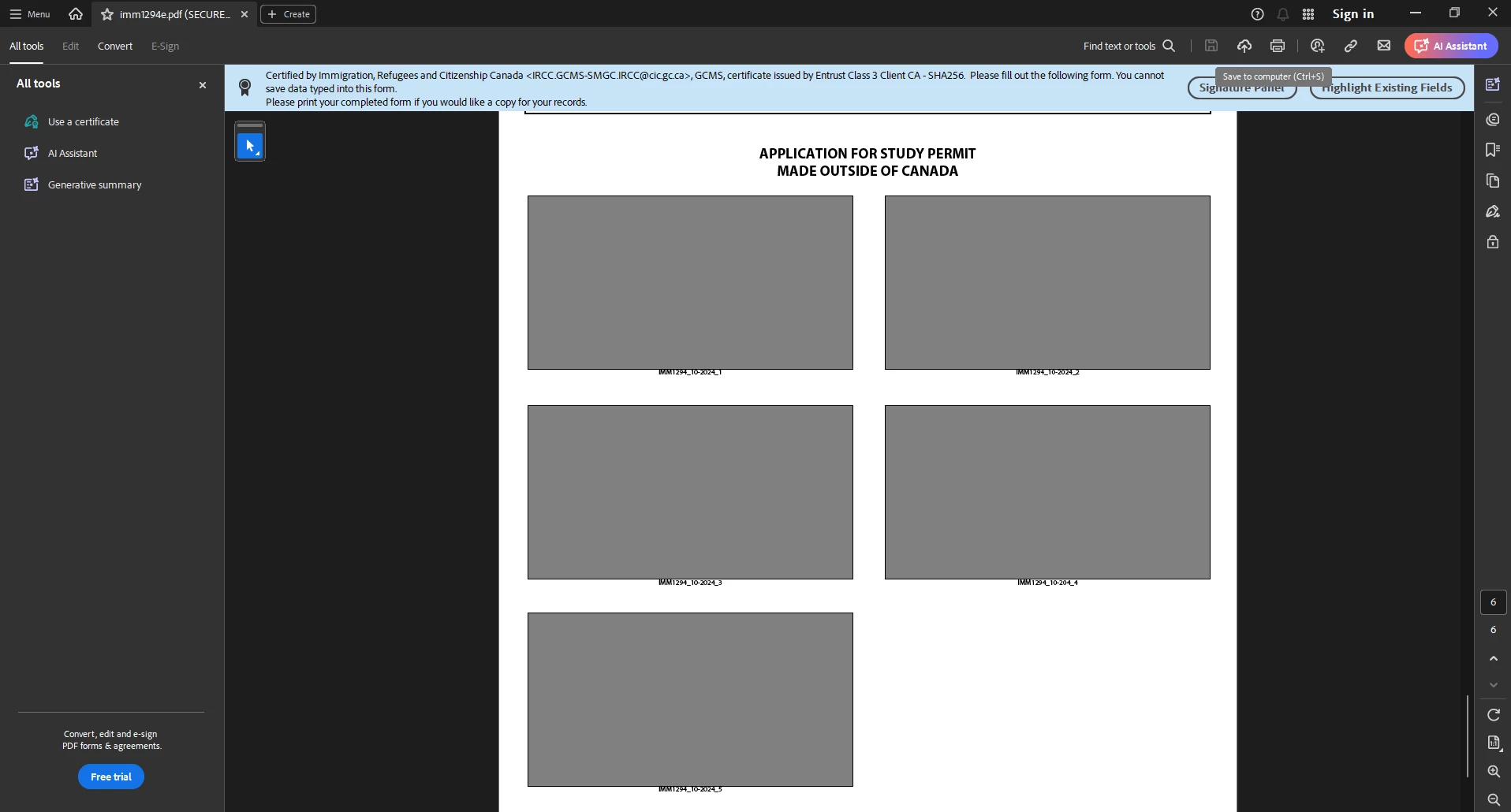
Need help with imm1294e

  • November 2, 2024
  • 2 replies
  • 2323 views

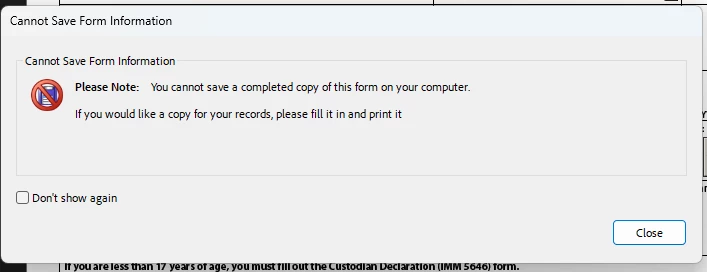
I am applying for study permit and I am filling out this form. However, the form cannot be saved or save any data typed into the form. But to submit this form I need the saved version of it. I have tried the saving method with print but once I validate it, a barcodes page appear and the print breaks it and I cannot submit it. 
This topic has been closed for replies.

2 replies

Adobe Employee
November 4, 2024

Hi @Marvin4125 ,


This form seems to have been designed in this manner. You are not allowed to save this (any method). As it states , if you need a filled copy for your reference , you can fill and directly Print it (not save using Print). 

Regarding the submission of this form , so as per the setting it doesn't look like it needs to be saved and then submitted. Can you check the document competely or with author,  there may be a triggering action (may be a button) for submitting this once you fill this.


Regards,

Divya Kumar Singh

Participant
November 4, 2024

I think the recent acrobat update broke it since I could do it last month. And the form should be able to save too that's what the official website says. 
https://www.canada.ca/en/immigration-refugees-citizenship/services/application/application-forms-guides/imm1294.html

Participant
November 4, 2024

I even t tried to submit the original form, unchanged and it doesn't work. I remember somewhere says the website detect the barcode page and if it is missing or broken like I did, it can't be submitted. 


try67
Community Expert
Community Expert
November 2, 2024

There's nothing to be done about it. Report it to the author of the form and ask them to remove the extended rights so you could save it.