
Answered
New Adobe tools
The screen shot below is the new tool menu for adobe. If there way to revert it to the older one? I hate the new one, it is not user friendly and I do not like how everything is not on the side of screen.
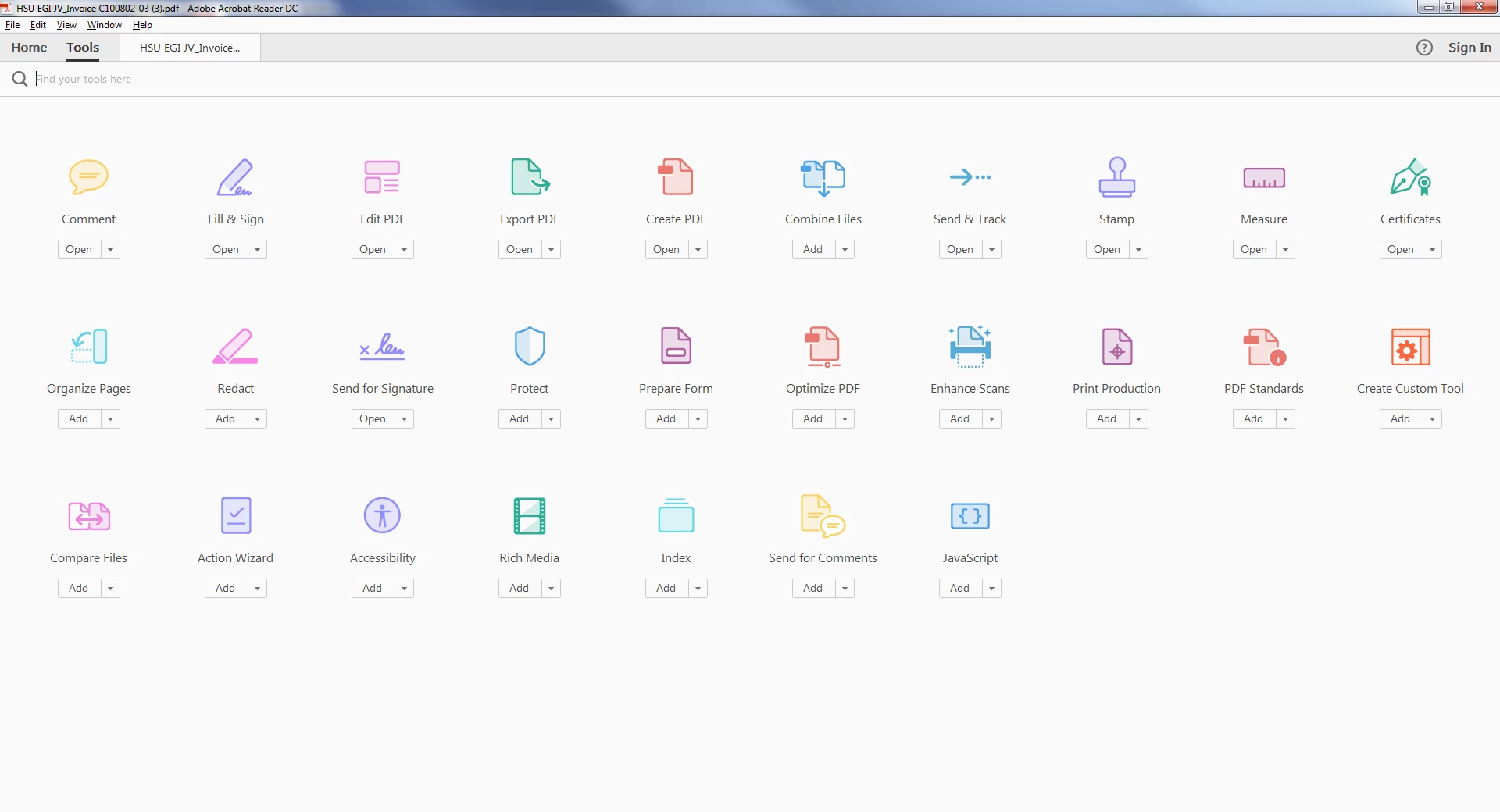

The screen shot below is the new tool menu for adobe. If there way to revert it to the older one? I hate the new one, it is not user friendly and I do not like how everything is not on the side of screen.
When you are working on a document or in the "Tools" page above, the Tools Pane is on the right-hand side (it may be minimized against the right border, but there will be a vertical bar with a small left arrow in the vertical center of the bar). If it's not there at all, go into the "View" menu, then "Show/Hide", and click on "Tools Pane".
It has a default set of tools, so if there are other tools you will use frequently, you'll need to go into the "Tools" page that you took the screenshot of and drag/drop them onto the Tools Pane. If there are any there you won't use regularly that you want to remove, you can drag/drop them off the pane, or hover over them and click the "X" that appears to the right of the tool.
Already have an account? Login
Enter your E-mail address. We'll send you an e-mail with instructions to reset your password.
 AdChoices