


New Issue with Create PDF, Multiple Files batch processing of MS Word docs on Mac
Still not resolved… To batch process invoices from MS Word doc to PDF I’ve used Acrobat Pro's Create PDF > Multiple Files which has worked fairly smoothly for years. Definitely worked May 1/26 invoicing. Then on invoice day at beginning of April, it's now not working and still doesn’t work with updates.
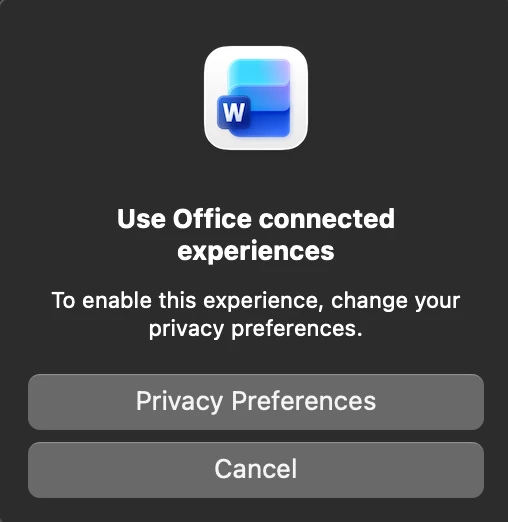
Acrobat Pro won't process the Word files and getting message saying that I have to change MS Word Privacy Preferences. It appears that Microsoft is not allowing the Word docs to be processed locally and forcing a user to batch on the MS website/cloud (Connected Experiences), which I DO NOT want.
This was never an issue before. I don't know if something is broken or they simply changed something where you can't do batch processing on your computer (locally) and forcing you to use MS Connected Experiences. Any help would be appreciated.
Working with:
Acrobat Pro Version 2026.001.21431
Word Version 16.108.1 (26041915)
Mac Mini M4 Mac OS Sequoia 15.7.4
 AdChoices