

e ch n
Inspiring
August 23, 2024
Answered

No form field automatically added when creating forms.

  • August 23, 2024
  • 3 replies
  • 3249 views

I am having difficulties with the creation of forms, because the filling spaces are not generated automatically, even though, apparently, the settings are the right ones.


Thinking it might be a malfunction in the program, I uninstall it and reinstalled it, but the behavior is the same.


Any idea what could be wrogn?


Thanks!


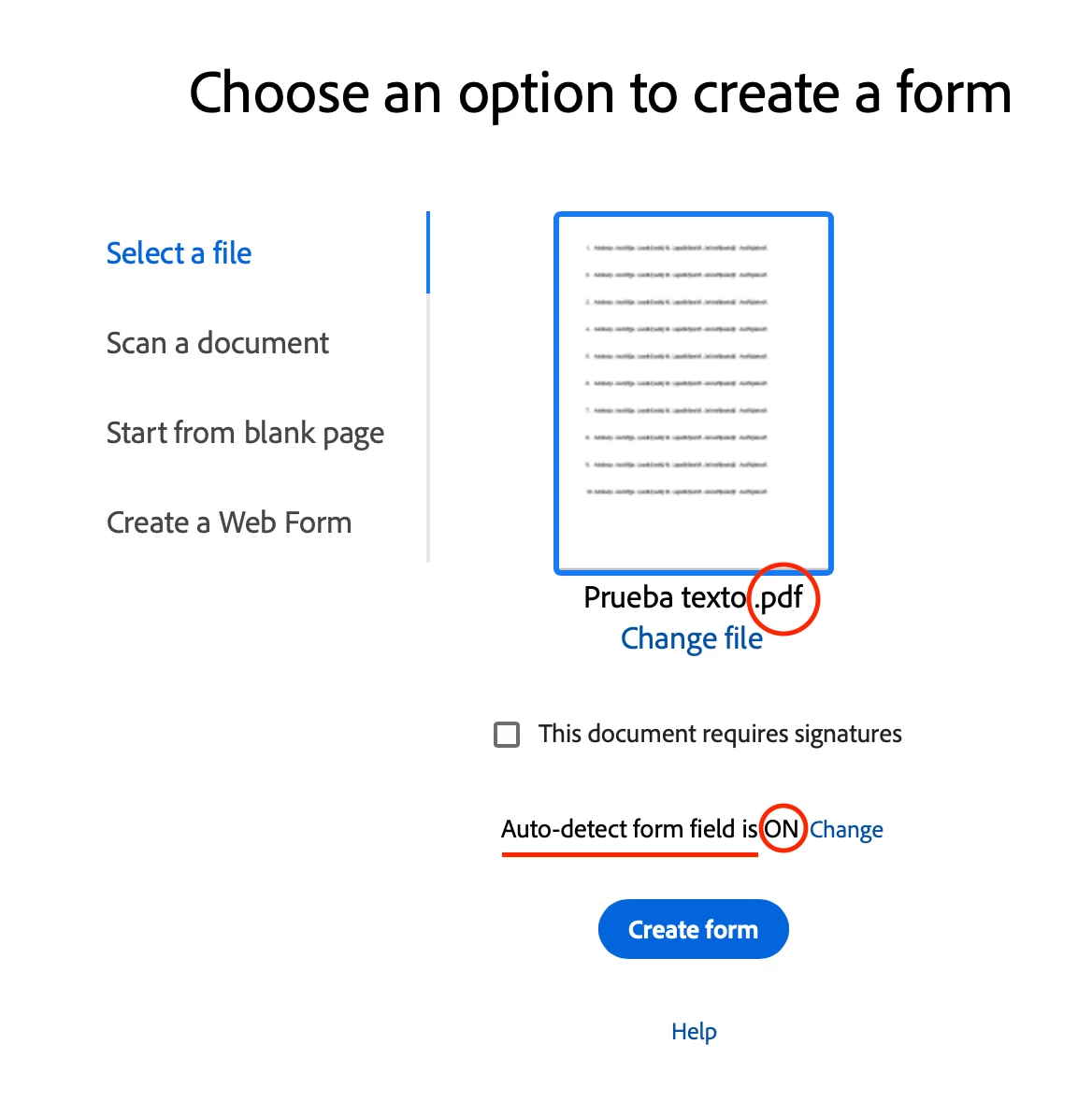
As can be seen, the document is a .pdf and Auto-detect form field is ON.


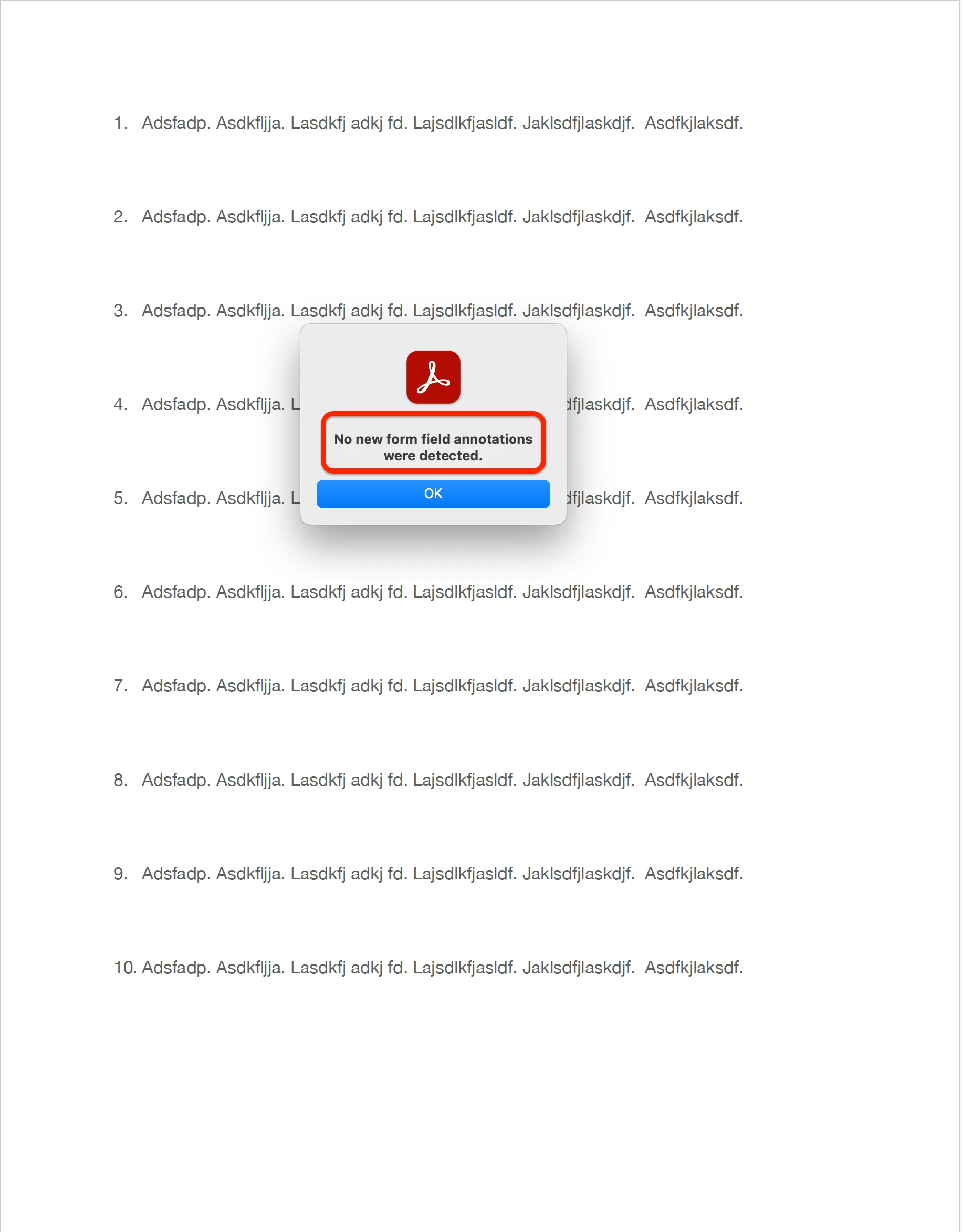
No new form field annotations were detected


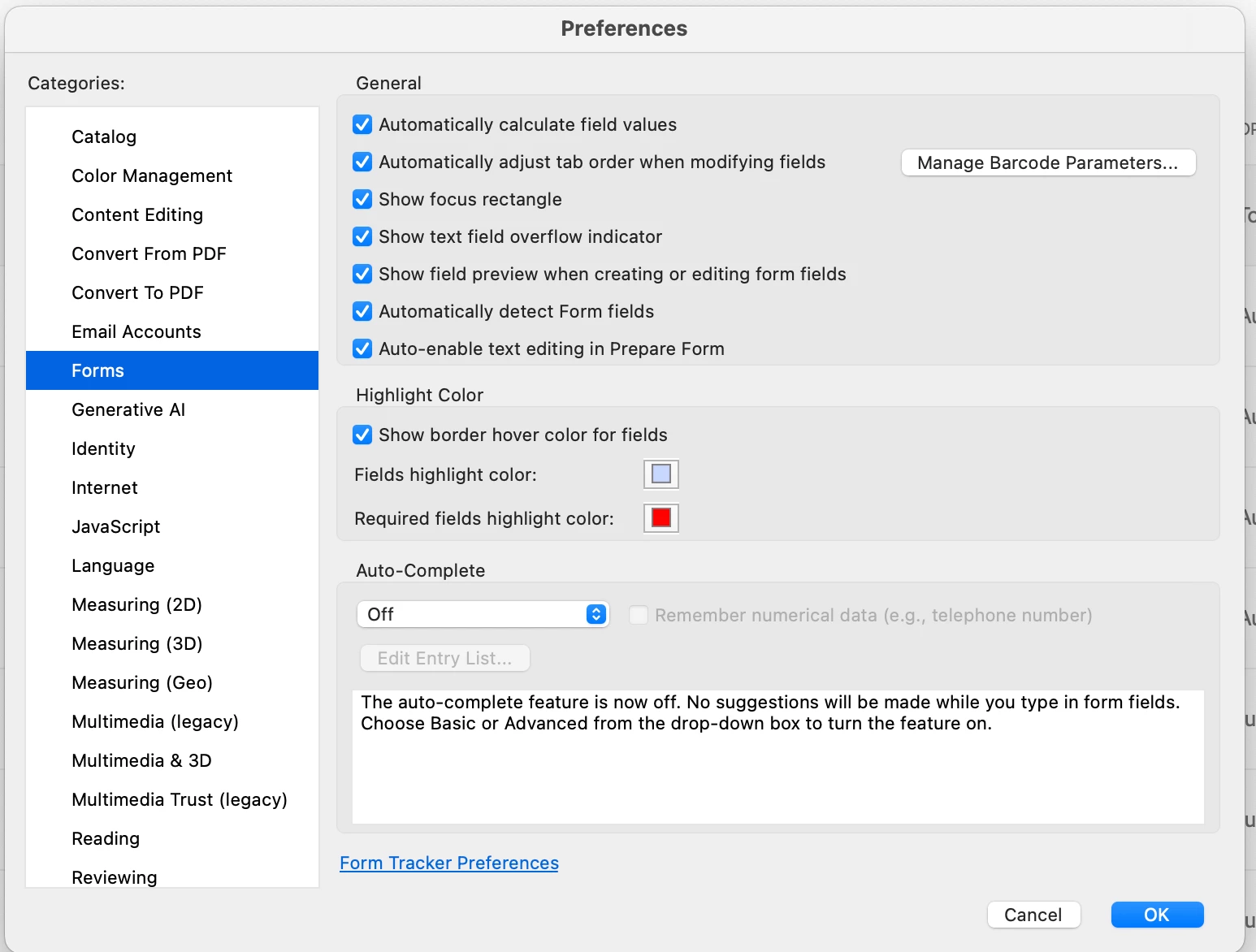
These are the configurations
 

This topic has been closed for replies.
Correct answer try67

The form detection wizard is far from perfect, but as was mentioned, you didn't really give it anything to use to create the fields, so it's not surprising it didn't create any. You must add some visual indication of where the fields should go, in the form of a box or a line.

3 replies

try67
Community Expert
try67Community ExpertCorrect answer
Community Expert
August 25, 2024

The form detection wizard is far from perfect, but as was mentioned, you didn't really give it anything to use to create the fields, so it's not surprising it didn't create any. You must add some visual indication of where the fields should go, in the form of a box or a line.

e ch n
e ch nAuthor
Inspiring
August 25, 2024

I understand. Thank you very much for the clarification.

Dave Creamer of IDEAS
Community Expert
Community Expert
August 25, 2024

The PDF has to LOOK like a form in order for the detection to work. Even then, it's not always correct. I usually recommend trying it--it it doesn't work or looks like it's more work to fix--then build it manually. 


David Creamer: Community Expert (ACI and ACE 1995-2023)
e ch n
e ch nAuthor
Inspiring
August 25, 2024

Thank you, Dave. I will do it that way. 

At first I did not place lines or text boxes, because I did not want them to appear aesthetically, since they would not even be used to fill the document.

try67
Community Expert
Community Expert
August 25, 2024

You can use them in one version so the fields are picked up, and then generate another version of the file without them, and use the Replace Pages method to replace the underlying pages in the file that has fields with those from the file that doesn't. The fields will remain in place.

PDF Automation Station
Community Expert
Community Expert
August 24, 2024

Why would you expect it to create fields in a number list of text with no lines or boxes?

e ch n
e ch nAuthor
Inspiring
August 24, 2024

Well... I was unaware that lines or boxes had to be created.

PDF Automation Station
Community Expert
Community Expert
August 24, 2024

The program detects where it might need fields for a form.  It's not perfect.  It doesn't usually detect field placement in white space.