


Participating Frequently
March 23, 2021
Question

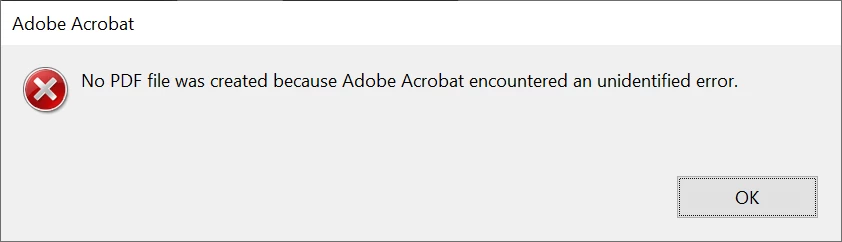
No PDF file created because AA encountered an unidentified error

  • March 23, 2021
  • 1 reply
  • 2165 views

Just recently not able to combine files into one - get this error everytime. Files are stored on a shared network drive, but read that need to be stored on local drive so I tried using files on my C: drive - same error. So tried files stored in the Cloud - same error. What can I do to fix this???


This topic has been closed for replies.

1 reply

Karl Heinz  Kremer
Community Expert
Community Expert
March 23, 2021

Does this happen with all files, or just a subset from the same source? You can test this by e.g. creating two files within Adobe Acrobat (use any of the File>Create options) and then trying to combine them. If you get the same error I would try to repair Acrobat (there is a repair option in Acrobat's Help menu on Windows), or to reinstall, potentially after using the Adobe Cleaner: http://labs.adobe.com/downloads/acrobatcleaner.html

Participating Frequently
March 23, 2021

Thank you for resonding.

Ok, so what I have been doing with no issue for the past year - I have 3 .jpg's saved and I want all 3 images combined in to one PDF. Until recently no problems. I have already done the repair option twice. 

Karl Heinz  Kremer
Community Expert
Community Expert
March 23, 2021

Is it possible that one or more of the JPEG files are corrupt? If a simple repair does not work and it's not an issue with the files, use the Adobe Cleaner. This requires that you have the installation medium to re-install Acrobat, and access to the license information.