
Answered
No scroll bars in preferences. Acrobat reader DC
It doesn't matter if I have a document open or not. The General page of Preferences goes all the way up and down the screen, I can't zoom out and there are now preferences I can't change or see.
I tried the touch option of never, I'm using a desktop mac mini 2014 OS Catalina, I uninstalled Reader and re-installed it. I read all the other posts about scroll bars and none of those things worked. Here's a picture.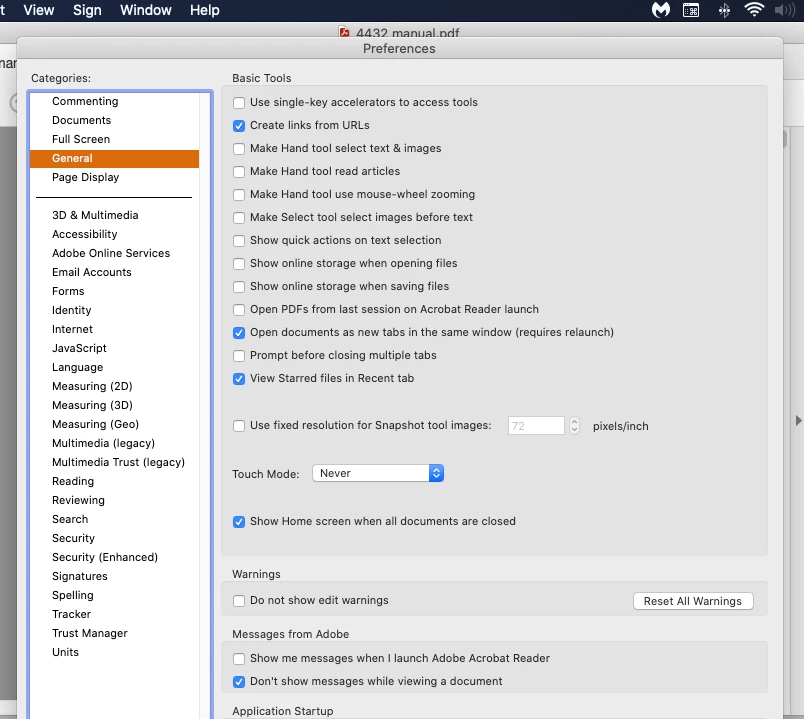
 AdChoices