
Participant
July 7, 2022
Question

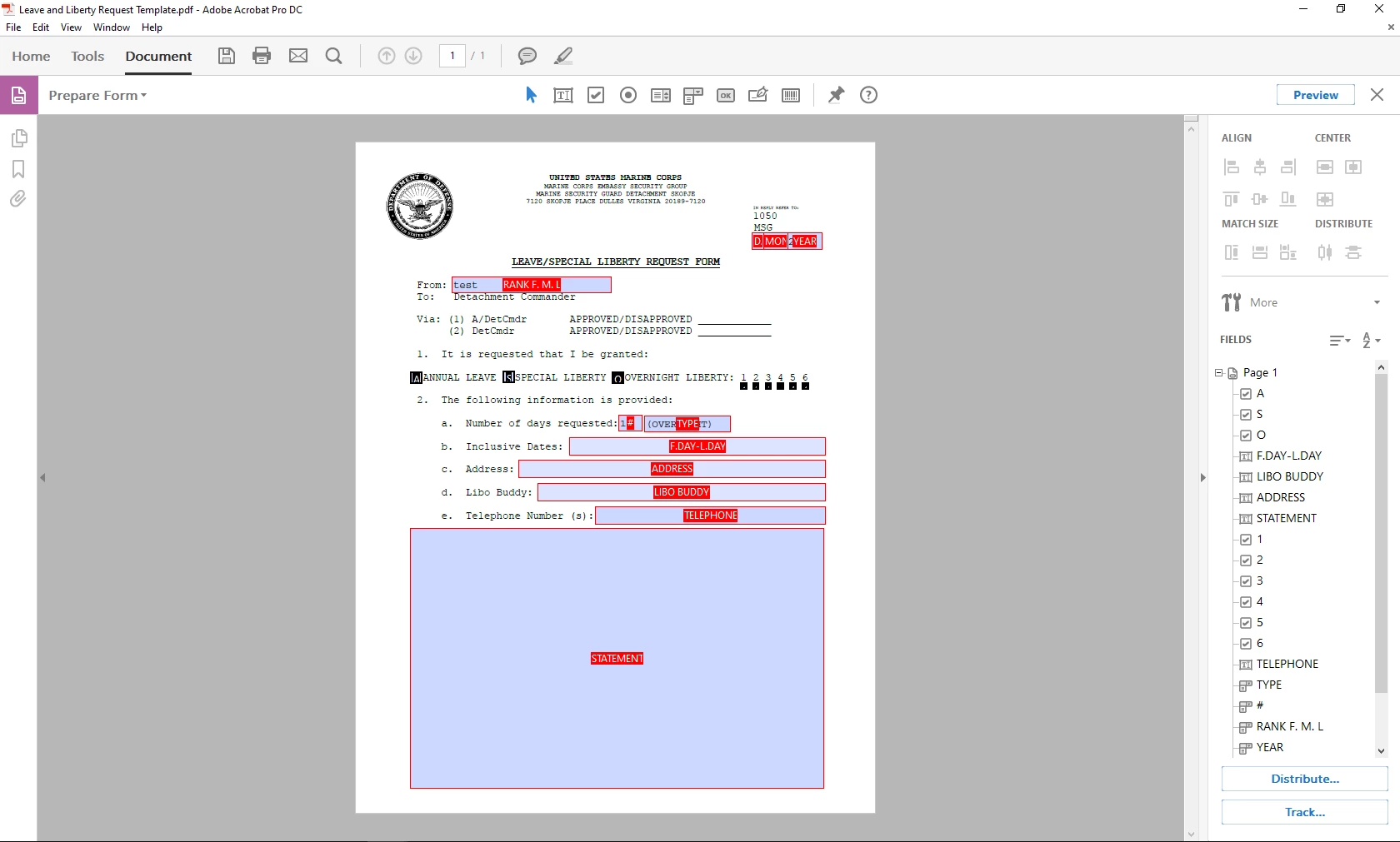
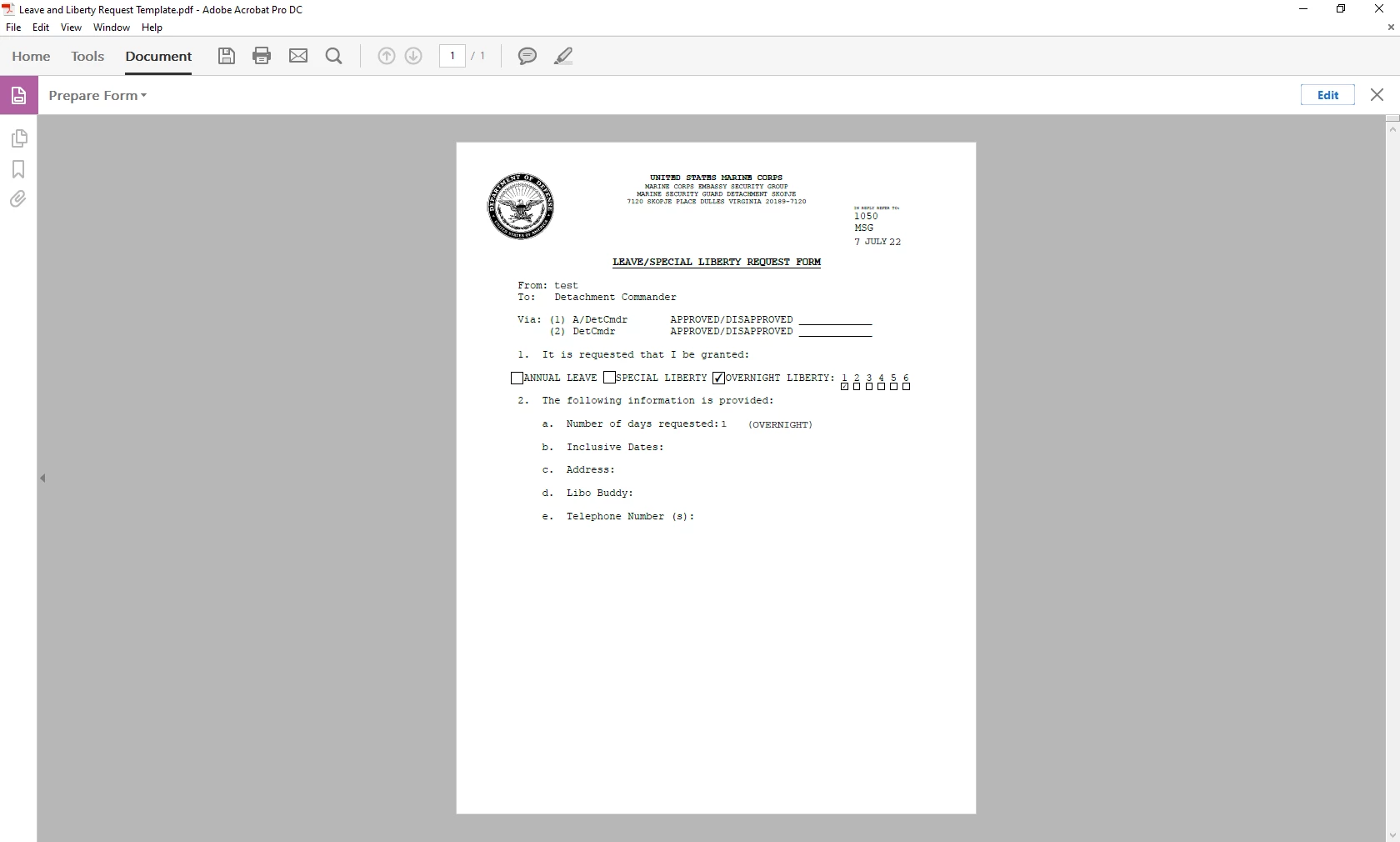
No Text Field shown when in preview mode

  • July 7, 2022
  • 3 replies
  • 335 views

I made a PDF added text fields, as well as dropdown lists, and after closing and reopening the PDF I am unable to Fill out anything in the text fields. They are visible in "Edit Mode" but do not show in "Preview Mode". The "Dropdown Lists" does not have the dropdown botton as well. I can't seem to find a solution for this.
This topic has been closed for replies.

3 replies

JR Boulay
Community Expert
Community Expert
July 7, 2022

Since highlight is a user preference and not a document setting you should at least put a stroke color to your fields, or even a background color, to anticipate this.


Acrobate du PDF, InDesigner et Photoshopographe
Bernd Alheit
Community Expert
Community Expert
July 7, 2022

In the preferences of Adobe Acrobat enable the field highlighting.

LinSims
Community Expert
Community Expert
July 7, 2022

Let me move this to the Acrobat forum for you, which is the appropriate forum for your question.

The Using the Community forum is for help in using the Adobe Support Community forums, not for help with specific programs, installation issues, or account issues such as subscription questions or billing problems, or generalized questions about Creative Cloud services.

* Product questions should be posted in the associated product community.
* Installation questions should be posted in the Download & Install community.
* Account issues, including subscription questions or billing problems, should be posted in the Account, Payment, & Plan community.
* Questions about the Creative Cloud desktop app or general questions about apps in the Creative Cloud should be posted to the Creative Cloud Services community.