
Not able to convert PNG to PDF Using Adobe Acrobat Pro DC
Device: Macbook & iMac
Macbook iOS: Mojave, version: 10.14.4
iMac iOS: Mojave, version 10.14.6
When using the inspect tool on Google Chrome to take full page screenshots, with the developer settings to emulate a device (Laptop with HiDPI Screen), and then try and convert the PNGs downloaded to a PDF by click and dragging the file in the downloads folder to Adobe Acrobat app on the task bar, 1 of the following 2 options will happen:
1. It will come up with the following error message:
2. A Loading bar will appear and say "opening image file as Adobe PDF" and then the following screenshot will appear:
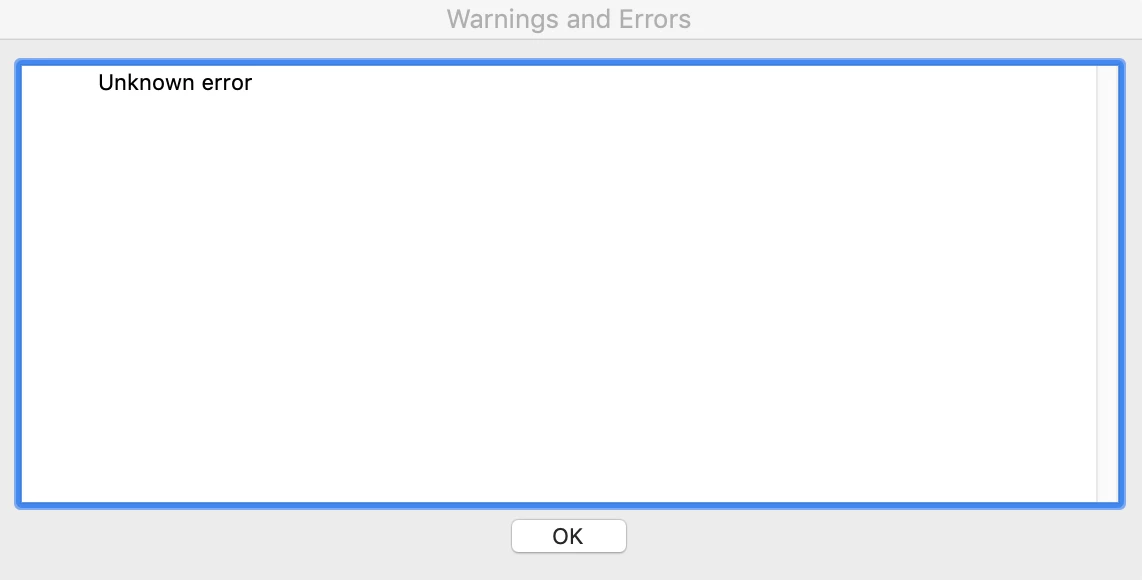
Sometimes, we are able to open to do the above process and it will load into a PDF no issues, however, most the time we get 1 of the above errors.
We have not experience this issue on windows, only Mac.
Let me know if you require any other information
[Title Edited By Moderator]
 AdChoices