Participant
March 26, 2022
Question

ocr in acrobat produces unclear fonts

  • March 26, 2022
  • 1 reply
  • 1159 views

trying to create an editable file from the attached....have like 70 pages worth. 

have tried to insert it in an acrobat pro dc version i found. when pressing edit and recognize text i make the selected language to greek and select make page editable. 2 problems a) the top line turns to a dash

 and b) the text is not "clear" 

 this ACTUAL text, i can type but the font is

arial - 4151***, looks bad... really bad..

if i set the ocr to use system fonts flood gates open.....
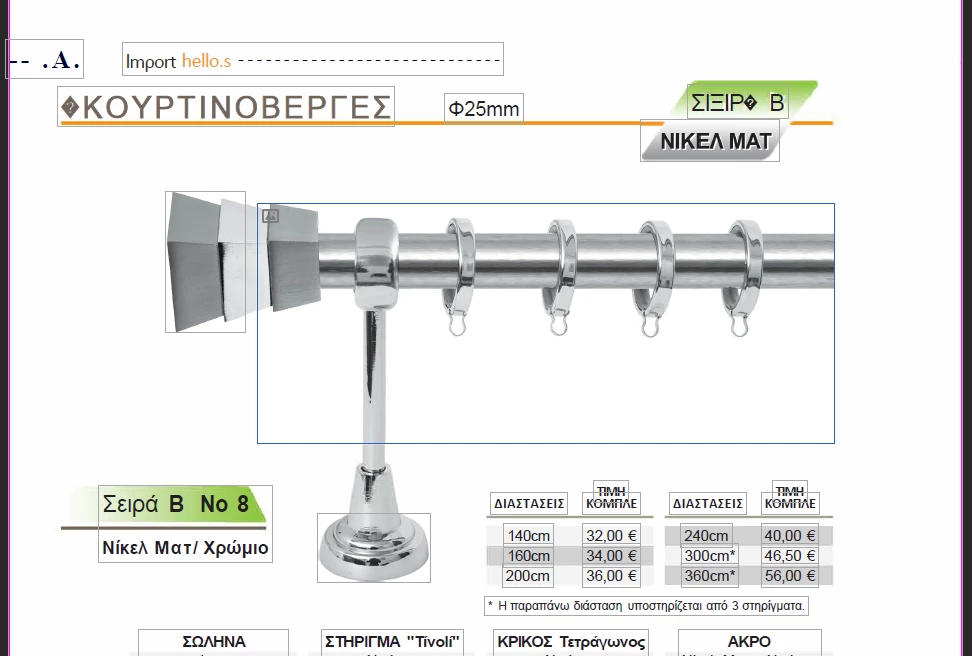
top part is completely gone.... part of the title on the right gone.

the fonts are all over the place. the text though is CLEAR.

how can i do this? i just need the text to change values. titles, pictures and logos all stay.

whats the middle ground here???

This topic has been closed for replies.

1 reply

gary_sc
Community Expert
Community Expert
March 26, 2022

Do you have access to the original file and original document? If so, I STRONGLY suggest you use that and then rebuild the PDF.


BTW, the name "arial (etc.)" is used because IF you didn't have Arial, you would not be licensed to use Arial. Adobe provides a mockup font to let you do the few things in Editing that you can do. 

georgeceAuthor
Participant
March 26, 2022

well, if i had access to that file i wouldnt be here trying to find out a solution.. 😁

that been said all i have to work with is this file. 

i know all about arial and stuff but doesnt make sense here. pc does have the language and fonts installed.

open up word lets say, i can locate arial, times new roman and all the (language) related ttf.

all of them are present in the fonts folder. why this turns up arial 12345 something and not crystal clear letters as plain old arial, no idea.

gary_sc
Community Expert
Community Expert
March 26, 2022

Hi Georgece,


I just had a thought, and I'm not sure how easy or hard it actually might be because I'm only seeing a portion of the document, but what about converting the entire document to Word, making your changes there, and then re-PDFing it.


Depending on the document, this has worked. To be honest, for the small region of the document you have screenshots for, I am not encouraged. Fortunately, it should only take a minute to see what it might produce. 


Good luck