

Question
OCR text recognition (very) inaccurate in Acrobat Pro 2020 (text is PNG image "printed" to PDF)
Is there a way to improve the OCR recognition of English text in Acrobat Pro 2020, when the text is a screenshot of a document (a PNG file), "printed" to a PDF, then run through OCR?
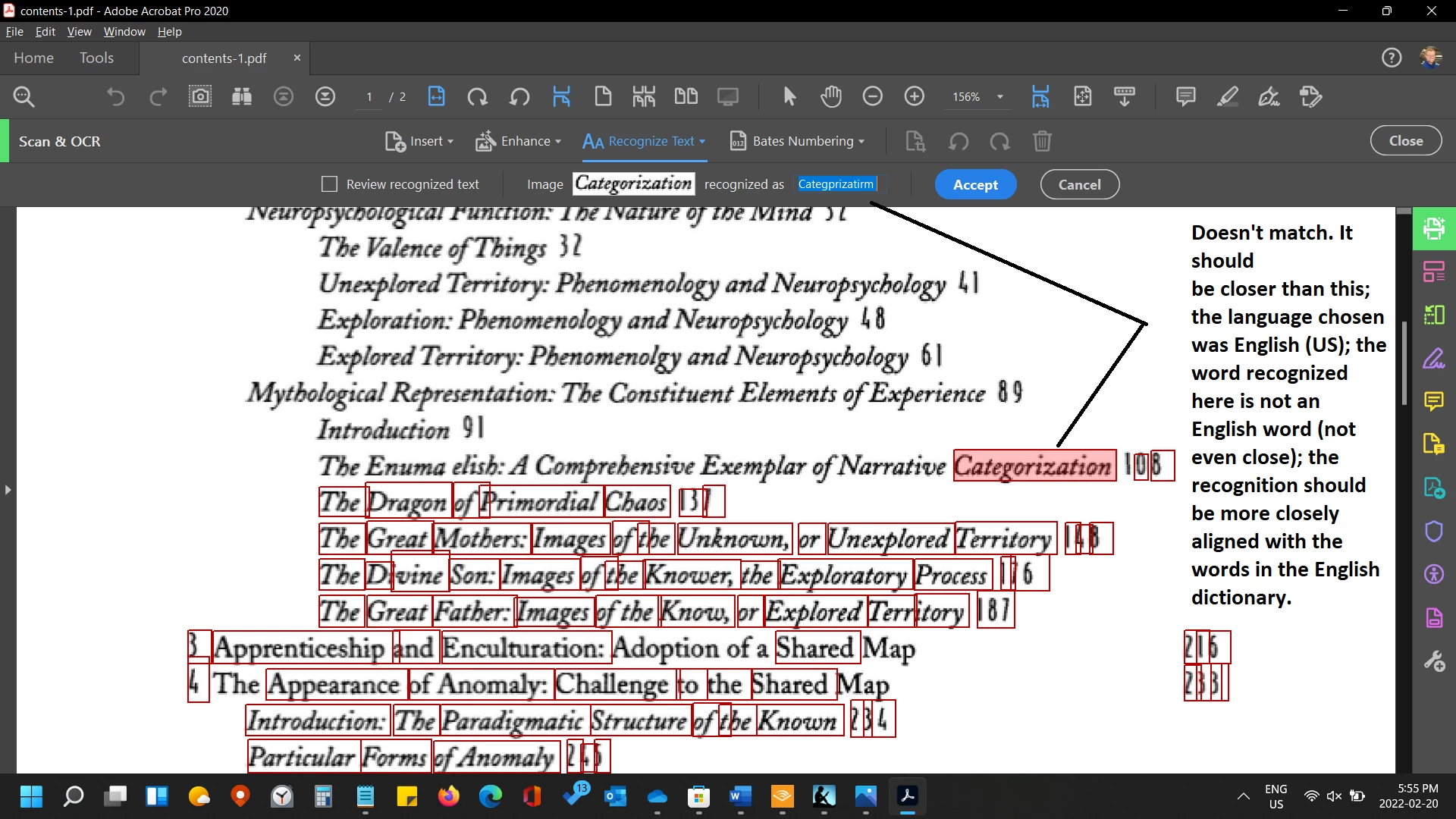
I am creating a study guide for a group reading this book, and I had hoped to save time transcribing the Table of Contents into the guide by screenshotting the e-book then running it through OCR. I screenshotted to a PNG, then "printed" to PDF (above); the OCR of this was very inaccurate - most of the words were not even English (many were not words in any language); many of the characters "read" were not even letters in the English alphabet. The language selected for OCR was English (US).
Any ideas will be welcome. Thanks!
 AdChoices