
Participant
January 28, 2025
Question

Oddities with saving a PDF

  • January 28, 2025
  • 1 reply
  • 123 views

Hello, all.  

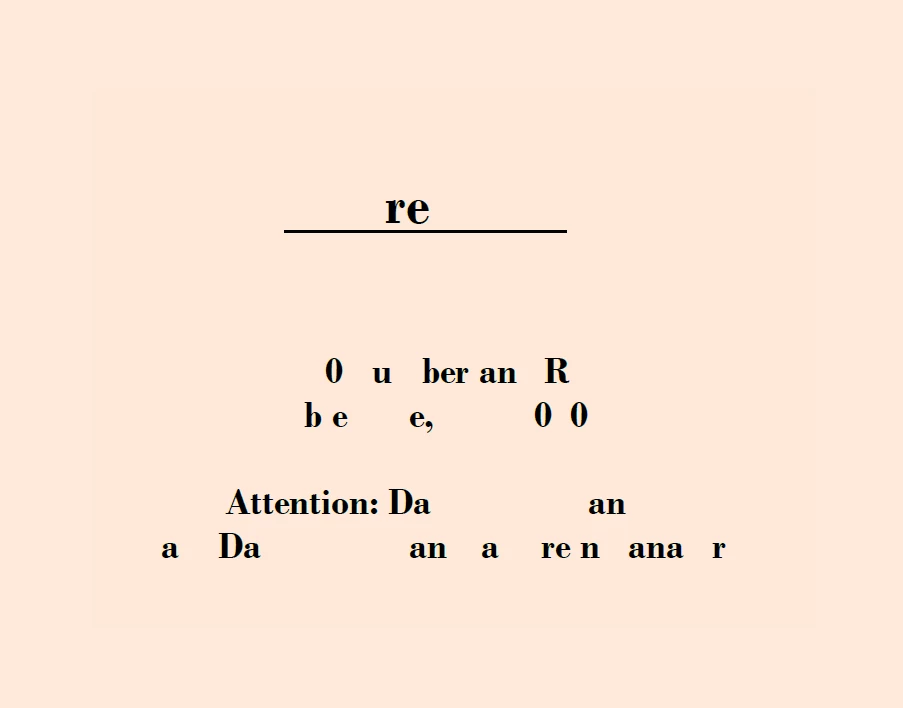
My client's user is having an issue with Adobe Acrobat.  When she creates a document with a cover page then saves the document, the formatting of the cover page is really messed up.  Please see the attachment.  Not being personally familiar with Acrobat, I am uncertain what to look into to find and resolve this issue.  Can anyone advise, please?
1 reply

Amal.
Legend
January 28, 2025

Hi there


Hope you are doing well and thanks for reaching out.


We need more information for better clarity and understanding as below:


1. What is the version of the Adobe Acrobat the user is using? To check the version, go to Help > About Acrobat and make sure it's updated to the latest one, 24.05.2039X; go to Help > Check for updates, and reboot the computer for the changes to take effect. 


2. What workflow/steps is the user using to create and save the PDF document? A small video recording of the same would be very helpful.


3. Is this an issue with a particular PDF file or with all the PDFs that she creates? Please ask her to create a new PDF file from a different document and check for the issue. If it's a file-specific issue, please share the PDF file in question with us for further checking and testing.


We are here for help, just need more info.