
Participant
June 19, 2022
Question

Opening a document comes in stars and weird shapes

  • June 19, 2022
  • 1 reply
  • 1495 views

I Have a doceument and when i tried to open it at first it showed up like image 1
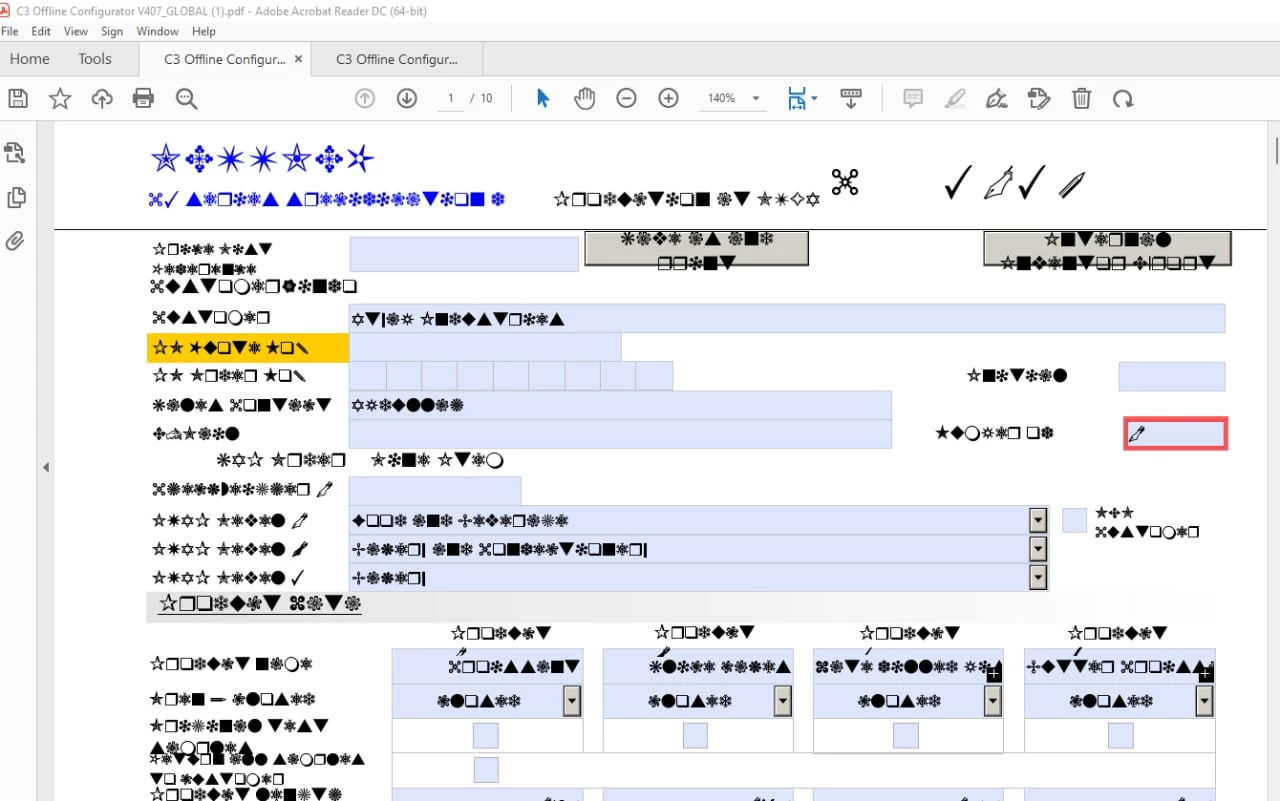
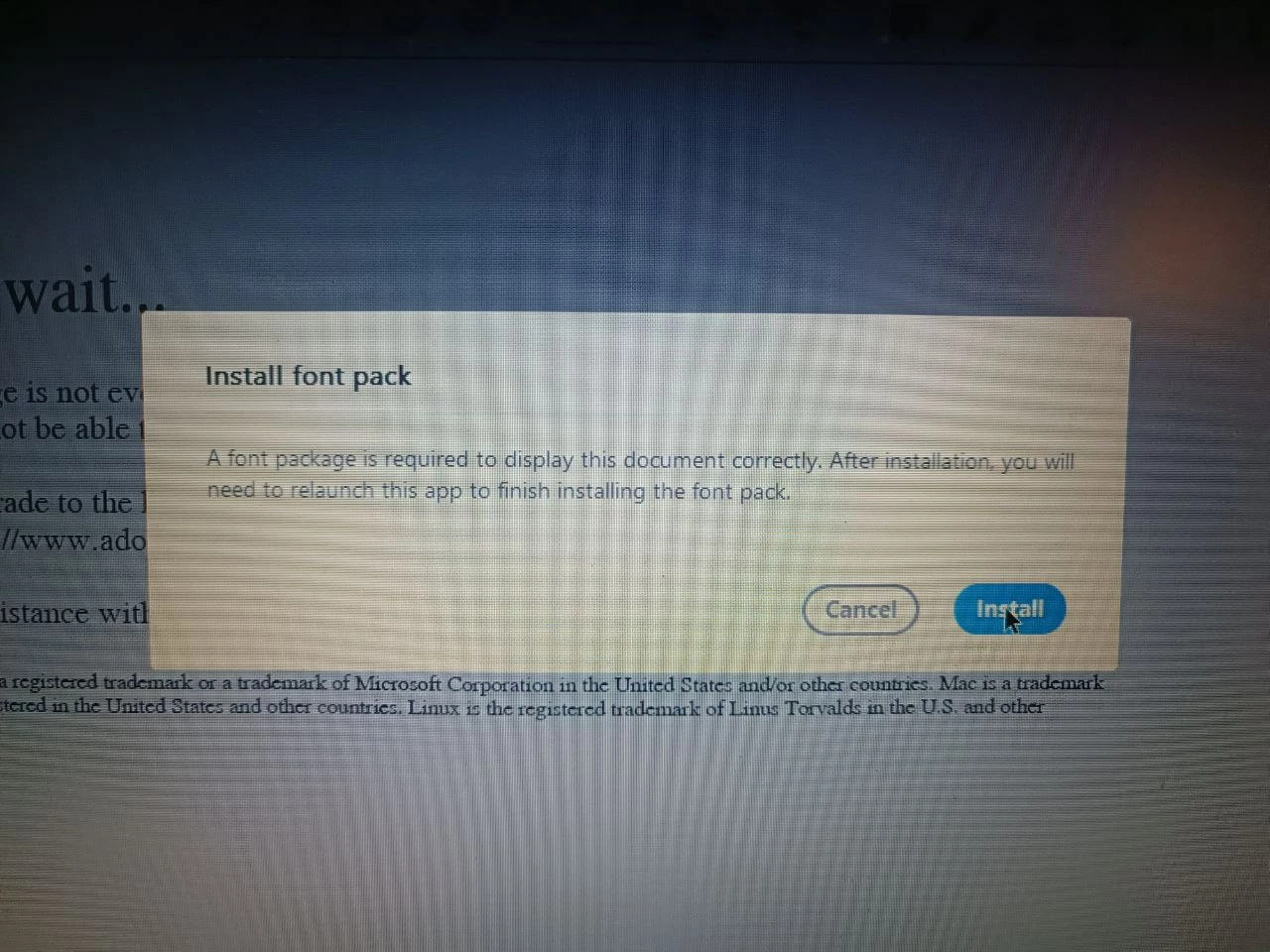
am using adobe acrobat DC, when my friend tried to open it he got this pop up message:
and after he installed it everything started coming together in his laptop:
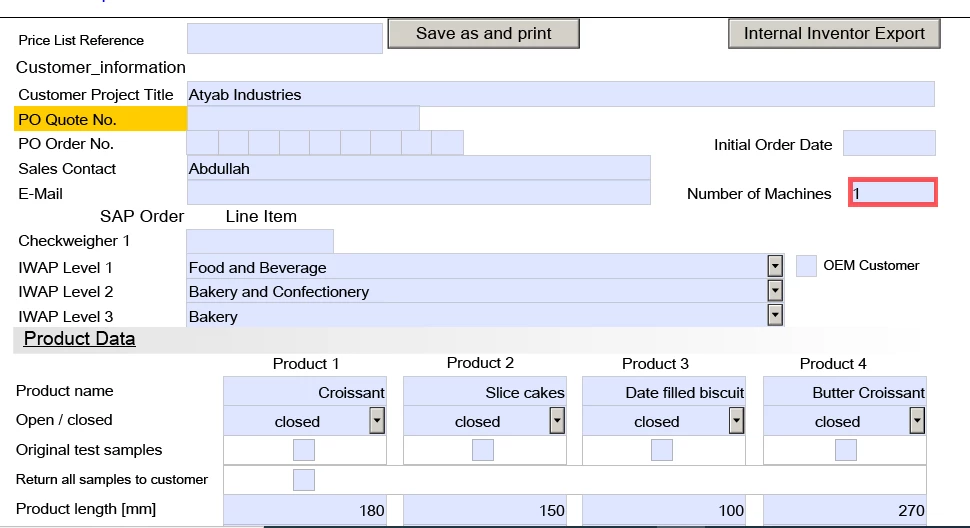
so we looked in his laptop and found that the pack was: asian language and spelling dictionaries support for adobe acrobat reader.

so i tried to install it on my laptop but nothing changed, i reinstalled adobe again and installed the package but still the same, i even tried to take his adobe installation files from the C drive and use it in my laptop but no luck, we tried foxit reader it working there but in adobe it does not, we tried to update adobe as well not working, tried to open it using chrom and got this:
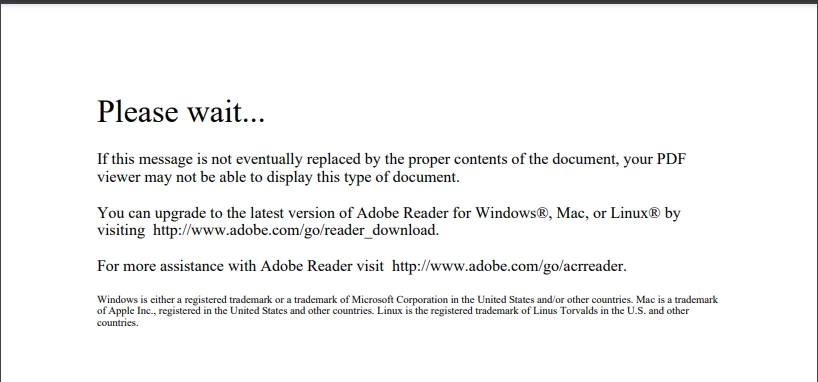
before installing the font my friend got this on adobe as well but the pop up came immediatelly.

can you help please thank you very much in advance.

This topic has been closed for replies.

1 reply

Amal.
Legend
June 20, 2022

Hi there


Hope you are doing well and sorry for the trouble.


Please go through the help page https://community.adobe.com/t5/acrobat-reader-discussions/pdf-won-t-display-please-wait/td-p/4788543


Also as mentioned the PDF is now opening fine in Acrobat Reader DC as well, please remove the application using the Acrobat cleaner tool https://www.adobe.com/devnet-docs/acrobatetk/tools/Labs/cleaner.html reboot the computer once and reinstall the application using the link https://get.adobe.com/reader/enterprise/


Then try to install the font pack from one of the links below as per your bit version of Acrobat Reader and see if that works.

https://helpx.adobe.com/acrobat/kb/font-pack-spelling-dictionary-64-bit-windows.html

https://helpx.adobe.com/acrobat/kb/windows-font-packs-32-bit-reader.html


Regards

Amal

Participant
June 22, 2022

Hi Amal, 


I have tried to follow the steps you provide but still didnt work on my end. 

Please let me know if you have anything step or resolution i can do thanks!

Amal.
Legend
June 22, 2022

Hi there


We are sorry to hear that. Please go to Edit (Win), Adobe Acrobat (Mac) > Preferences > Page Display >  Under Rendering, Select 'Use local fonts' > Click OK and reboot the computer once and check.


~Amal