


Known Participant
August 27, 2025
Question

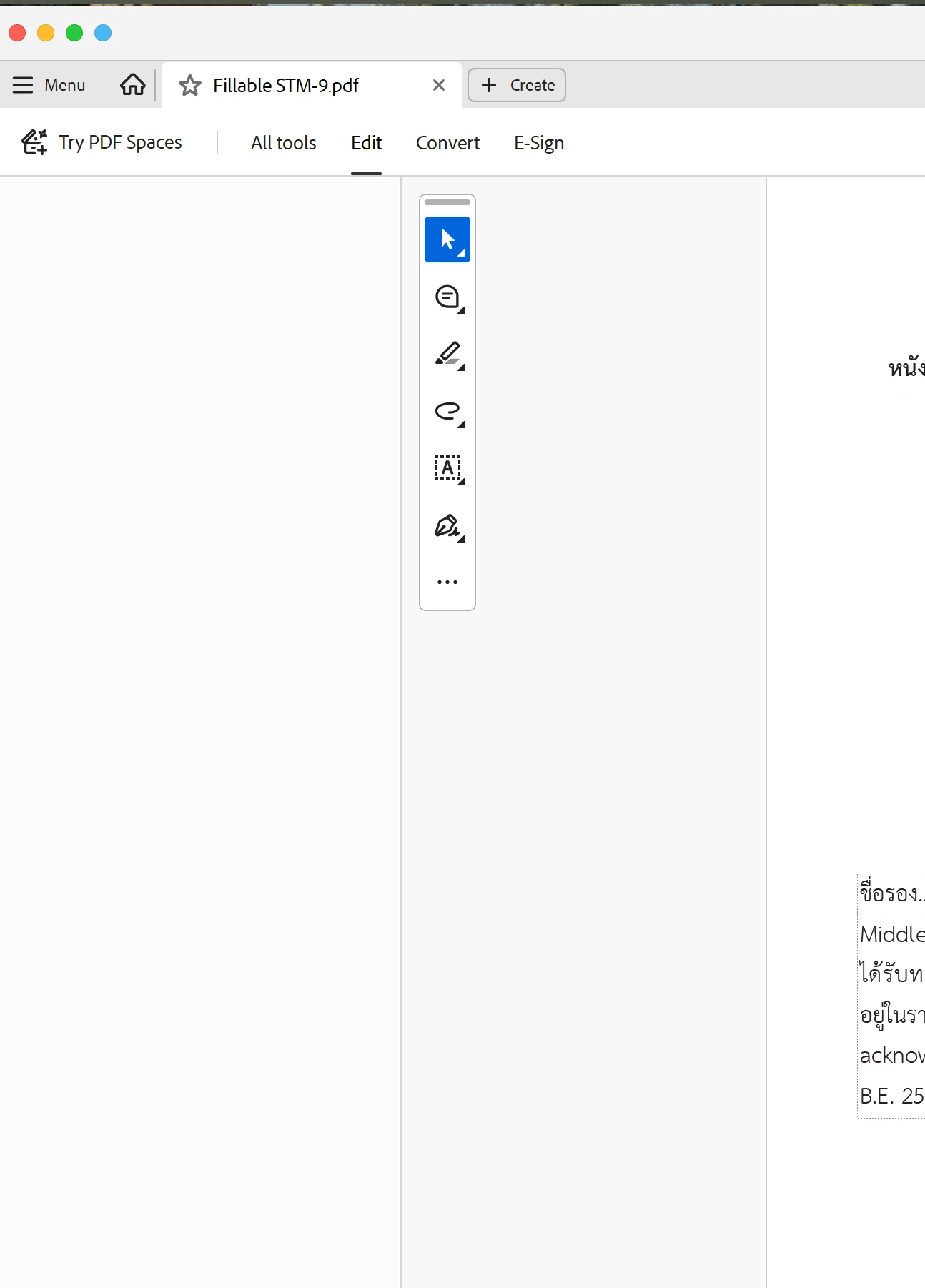
Options under "Edit" not displayed

  • August 27, 2025
  • 1 reply
  • 435 views

Using Acrobat DC Pro.  Windows 11.


When I select "Edit" the menu items do not appear.  The menu items under "All Tools" appear normally when selected.

F9 doesn't solve the problem.

I uninstalled/re-installed Acrobat DC Pro, and the Edit menu worked normally for about 2 hours, but now the items under the Edit tab have again vanished.


The issue doesn't exist on my Mac.


Anyone have any suggestions?  Thanks for any help.
 

1 reply

Souvik Sadhu
Legend
August 27, 2025

Hi @L1011driver,


Hope you are doing well. Sorry for the trouble with using Acrobat.


A few steps I'd like ot suggest here:

1. Repair the installation: Go to Menu > Help > Repair Installation > Restart.

2. Reset the preferences. Follow the steps as mentioned: https://adobe.ly/4lQ8C9b


Also, please ensure that you are on the latest version of Acrobat (25.1.20630) for the best experience. 

To check for available updates, go to Menu > Help > Check for Updates.


Let us know how it goes.


Regards,
Souvik.