Question
Page disappeared after using the combine file function to delete blank page
I am using Adobe Acrobat Standard DC 2015 Classic ver. 2015.006.30417 on windows 7 32bit
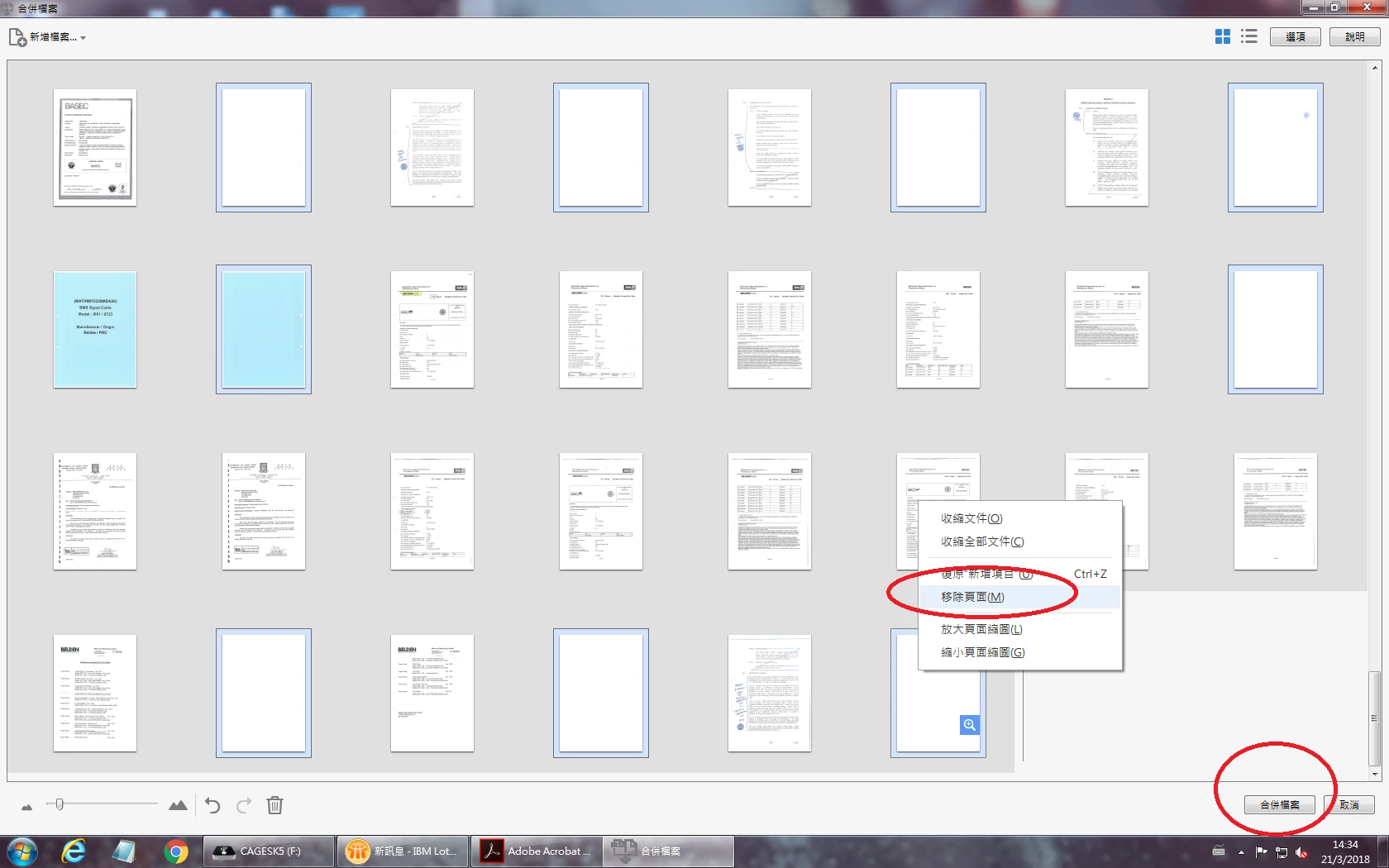
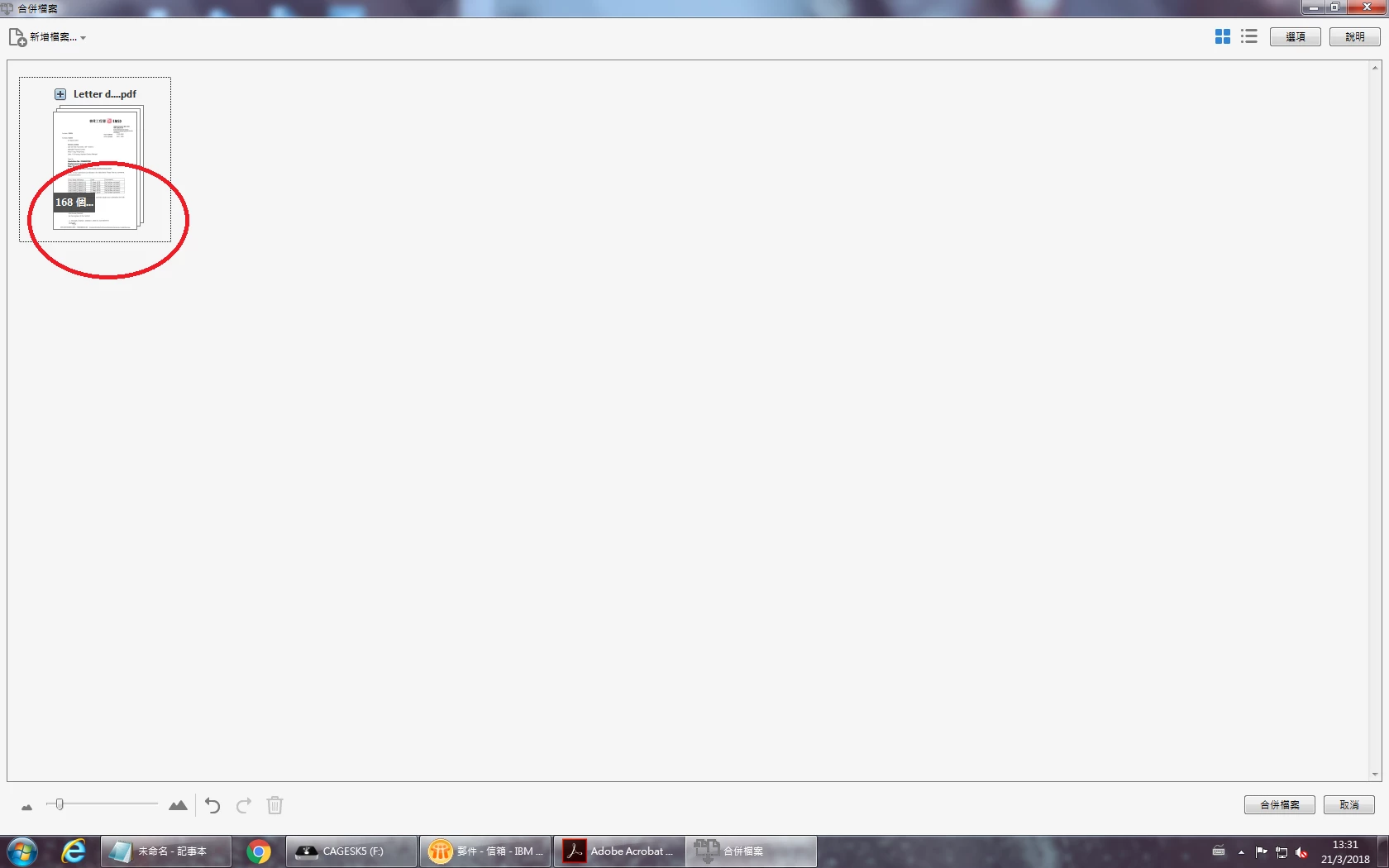
I have a 222 pages pdf file. Use the mouse right click the file, choose combine file in Acrobat function, a windows pop up and show all the pages in that file, then i remove 54 blank pages and remain 168 pages. Click the combine file button, it should produce a new file with 168 pages, but only 84 pages outcome, p.85- 168 is missing. What is the problem?
I also try other pdf more than 200 pages, the same issue outcome.
I try not to remove too much page in once time. For example remove 20 blank pages, then the new file is OK, no missing pages.
And if i open the pdf file and edit it, it will also ok no missing pages.


 AdChoices