Participant
August 18, 2023
Question

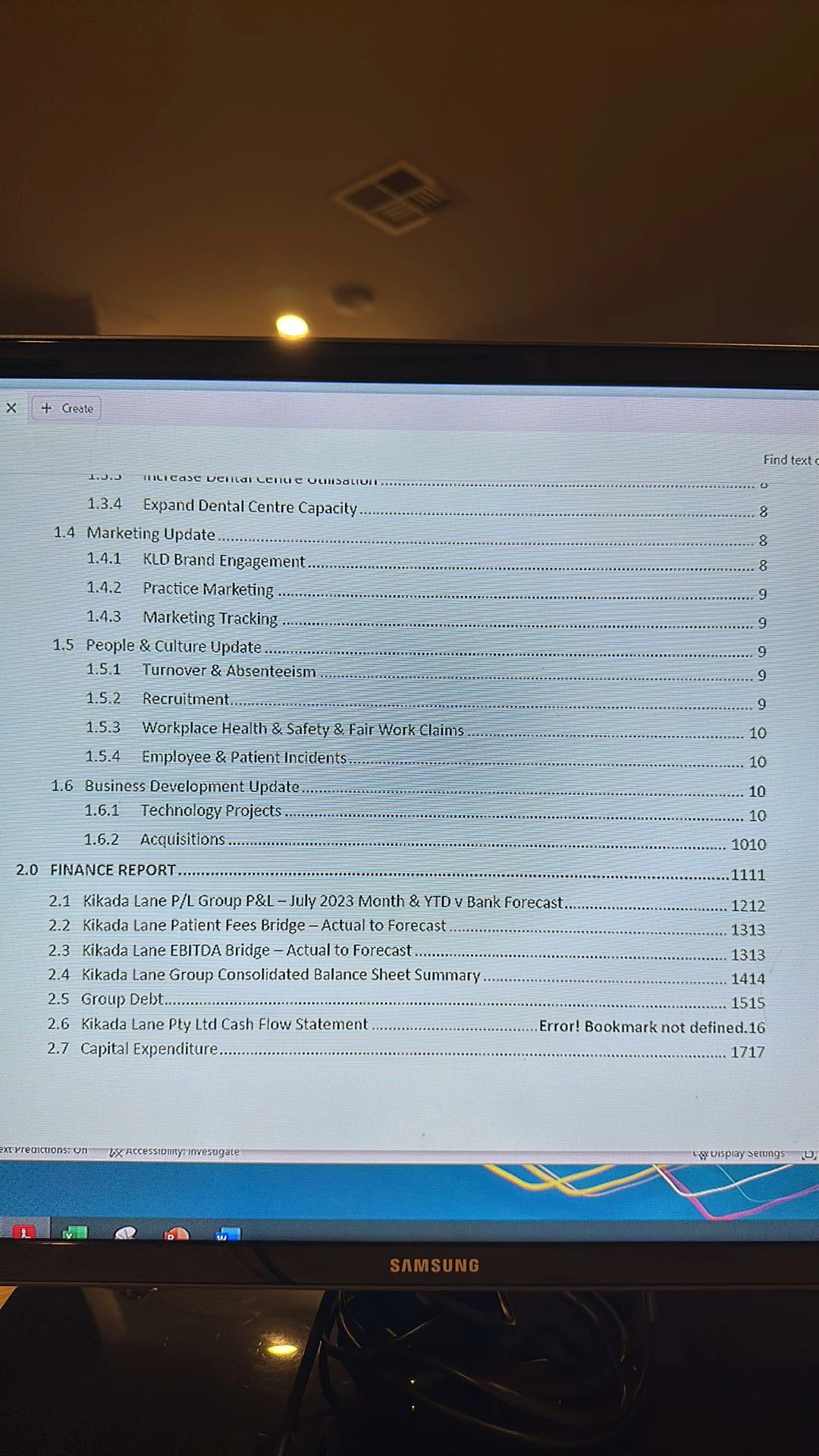
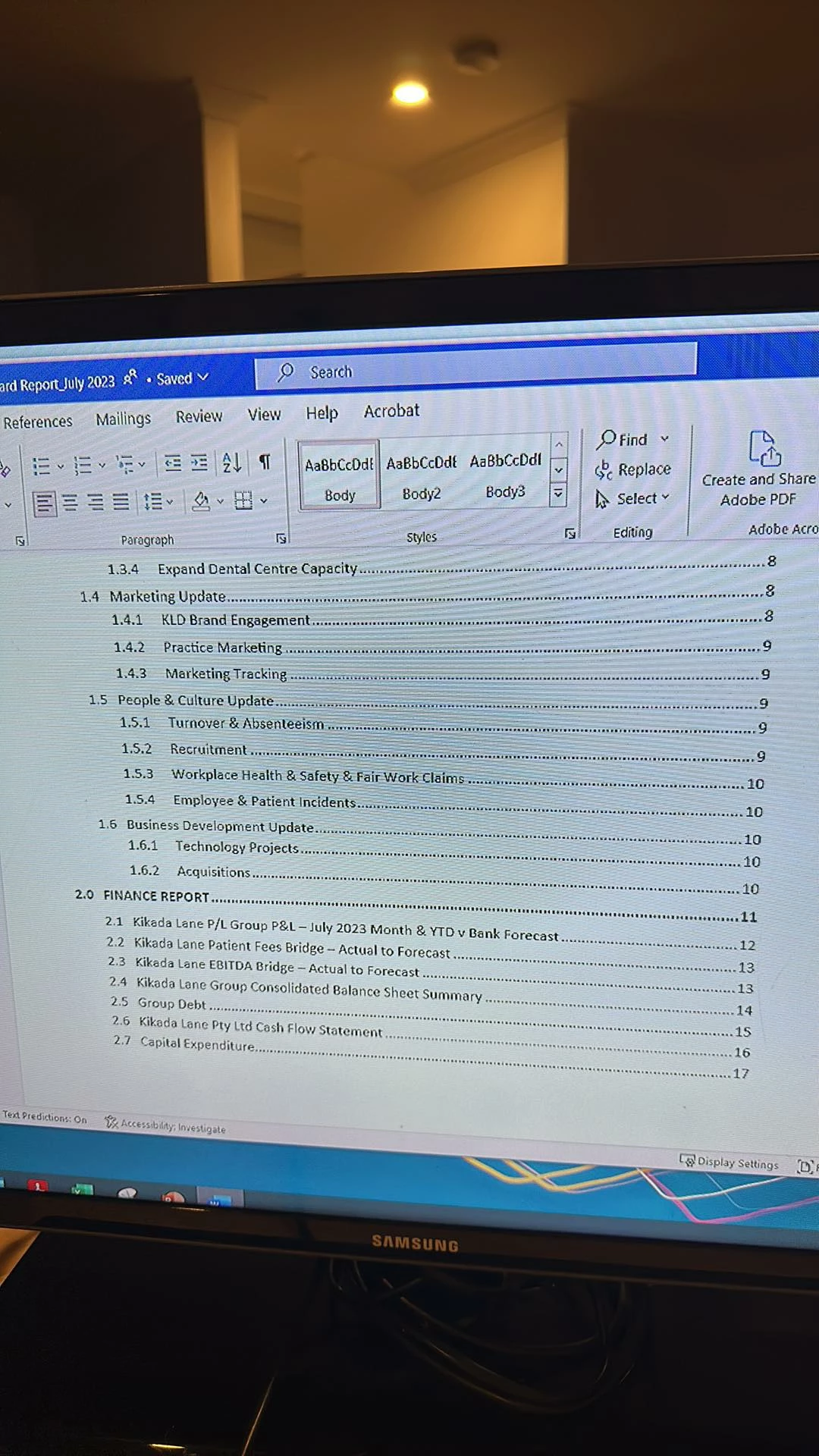
Page numbers listed twice in TOC

  • August 18, 2023
  • 2 replies
  • 415 views

Hello, see attached word version,  then converted to pdf the page numbers in the table of contents are doubling up.


This topic has been closed for replies.

2 replies

AkanchhaS8194121
Legend
August 20, 2023

++adding on to what is already suggested by the expert.

@Michelle31747438s7dr  If you are using the File "Save as PDF" function to convert the Word file to PD, then it's a Microsoft's inbuilt PDF maker. It has a mechanism for generating PDFs.


Using File>Save as Adobe PDF is the actual way of generating PDF using Acrobat Plugin. If you have Acrobat, then you can also create a PDF from Acrobat>Create>select word file and convert to .pdf


Thanks,

Akanchha 

Eric Dumas
Community Expert
Community Expert
August 18, 2023

Can you confirm the exact version of your software (Word + Acrobat) and operating system.

Also, can you list the steps you take to create the pdf.

A couple of things I would check first:

  1. make sure the TOC in Word is up to date (Update entire table)


  2. I would check the settings used to create the PDF.