


Page transitions don't work on 2026 MacBook Pro in New or Classic Acrobat.
Acrobat: 2026
macOS: Tahoe
Mac: 16-inch MacBook Pro, M5 Pro
I'm creating a full-screen slideshow from a 120-page PDF for a presentation of my book, Waterfowl Winterfest. I'm using Acrobat on macOS.
I'm trying to have each page automatically advance every 5 seconds with a Dissolve transition between pages.
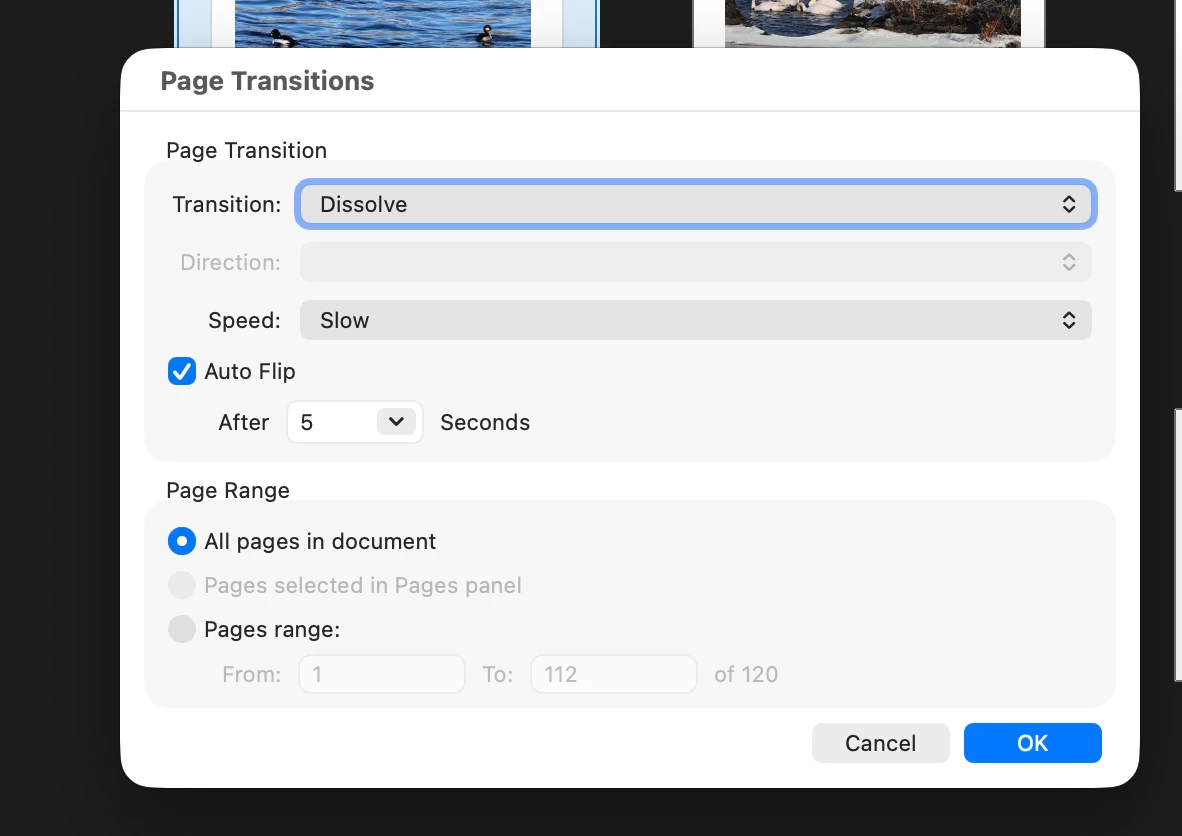
In Page Transitions, I have:
- Transition: Dissolve
- Speed: Slow
- Auto Flip: On
- After: 5 seconds
- Page Range: All pages in document
Auto Flip works correctly: the presentation advances automatically every 5 seconds.
However, none of the visual page transitions work. Dissolve, Fade, and Wipe all produce exactly the same result: the current page disappears and the next page appears as an instantaneous cut. There is no visible transition effect.
I have confirmed this with all three transition types, not just Dissolve.
I was initially using New Acrobat. I then switched back to Classic Acrobat using View → Disable New Acrobat to see whether this was a New Acrobat problem.
Question: Is there a known Acrobat/macOS issue in which Auto Flip works but PDF page-transition effects (Dissolve, Fade, Wipe, etc.) are ignored during Full Screen presentation? Is there a preference, PDF setting, or known workaround that restores the actual transition effects?
I'm particularly interested in knowing whether this is a current Acrobat/macOS limitation or bug, rather than an error in the PDF or Page Transitions settings.
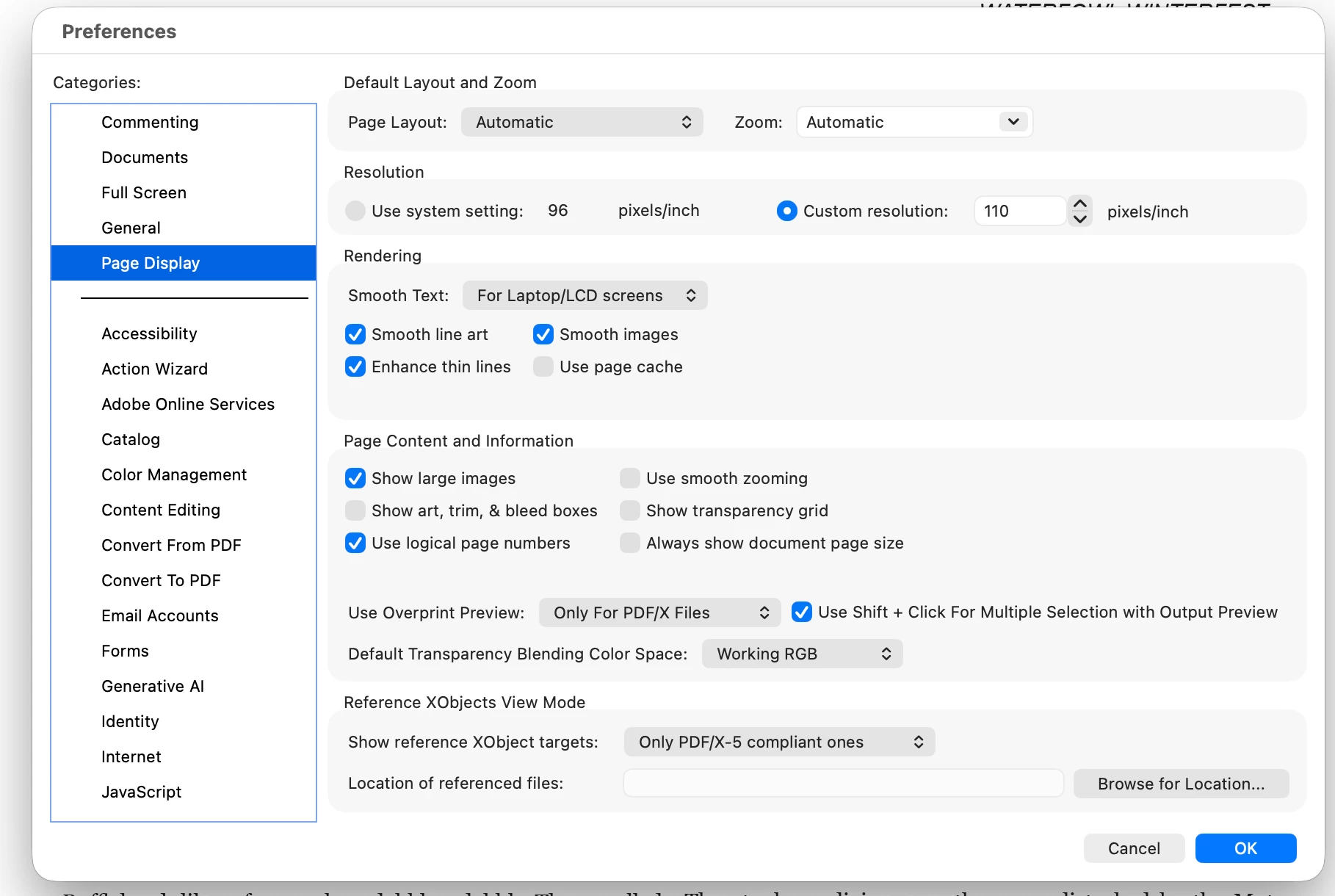
Here are screenshots of the Page Transitions dialog and Acrobat preferences:

 AdChoices