



Panel doesn't Display in Acrobat Pro
Hi Adobe Community,
I’ve been experiencing several issues with Adobe Acrobat, and unfortunately, none of the solutions I’ve tried so far have worked.
Here are the issues I’m currently facing:
-
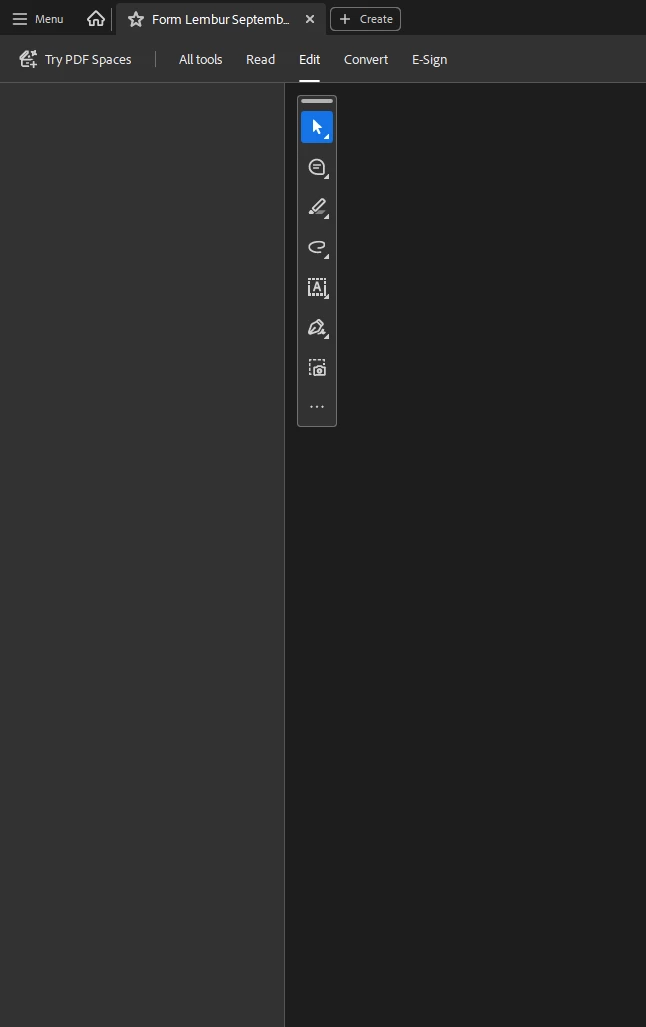
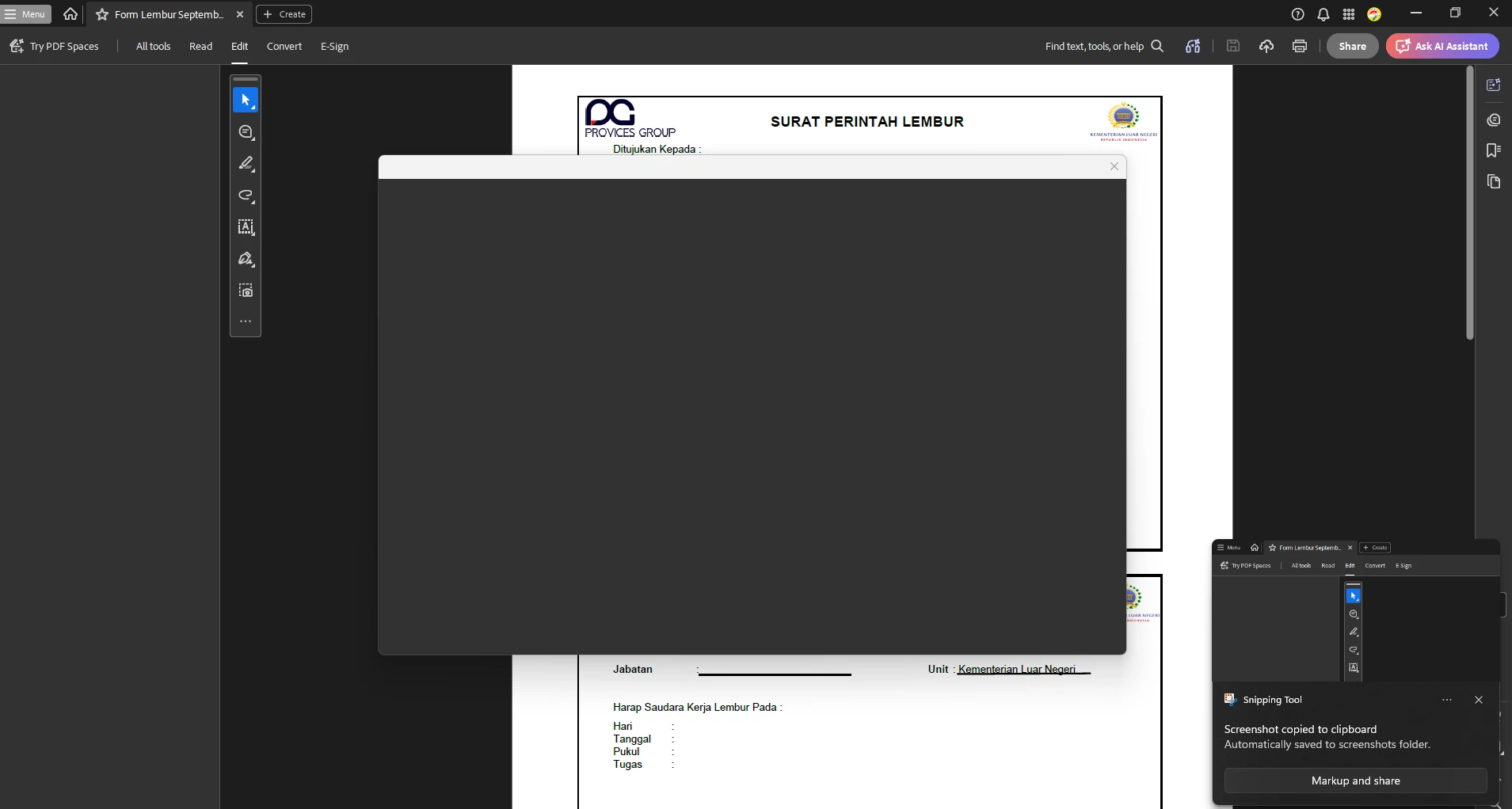
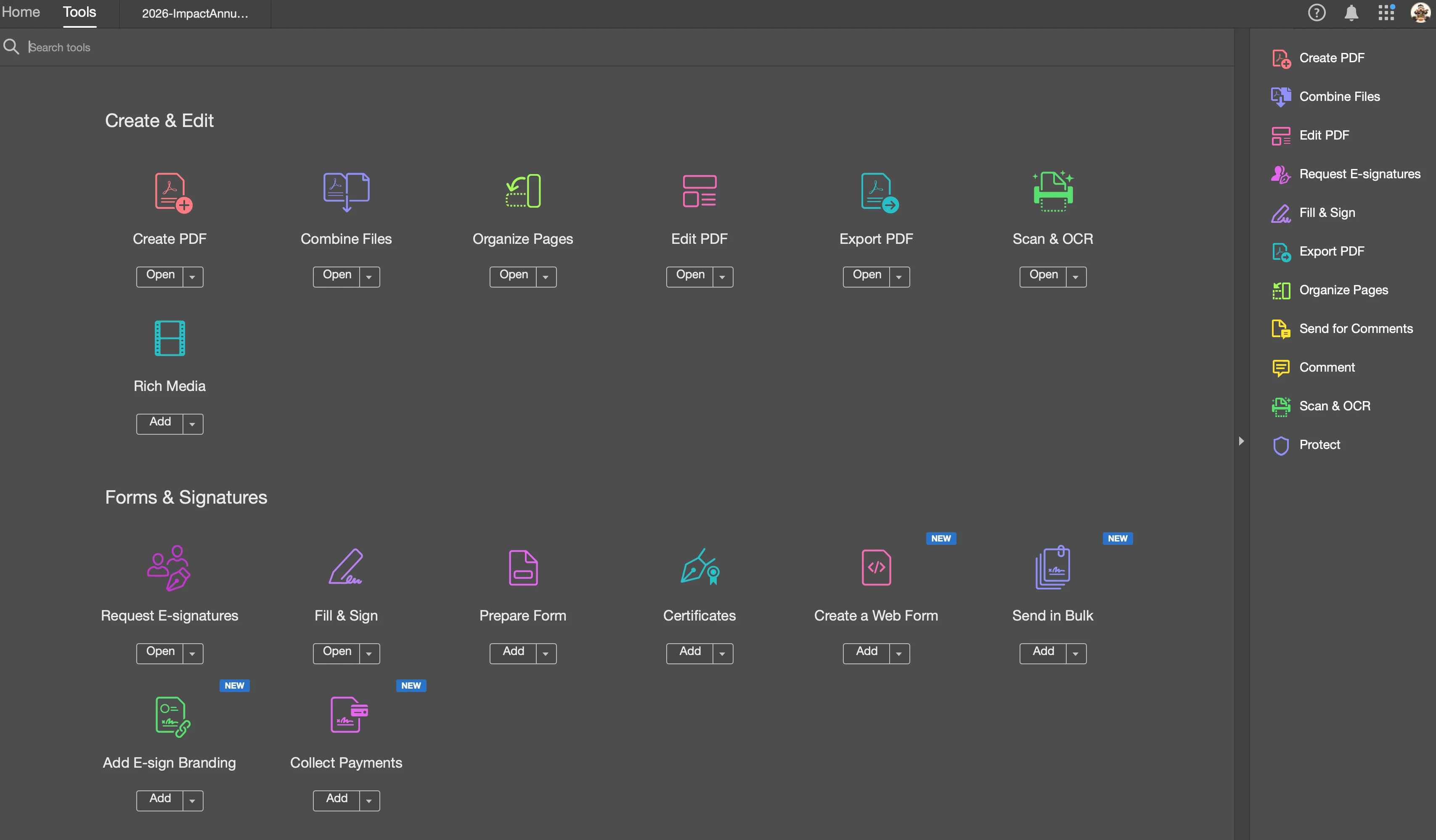
The Edit panel does not appear. It is completely blank. I have already installed the latest version of Acrobat, but the issue remains.
-
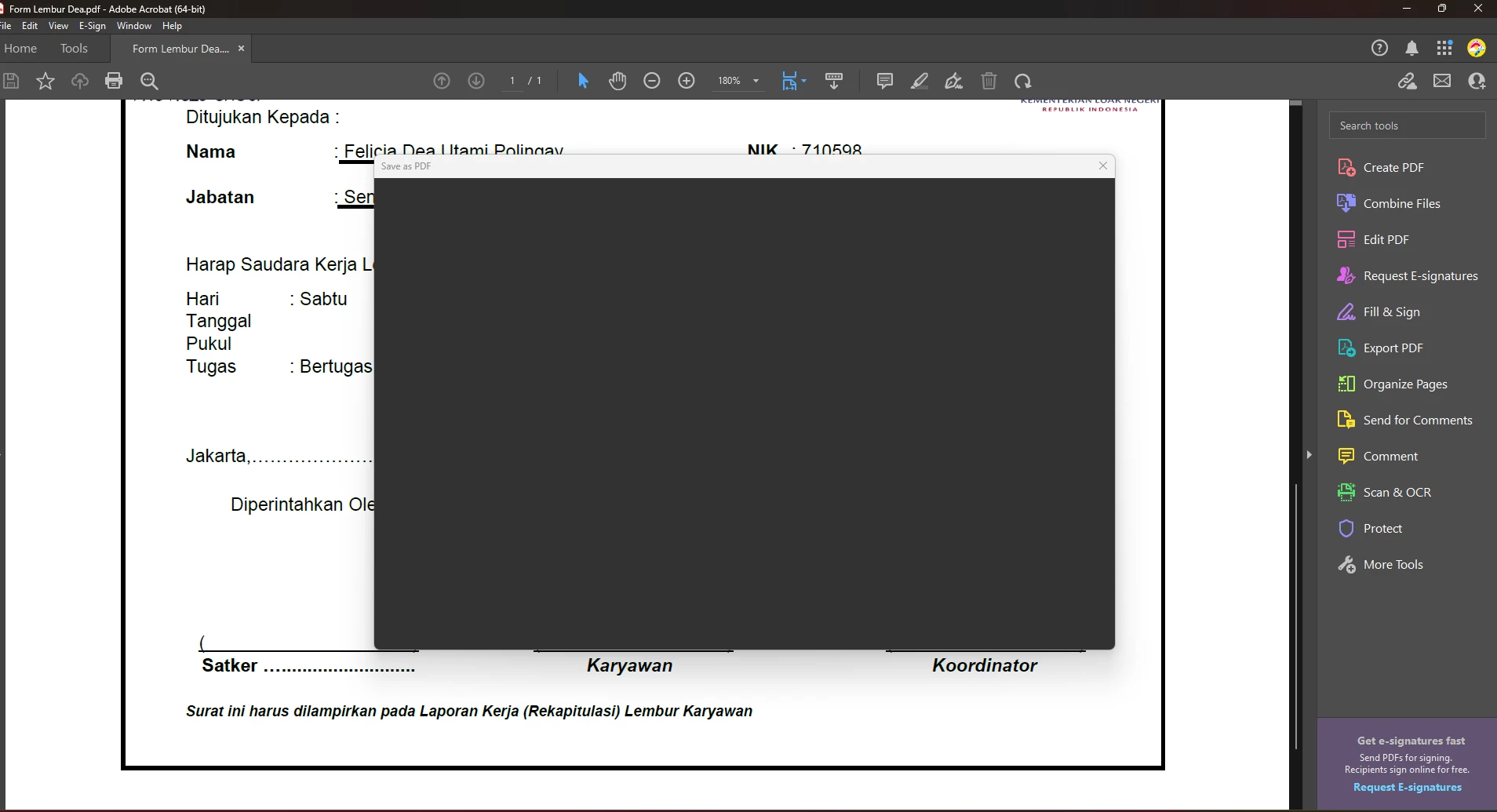
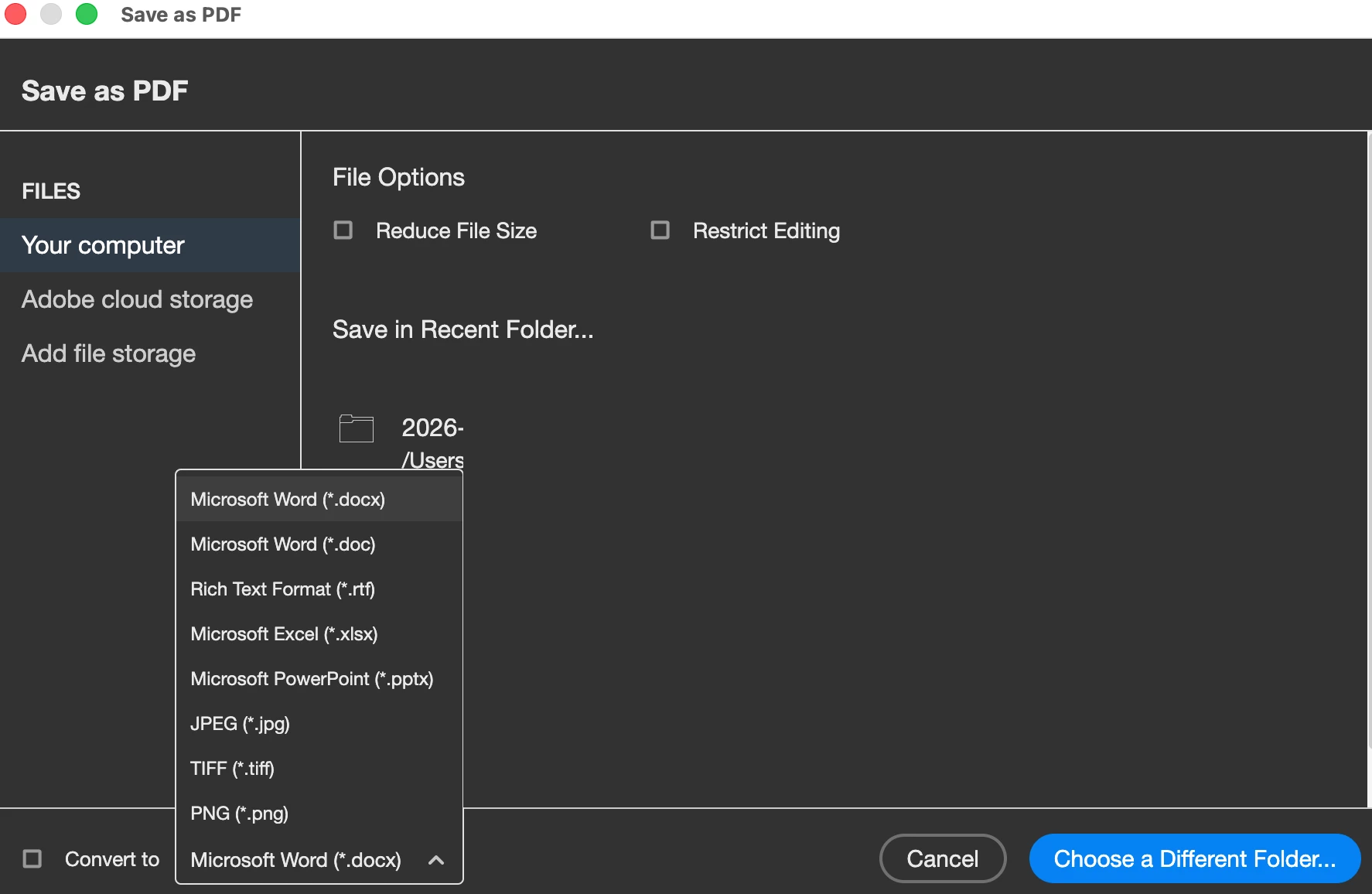
When I select Save As, nothing appears either. The panel is completely blank.
-
I have tried several solutions suggested in the community, including installing the patch and using Registry Editor, but none of them worked.
-
I also tried selecting “Disable New Acrobat.” In the old interface, I can edit files, but I still cannot use Save As because the panel remains blank, just like in the new version.
-
Now there is an additional issue: whenever I try to print a file and select Properties, Acrobat suddenly crashes and force closes.
-
This issue has been ongoing for almost two months, and I still haven’t found a working solution.
-
I have also tried uninstalling and reinstalling Acrobat multiple times, but the problems persist.
At this point, I’m really frustrated because I need these features for my work, and the issues have been going on for two months without a solution.
I would really appreciate any help or a reliable solution to resolve these issues.
Thank you.

 AdChoices