


Answered
Paper feed settings not sticking,
I am trying to print to a Xerox Phaser 7800. I am trying to print from Tray 2. I set the paper feed to Tray 2.
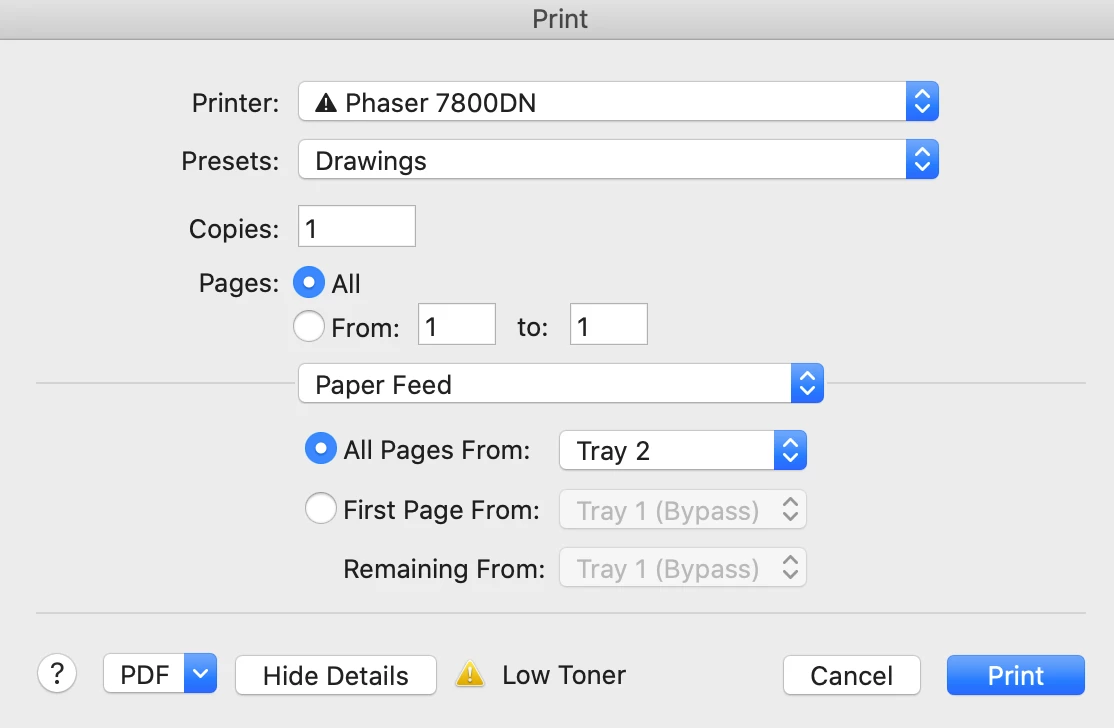
But then when I print, the printer says Paper not available in Tray 1. Every time, the printer dialog box defaults back to Tray 1 (Bypass).
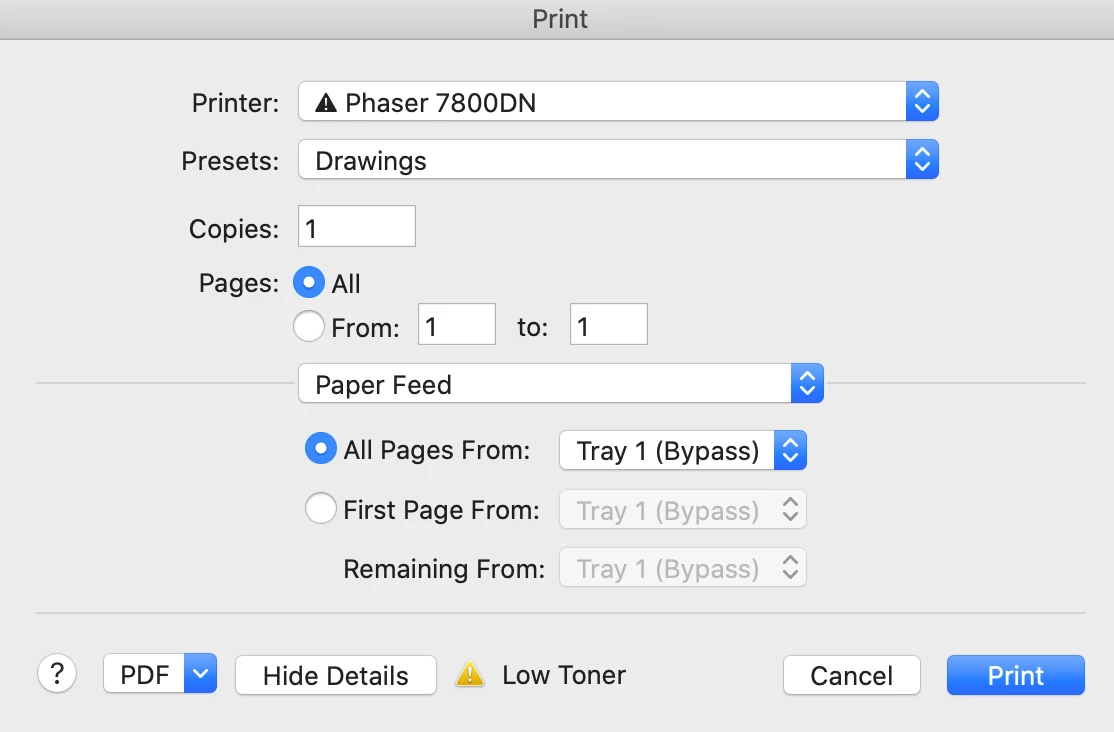
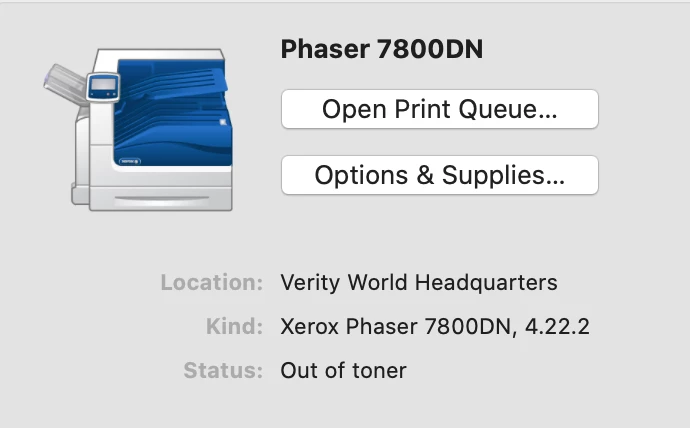
My printer driver version is 4.22.2. I have tried deleting the printer and readding it. Nothing works.
I am printing from Acrobat continous release.

For what it's worth, I can print from Microsoft Word without any problem.
 AdChoices