

Participant
January 13, 2019
Question

PDF Converter not working

  • January 13, 2019
  • 3 replies
  • 8491 views

I have a subscription to PDF Converter but when I am in Acrobat reader, I cannot export. When I click on "Export", I get a blank screen.
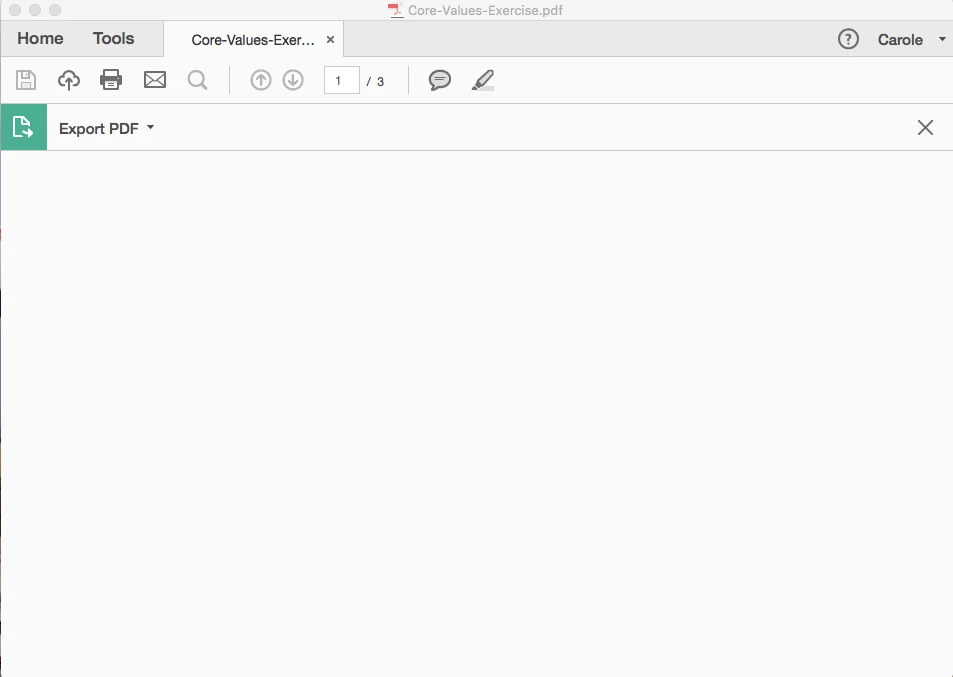
Help!

3 replies

Adobe Employee
April 18, 2024

If that doesn't work, you can try logging into documentcloud.adobe.com and then login with your credentials to use the Export PDF subscription. Let us know how it goes

Participant
February 16, 2025

Converted it using these steps but could not save it as a word doc in my own hard drive so pretty useless.

S_S
Community Manager
Community Manager
March 11, 2025

Hi @iiisee,


Hope you are doing well. Sorry for the trouble.


Any specific error messages you see when trying to export the file to your hard drive?

This can help us understand the issue and investigate in the correct direction.


Also, to test, have you tried saving the file to your desktop or the Acrobat Cloud Storage, and did it work?


Please ensure you are on the latest version (2024.005.20428) of the application for the best experience.

To do so, go to Menu-> Help-> Check for Updates.


Regards,
Souvik.

January 7, 2020

Hello,

You can restart your PC and your converter tool to have a try. If the screen is still blank, you can try another converter, I have used the Deli PDF Converter, this tool is safe and free to use, maybe it can help you. It seems that the issue is on your converter tool.

Hope it can help you.

AkanchhaS8194121
Legend
January 14, 2019

Hi Caroleh,

As explained above, when clicking on Edit tool the window appears blank. So, have you experienced this problem only with the Edit tool or all the tool returns the blank page?

You may try the following steps and see if that helps-

Hope this helps!

Regards,

Akanchha
