Question
pdf created from PowerPoint displaying incorrectly in acrobat DC!
Tried changing dispay preferences, too but didn't work...
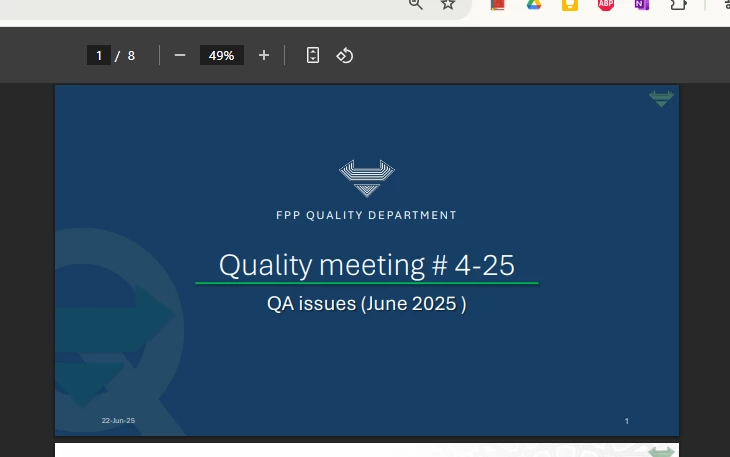


Tried changing dispay preferences, too but didn't work...
Already have an account? Login
No account yet? Create an account
Enter your E-mail address. We'll send you an e-mail with instructions to reset your password.


 AdChoices