
Participant
May 10, 2018
Answered

PDF Expert File Corruption

  • May 10, 2018
  • 2 replies
  • 7988 views

Hello.  I've been using PDF Expert on the iPad for quite sometime now.  Recently I've had nothing but problems that even the support staff can't seem to help me with. I'm tech savvy and have done everything I can think of.

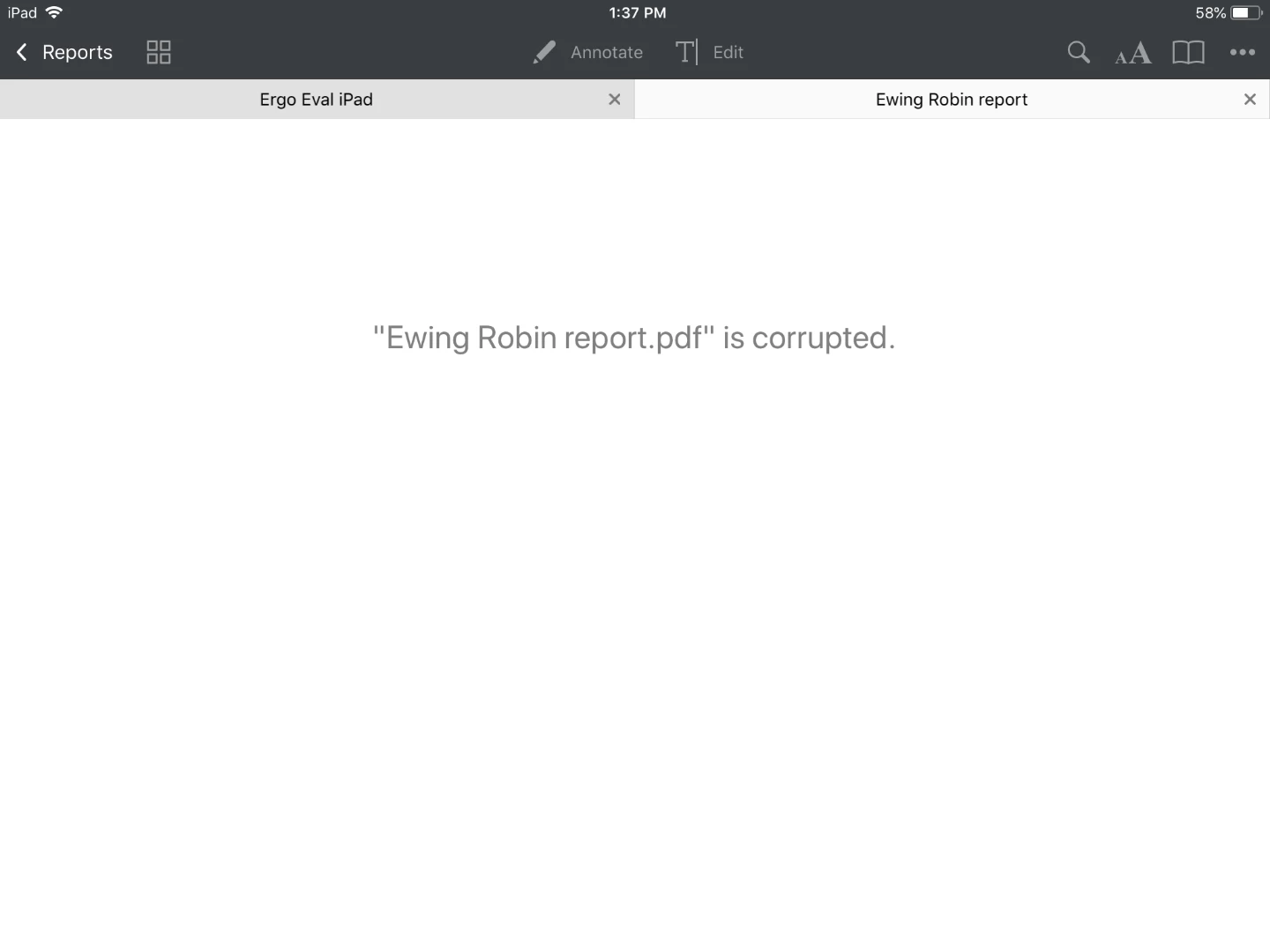
I use PDF expert for my ergonomic evaluations.  I have 4 pages of a document and fill in as I go.  When I go to save the document I get file corrupted error and loose all data.  I'm at my wits end with this app. I've restarted numerous times, unistalled and reinstalled the app, tried to save on the local along with my go to dropbox.  All the same results.

Anyone else have this issue or find a different program?
Correct answer Dov Isaacs

Does the file open in Adobe Reader or Acrobat on either Windows or MacOS? Does it open with the Adobe Acrobat Reader for iOS? If so, the problem is with the Readdle software. And we can't assist you here! Sorry!


2 replies

Participant
January 1, 2021

 Anyone ever figure this out? I have the same corrupted files issue and Readlle people haven't had any successful ideas to help me. 
Its killing me having to redo forms all the time........

Dov Isaacs
Dov IsaacsCorrect answer
Legend
January 1, 2021

Does the file open in Adobe Reader or Acrobat on either Windows or MacOS? Does it open with the Adobe Acrobat Reader for iOS? If so, the problem is with the Readdle software. And we can't assist you here! Sorry!


- Dov Isaacs, former Adobe Principal Scientist (April 30, 1990 - May 30, 2021)
Inspiring
May 11, 2018

It's hard to say what's wrong without looking at a sample.

lchang003Author
Participant
May 11, 2018

I have a sample of the error I get in the original post

Inspiring
May 11, 2018

What I meant was the actual file. We might be able to determine whether there is any corruption, and if so, perhaps suggest something you can do about it.