


PDF file blank except for comments
Hi all,
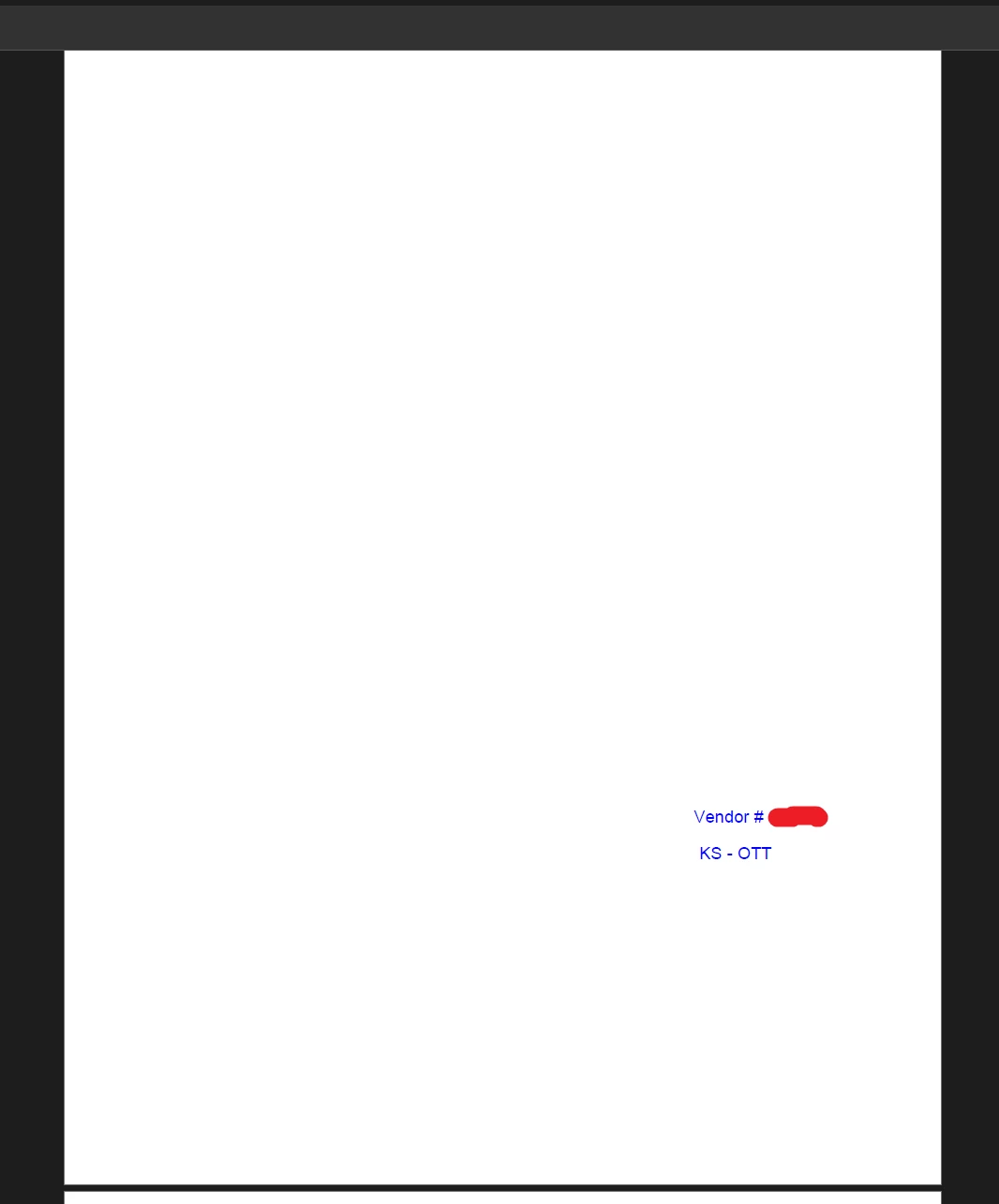
I have had an issue recently where some PDF files we download appear blank when opening them in Adobe Acrobat. However, any comments made to the document are visible.
In my attempts to troubleshoot, I noticed that the text and images applied to the PDF still exist, but appear blank for some reason. When clicking on a text box, highlighting it all and changing the font colour, I was then able to move my cursor across the entire page and all of the data would show as normal.
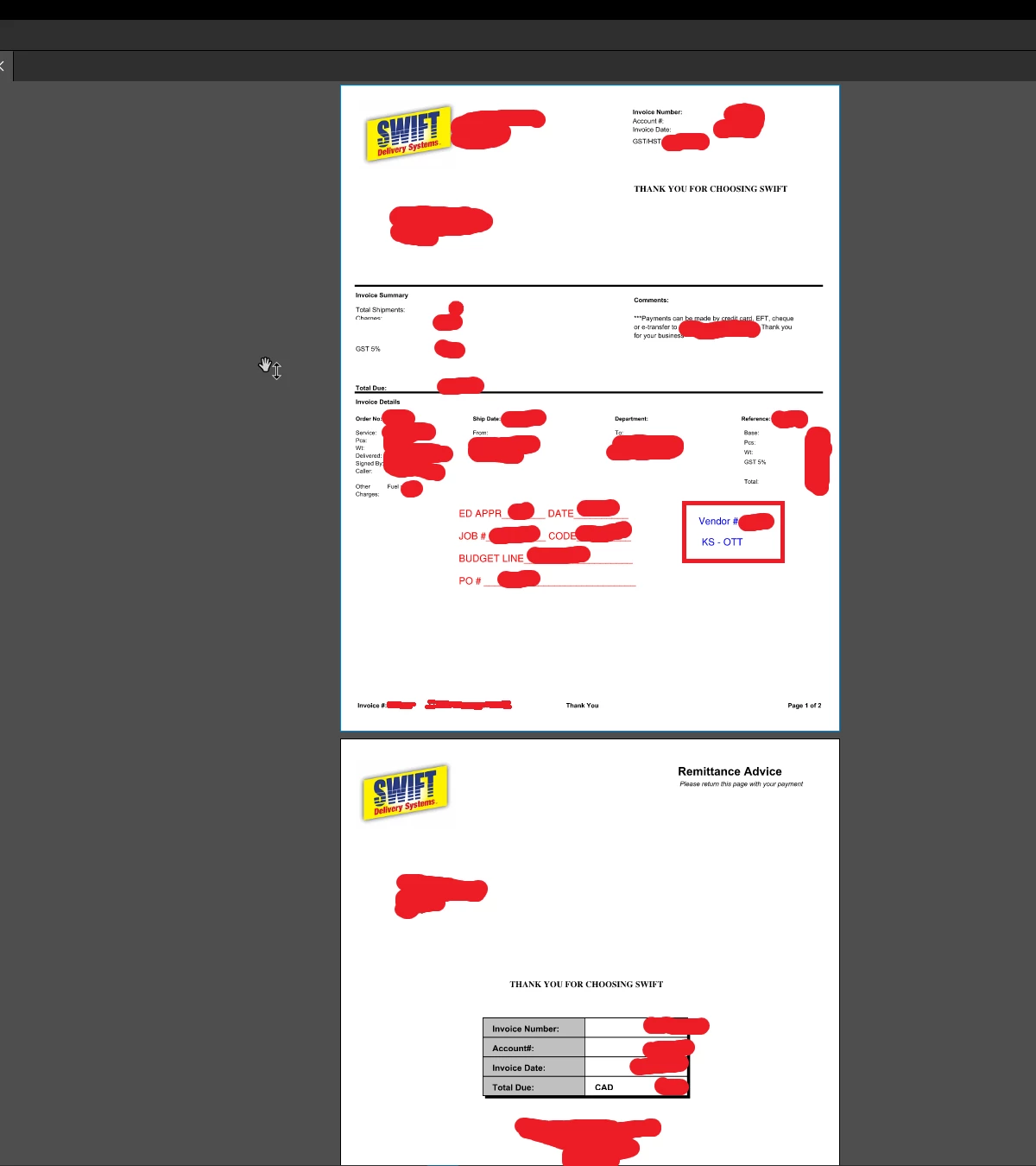
It is also important to note that the PDF looks fine in preview, and when opening it in a web browser (Chrome). It also looks fine in Bluebeam, which is another PDF software we use at our company. I have attached some screenshots showing the expected appearance of the file (with some information blanked out obviously) along with what that information looks like in Adobe when it is first opened. Any assistance would be greatly appreciated, as we don't have the time to highlight things and fix it manually.
Thanks in advance!
 AdChoices