
graphosg72642438
Participant
March 18, 2024
Question

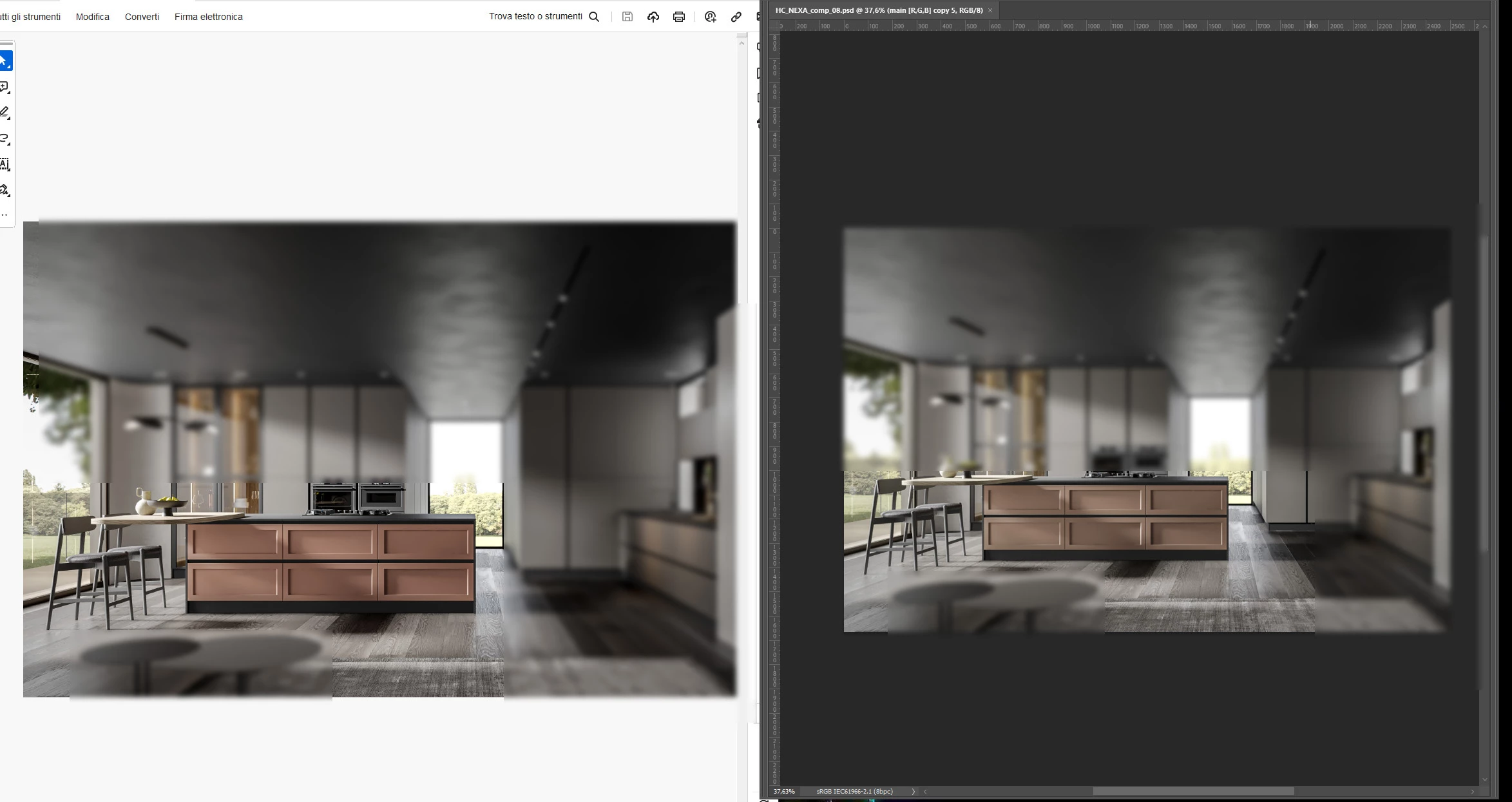
PDF have different color from photoshop

  • March 18, 2024
  • 1 reply
  • 854 views

Good morning everyone.

We are experiencing problems with the colors in PDFs generated from Photoshop and InDesign (Windows 10). The colors appear different, as shown in the attached image, especially the reds. Curiously, if I open the same PDF on an Apple Mac, I see the colors matching those in Photoshop.

Thank for your help.
This topic has been closed for replies.

1 reply

Eric Dumas
Community Expert
Community Expert
March 18, 2024

Is it for Web/display production or print?

Here are some ideas that could help:

  1.  You can select a specific pixel in Photoshop and check its CMYK values (or RGB if that's your colour profile), in Acrobat using the Output Preview panel hover the same pixel and compare the CMYK values. If they are the same, it is a display issue, if they are different it is an export issue, expecially if you designed in CMYK and Exported in RGB type of scenario.


  2. In Photoshop, you can change your display settings from the Edit menu > Color Settings. There you can select a value for RGB that reflects your screen settings. You can also download from the manufacturer a ICC or ICM file.
graphosg72642438
Participant
March 18, 2024

Thank you for your fast reply

Pdf is for display only , and the colors (rgb in my case) are diffrent from PS and Acrobat.

My color settings are custom-made by colorists from printing settings. I attached it here. Maybe there is a problem here? I'm not a deep expert. Thank you again.