
petterilaamo
Participant
September 19, 2019
Question

PDF is black in Acrobat Pro

  • September 19, 2019
  • 2 replies
  • 338 views

As I open PDF the screen looks black. Finders previewing looks fine.

I have downloaded latest the versions of OSx and Acrobat Pro. I've used Acrobat for 15 years now and this is first time I have problems like these.
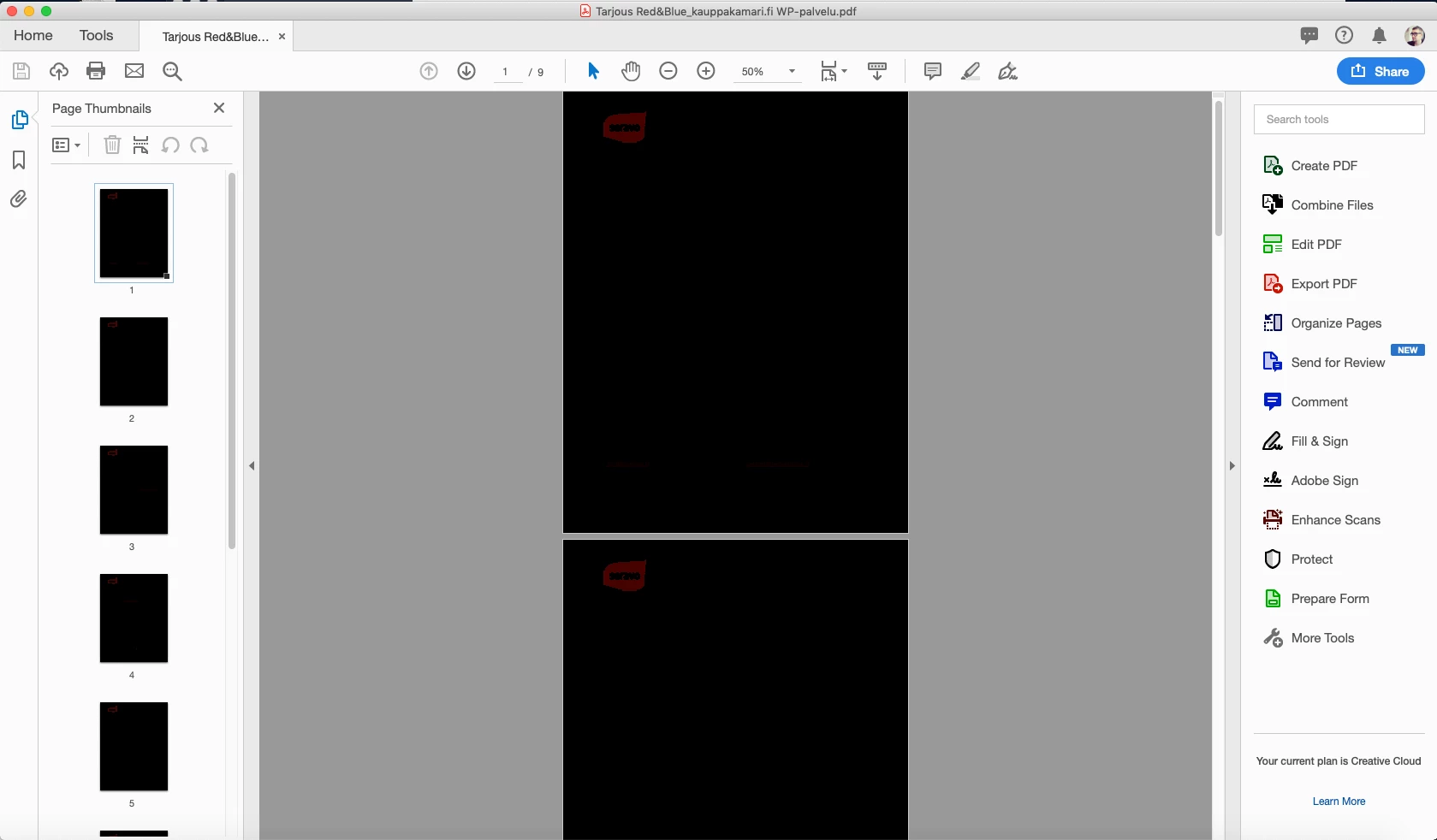
 

Any ideas what to do?

    This topic has been closed for replies.

    2 replies

    petterilaamo
    Participant
    September 28, 2019

    I haven't been able to solve this problem yet. Rich text fields are black as well. I attached a screen capture from my Display setting panel for you guys. Any idea how to solve this?

    Inspiring
    September 19, 2019

    I would try to set the Preferences for Acrobat/Reader for the Page Display, Page Content and Inforamtion to "Show Large Images".

    petterilaamo
    Participant
    September 28, 2019
    Thanks for the tip. I have already tried this and it didn't work. Also imput text fields are black.