
Question
PDF JavaScript 'app.execMenuItem("ZoomViewOut")' not working as document level script
I put the line
app.execMenuItem("ZoomViewOut");
into my PDF document's JavaScript section like this:
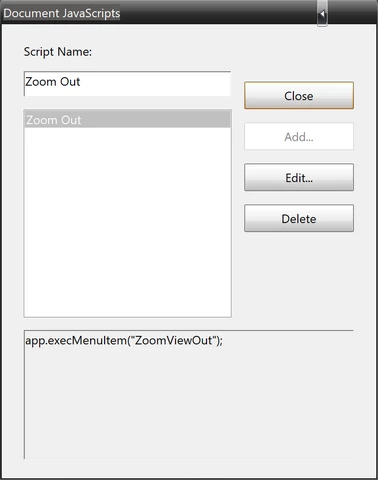
It turns up in the general JavaScript section like this:
//-------------------------------------------------------------
//-----------------Do not edit the XML tags--------------------
//-------------------------------------------------------------

//<Document-Level>
//<ACRO_source>Zoom Out</ACRO_source>
//<ACRO_script>
/*********** belongs to: Document-Level:Zoom Out ***********/
app.execMenuItem("ZoomViewOut");
//</ACRO_script>
//</Document-Level>
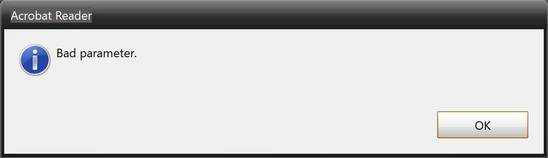
But it is not executed. Instead, it throws a "bad parameter" error:
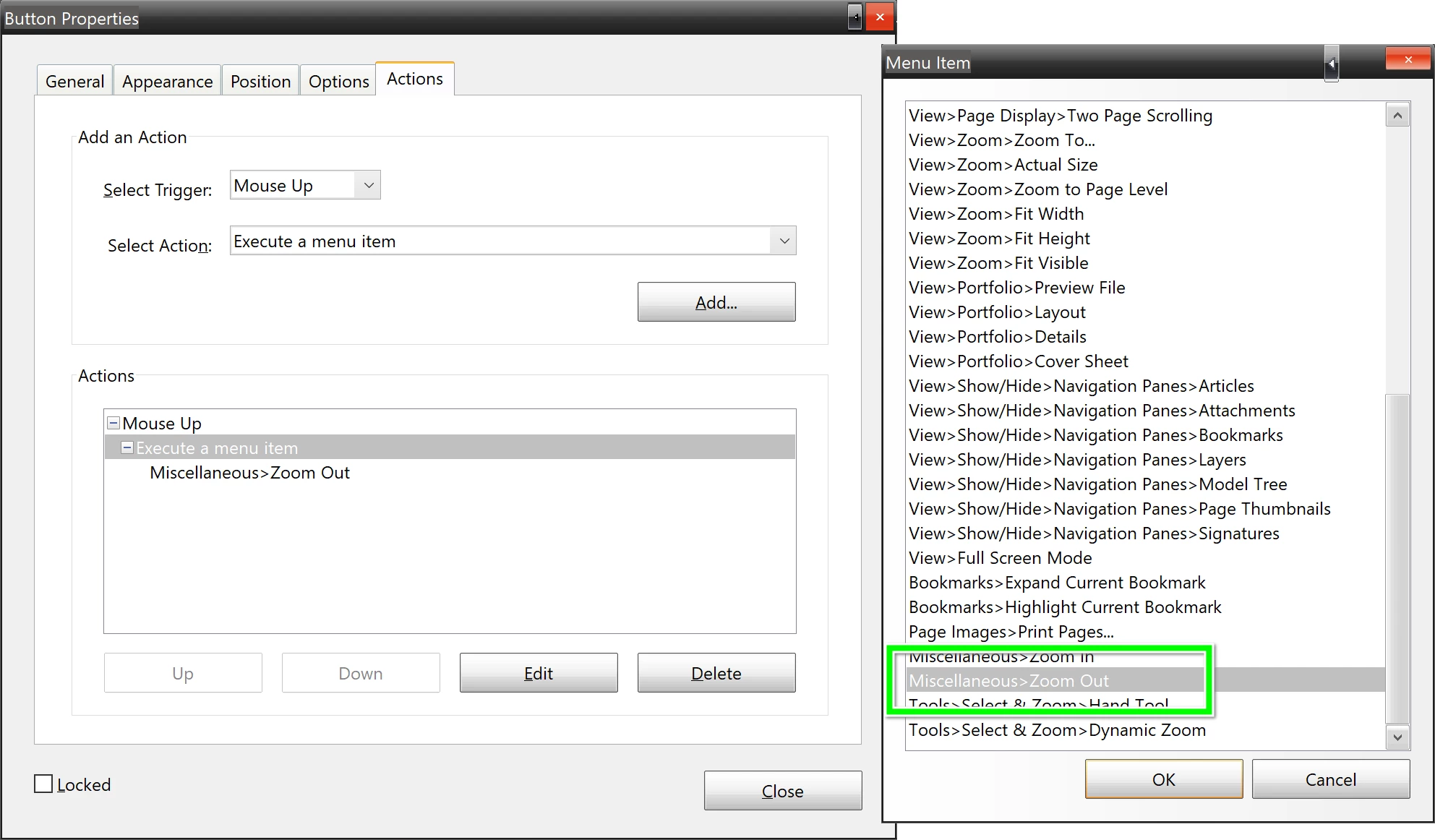
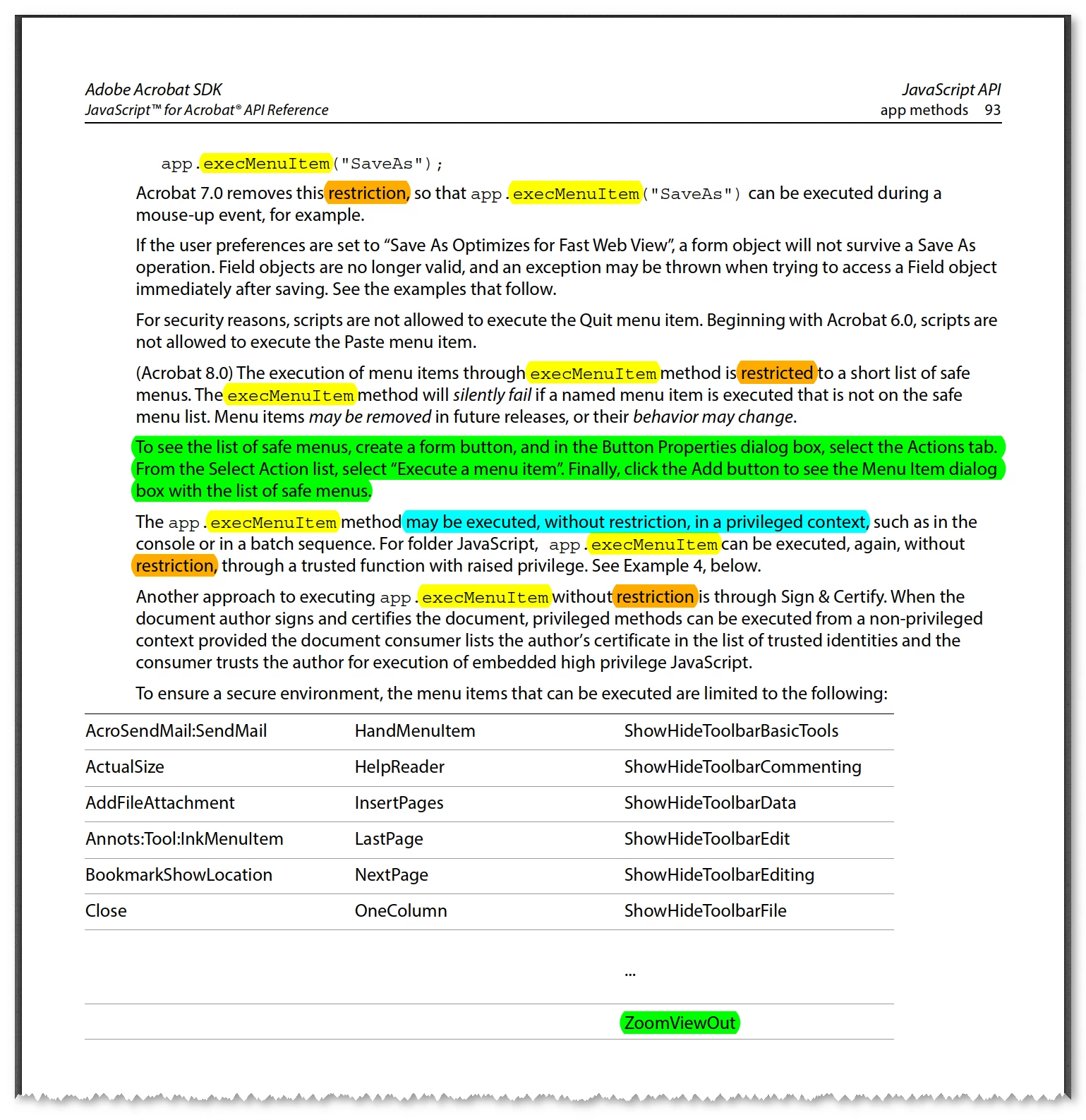
I believe however that it should work, since the command is in the safe commands list:
...as described in the Adobe JavaScript Reference Manual on p. 93:
So how can I execute 'app.execMenuItem("ZoomViewOut")' every time my PDF document is opened?
 AdChoices