
Participant
March 29, 2021
Question

PDF MARK-UPS Visible on Iphone but not PC

  • March 29, 2021
  • 1 reply
  • 2431 views

Hello,


We have recently been forwarded some plans which contain mark-ups from various stakeholders (Attached). I am not sure what program they are using for the mark-ups.


When I open the PDF on my iPhone (SE Version 14.2) through the outlook app, I can see comments drawn in red on page 1, and blue on page 2 (see screen-cap of phone below)
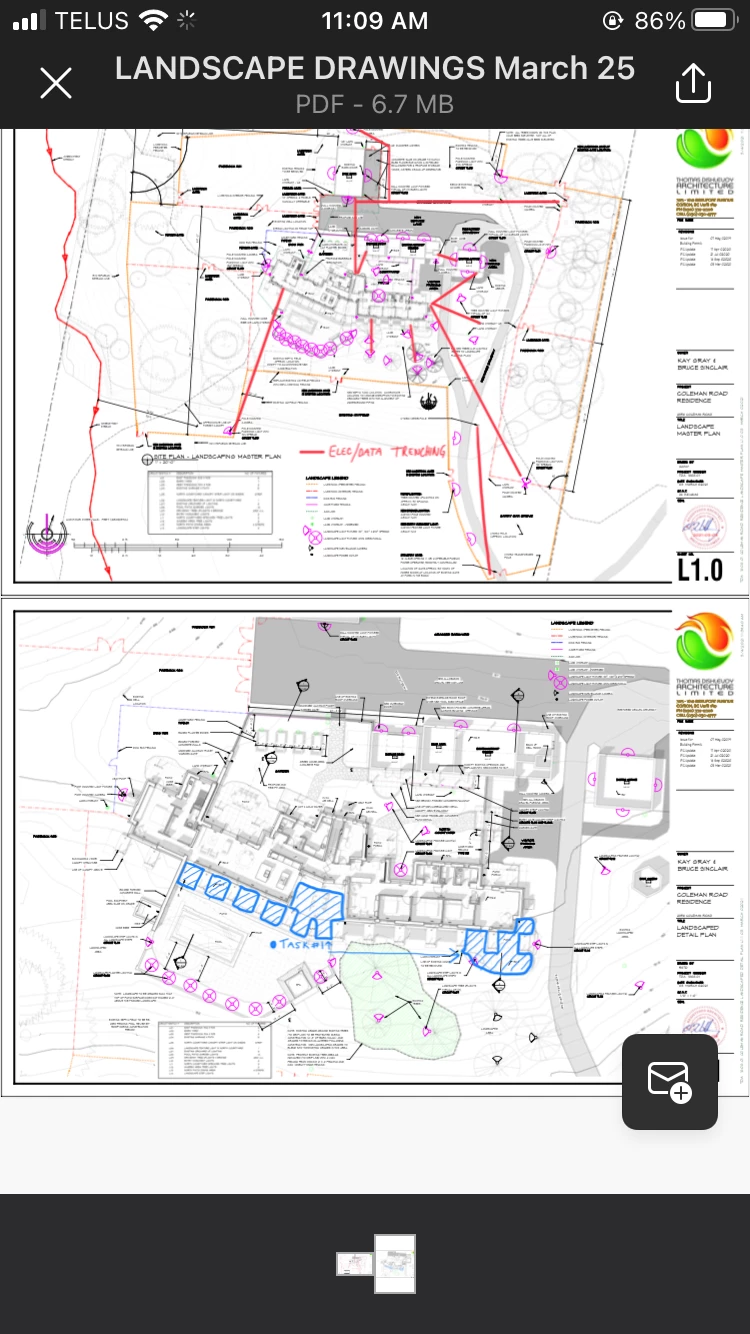


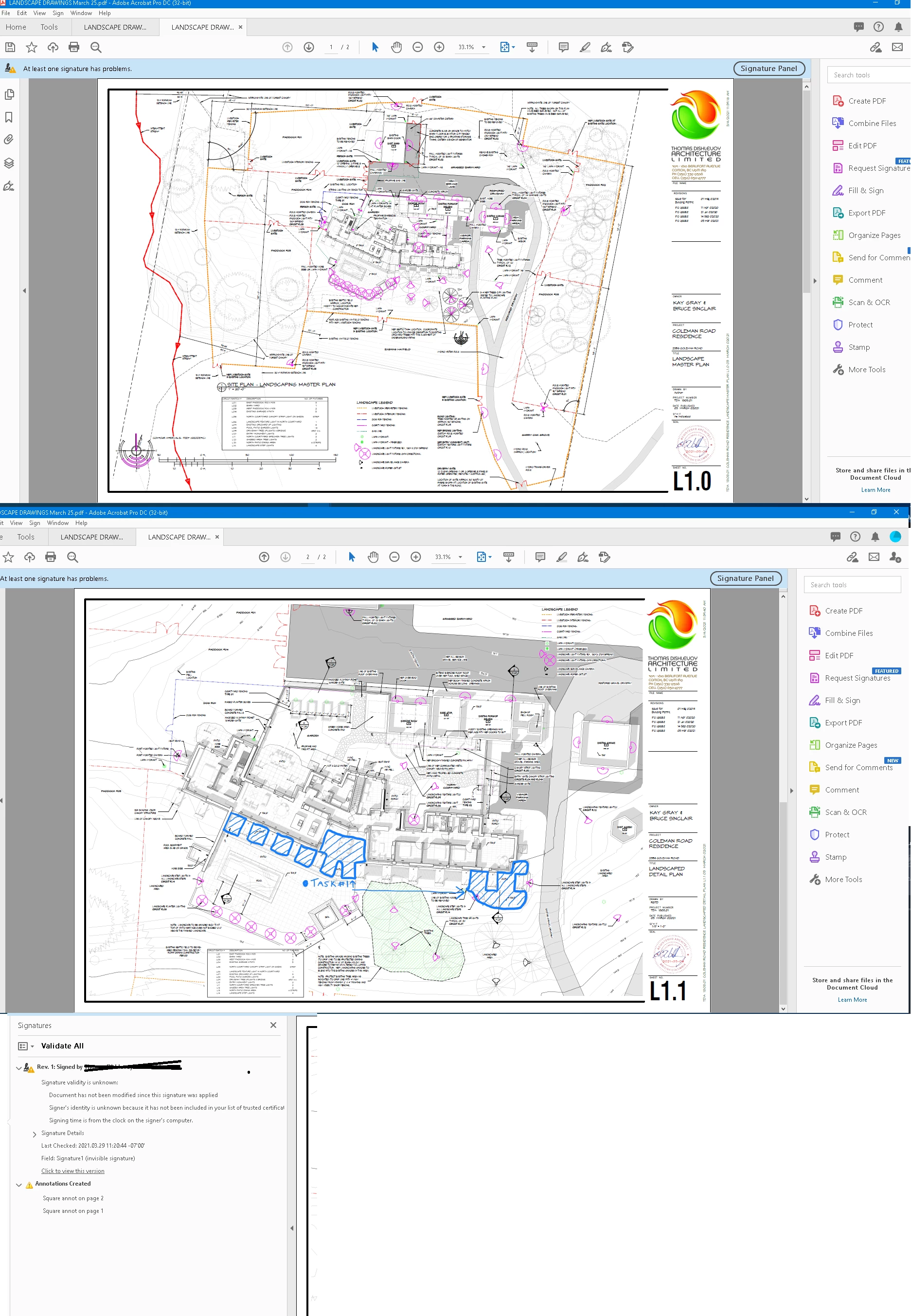
When I go to open the document on my PC ( Windows 10 Pro 1909) & Adobe Acrobat Pro DC( 2021.001.20145) to print, only the blue comments show up on page 2. As can be seen below, there apears to be something wrong with the signature.


Any sugestions on how I can get this to appear and print on my PC? 


Thanks

This topic has been closed for replies.

1 reply

Amal.
Legend
April 1, 2021

Hi Matt


Hope you are doing well and sorry for the trouble. As described, when you open the document on PC ( Windows 10 Pro 1909) & Adobe Acrobat Pro DC( 2021.001.20145) to print, only the blue comments show up on page 2.


I have checked the PDF file you have shared in the attachment and found that it is created using a non Adobe Application (Quartz PDFContext) please try to recreate the PDF file as described below and see if that works for you.


1. Open the PDF in web browser (Google Chrome)

2. Go to print the PDF and select Adobe PDF in the printer list

3. Save the PDF with a new name.


Let us know if you experience any trouble and need more help


Regards

Amal