
Participant
April 6, 2020
Answered

PDF not displaying properly
  • April 6, 2020
  • 2 replies
  • 12605 views


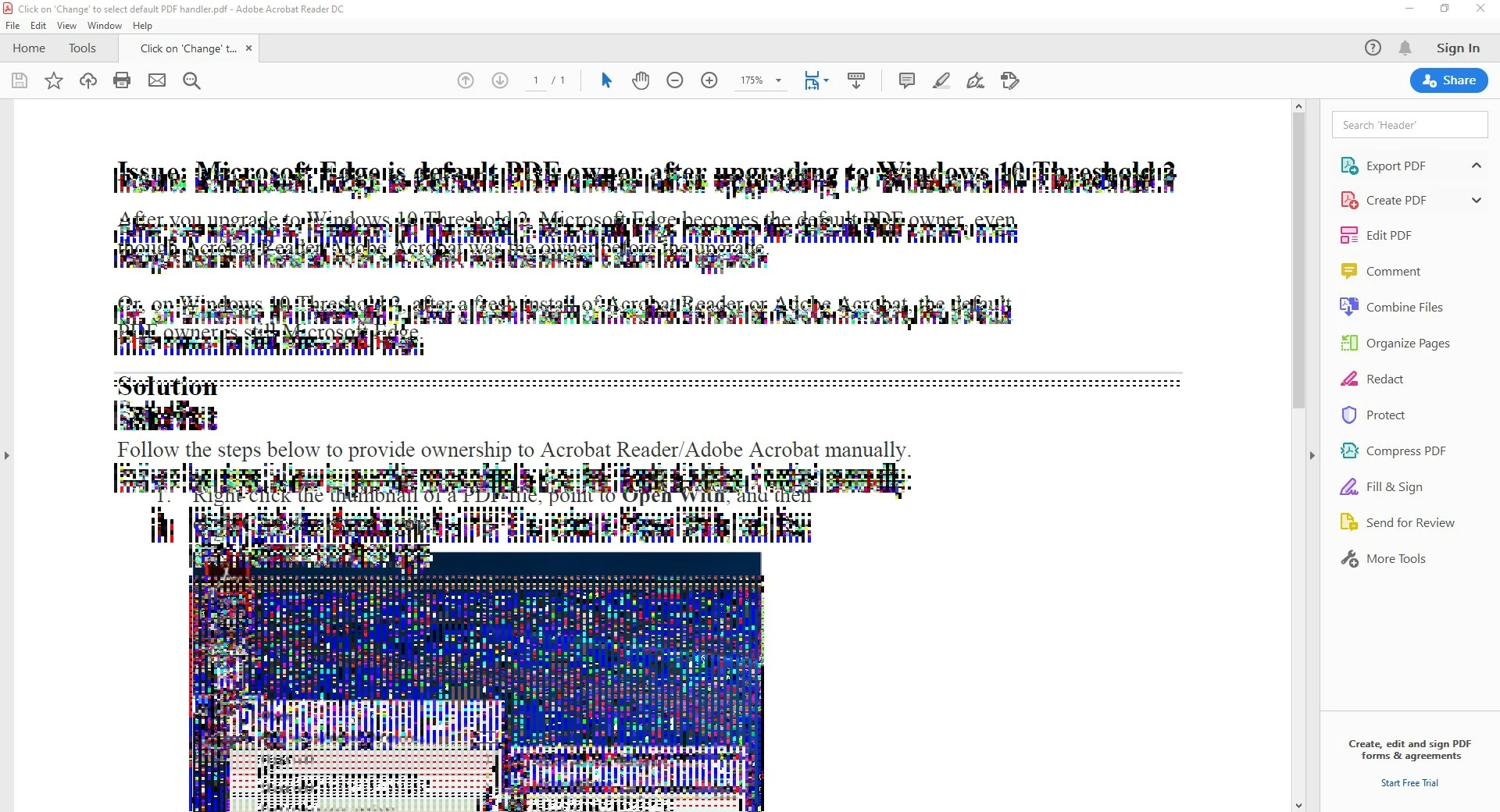
Whenever I open a pdf file and either select some text or hover my mouse over a text field, the text gets corrupted as the image attached. I have tried reinstalling it several times and also repairing the install.

Here's some info on my system:

  • Windows 10 Pro v 1903
  • Adobe Acrobat Reader DC (20.006.20042)
This topic has been closed for replies.
Correct answer Amal.

Hi all,


We are sorry for the trouble and the delay in response. 


Please refer to the workaround  shared in a similar discussion  (https://community.adobe.com/t5/acrobat-reader/screen-turns-to-black-and-white-dots-using-adobe-acrobat-reader-dc-19-021-20061/m-p/10957634) and see if that works for you 


Let us know how it goes


Regards

Amal

2 replies

Amal.
Amal.Correct answer
Legend
April 13, 2020

Hi all,


We are sorry for the trouble and the delay in response. 


Please refer to the workaround  shared in a similar discussion  (https://community.adobe.com/t5/acrobat-reader/screen-turns-to-black-and-white-dots-using-adobe-acrobat-reader-dc-19-021-20061/m-p/10957634) and see if that works for you 


Let us know how it goes


Regards

Amal

chazzythoAuthor
Participant
April 14, 2020

Thanks, Amal, for pointing me in the right direction!


The workaround works perfectly.

Amal.
Legend
April 20, 2020

Hi there 


We are glad to hear that the issue got fixed.


Feel free to contact us for any assistance required in the future.


Regards 

Amal

Participant
April 6, 2020

I have the same problem. Were you able to resolve the issue? 

chazzythoAuthor
Participant
April 6, 2020

Hi, no unfortunately not, still waiting for a solution.

I have the exact same software version on my work computer (also the same Windows 10 Pro version) but it's working fine there, so it's obviously a different issue, maybe a wrong setting?