
Participating Frequently
November 22, 2017
Pregunta

PDF Portfolios: Notes no longer show in navigation pane in Acrobat DC

  • November 22, 2017
  • 4 respuestas
  • 1002 visualizaciones

In earlier versions of Acrobat, when viewing a PDF portfolio you could access a listing of all notes from the selected document via the navigation pane (see red boxes in picture below
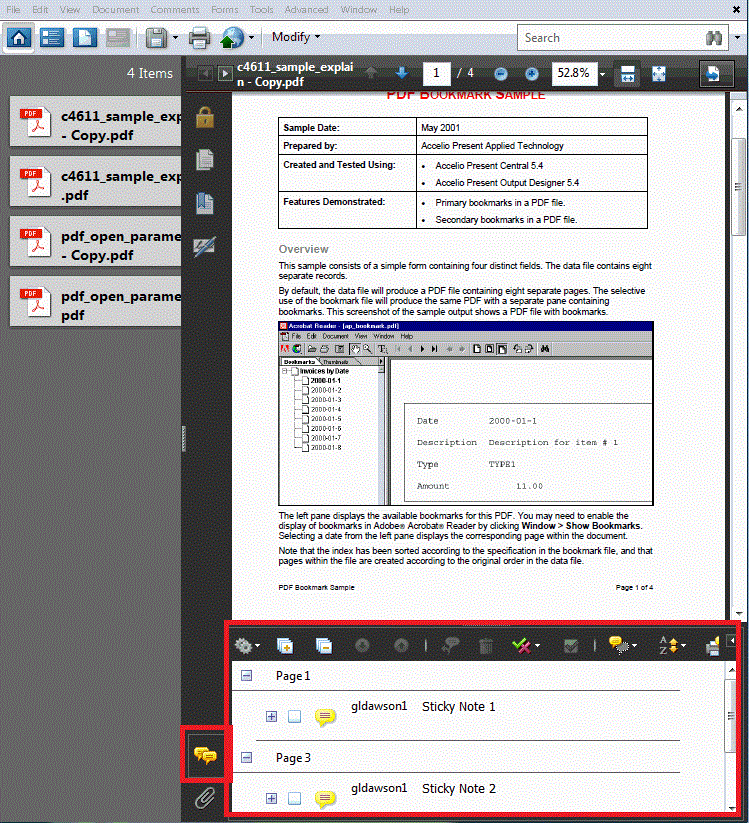
However, in Acrobat DC, I can no longer access notes from this screen, as it appears to have been removed from the navigation pane (see image below)
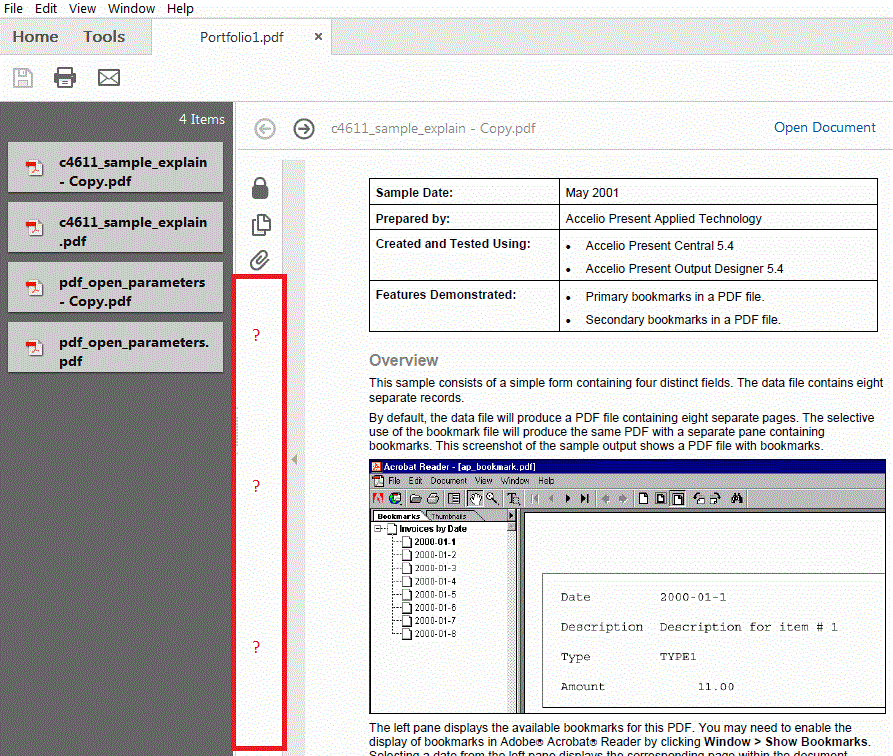
How do I get this functionality back in Acrobat DC?  I've looked around but I can't figure it out, and I need to get the comments back into the navigation pane of a PDF portfolio.  Any assistance would be greatly appreciated.  Thank you.

Este tema ha sido cerrado para respuestas.

4 respuestas

AnandSri
Legend
May 1, 2018

Hello BestKindBoxer,

Sorry for the delayed response and inconvenience caused. As per the description above, you are not able to see the comments in a PDF portfolio, Is that correct?

To get the list of comments in a PDF, please click on Comment panel and look at the Comments List. from right-hand toolbar pane or View>Tools>Comments.

If you are not able to see the comments, it seems that the file is flattened.

Also, navigate to Acrobat's preferences from Edit>Preferences>Commenting, under Pop-up Behaviour, Select all the three checkboxes and click Ok, Close Acrobat and reopen and open the PDF portfolio.

Also, check for any pending updates of Acrobat from help>check for updates, reboot the machine after installing the updates.

Have you checked with any other PDF file? Are you able to see comments in other PDF files?

Is it specific to one PDF or with all the PDF files? What happens when you click on Comments?

Let us know making changes to the settings brings any changes.

Regards,

Anand Sri.

Participating Frequently
December 21, 2017

Does NO ONE have an answer for me?  Where do I go for support?  Is there a number I can call?  This is getting ridiculous.

Nancy OShea
Community Expert
Community Expert
December 5, 2017

Moderator moved from non-related  Adobe Portfolio​ forum to Acrobat General Troubleshooting

Nancy O'Shea— Product User & Community Expert
Participating Frequently
March 1, 2018

Hello Nancy, could you please direct me to where I can get some support regarding this issue?

Thanks

Participating Frequently
December 5, 2017

So, I take it no one has the answer?  Is the removal of this functionality a new "feature" of Acrobat DC? 

Can I still purchase Acrobat Pro over DC so that my users can retain this functionality?