Participating Frequently
March 2, 2026
Question

pdfhandler

  • March 2, 2026
  • 3 replies
  • 43 views
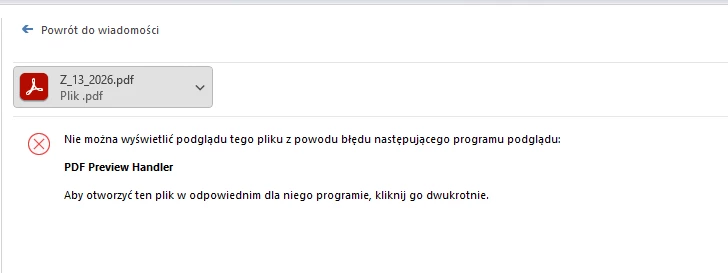
i'm having trouble with the PDF handler in Outlook and Windows Explorer. After reinstalling Adobe from 32-bit to 64-bit, the PDF handler works, but after a clean install of Adobe Acrobat 64-bit, the PDF handler doesn't work on my workstations. Please help.
Changing the value of Computer\HKEY_CLASSES_ROOT\.pdf\ShellEx\{8895b1c6-b41f-4c1c-a562-0d564250836f} to {DC6EFB56-9CFA-464D-8880-44885D7DC193} has no effect

3 replies

Participating Frequently
March 2, 2026

I've tested such trivial solutions, including verifying individual entries in the system registry. I'm asking for specific technical assistance.Win 11. version adobe 25.001.21223

Participating Frequently
March 2, 2026

I've tested such trivial solutions, including verifying individual entries in the system registry. I'm asking for specific technical assistance. Win11 Version Adobe: 25.001.2122

Legend
March 2, 2026

Hi ​@wojciech_6983

Sorry for the troubled experience, and thanks for reaching out. 

We could try two scenarios here:

  • Launch Acrobat. Close Outlook 
  • Menu > Help > Repair Acrobat Installation. 
  • Restart the machine and try again. 

If the issue persists: 

Let us know how it works at your end. If there is any error message, please share a screenshot of it. And share the OS name and version, as well as the Acrobat version installed on your machine.


~Tariq


Participating Frequently
March 2, 2026

Win11. Version adobe 25.001.21223. I've tested such trivial solutions, including verifying individual entries in the system registry. I'm asking for specific technical assistance.

Legend
March 2, 2026

@wojciech_6983 - Could you confirm if your MS Office Outlook is a 32 or 64-bit version?