
Question
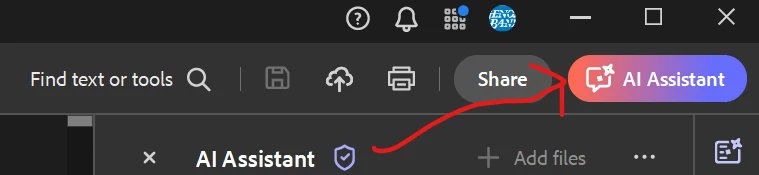
Please allow us to disable AI Assistant button
While we can disable the Generative AI featuers via preferences, it does not disable the AI Assistant button.
And if you click on it, it wil be prompted with an option to re-enable it.
If I choose to disable it - I want the button to disappear also!!
This is a security concern within our company. AI must stay disabled for ALL applications!
Does the Group Policy and Intune options to disable AI also override all user attempts to enable it?
Thank you!
Concerned User


 AdChoices