


Question
PMI linked faces in 3D pdf do not highlight
Hello everyone,
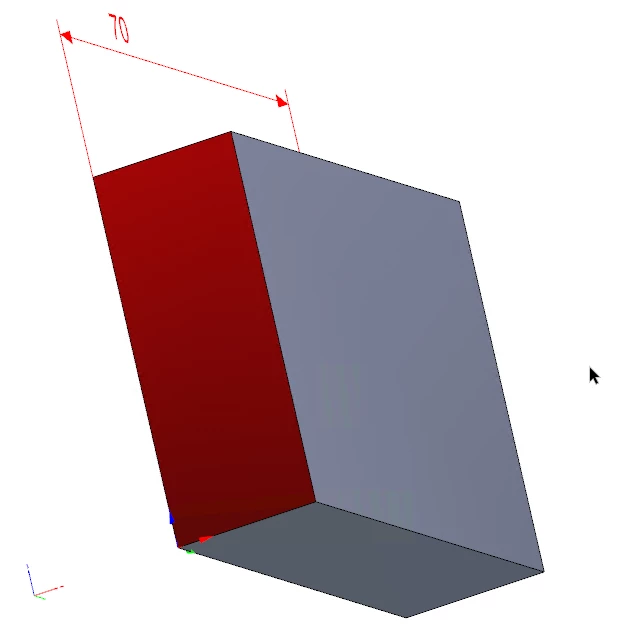
in the 3D functionality, whenever a PMI is selected the associated faces are not highlighted.
how it should be:
how it is:
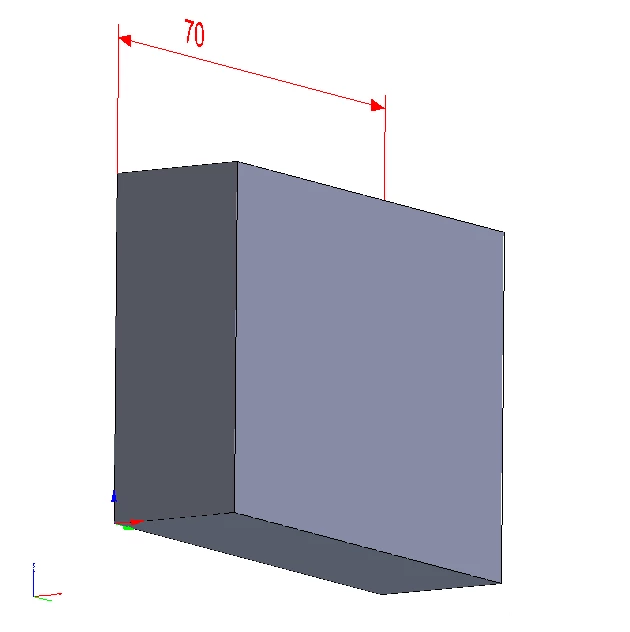
There have arleady been two tickets to this problem, but no real closure.
- https://community.adobe.com/t5/acrobat-discussions/cross-highlighting-pmi-in-3d-pdf-doesn-t-work/m-p/10157572
•https://community.adobe.com/t5/acrobat-discussions/3d-pmi/m-p/9522144
So far the following settings need to be selected:
- JavaSkript has to be activated
- "Enable Protected Mode on Startup" has to be deactivated
- PDF needs to rendered with hardware acceleration (for me that's DirektX 9 as preferred renderer) -> Miltymedia and 3D -> preferred renderer -> don't select Softeware but DirectX 9
- In order to activate hardware acceleration the option hardware rendering for legacy video cards needs to be on
The big problem is, that we can't send pdf dokuments to our costumers and tell them to deactivate their security features.
Is there a solution to this problem?
 AdChoices