Populate text field if a number falls within a specific range
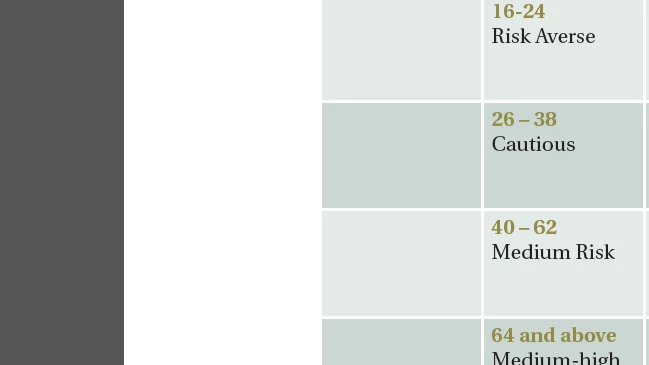
Hello! I'm hoping someone here can help me with this. I'm working on a form in Adobe Acrobat XI. The form is basically a survey that uses radio buttons. Each choice has an associated numerical value, and these values must be totaled to give the user a score. I've figured out how to get a total score based on the values of the radio buttons selected, and am using a calculation in a hidden field to do that. Now I'd like to use text fields to display the score next to the appropriate range, but I don't know how to do so. There are four ranges, and I'd like for it only to display next to the appropriate one. How would I do that, assuming the name of the hidden field is "Total"? So in the picture below, if the user had a score of 30, it would show up in a text field to the left of the "26-38" range, but not in the other three boxes.
 AdChoices